
























































Samsung Galaxy Glasses · Reported Feature

Two buttons and a touchpad that summons Gemini

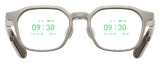
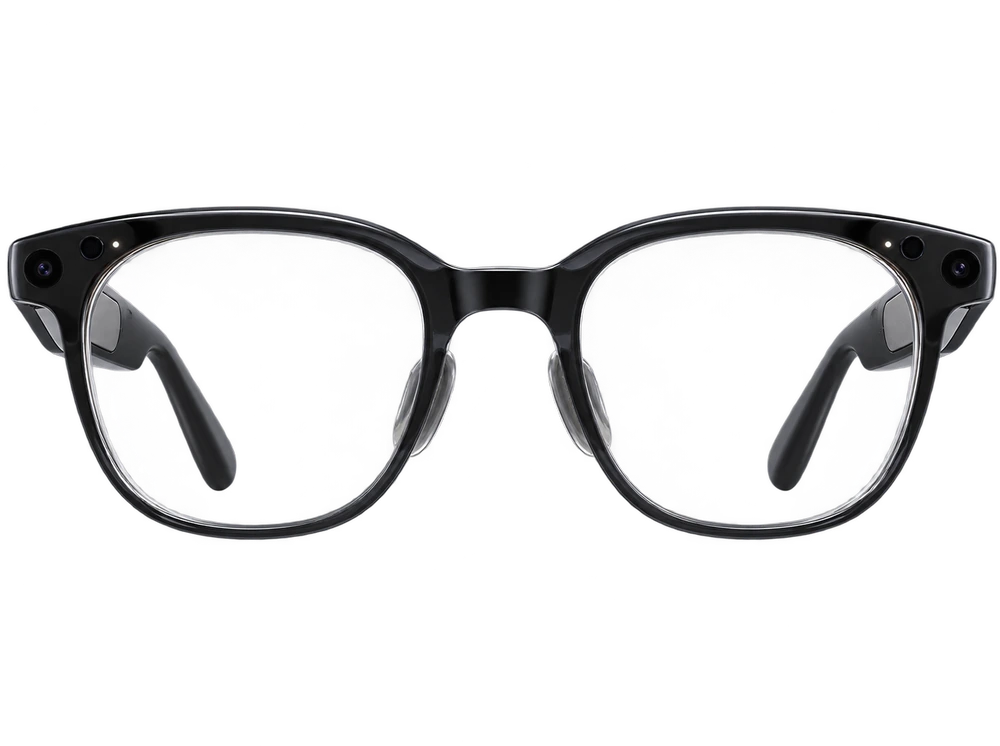
Google's Android XR design documentation, reported by SamMobile, describes a camera button, a power button, and a touchpad. Holding the touchpad summons Gemini. The camera button takes a photo with a single press, or video when held. There is no dedicated Gemini button. Two LED indicators are also described: one for the wearer, one outward-facing to signal bystanders when recording.

Samsung's Galaxy Glasses have no dedicated AI button. Everything routes through a camera button, a power button, and a touchpad. Android Authority places the camera button near the hinge on the arm: press once for a photo, hold for video, press again to stop. SamMobile's read of Google's Android XR design docs covers the touchpad, where a single tap plays or pauses media and holding it summons Gemini. Two LEDs are described, one facing the wearer and one facing out to tell bystanders the camera is running. Physical buttons first, voice second, the same order Meta settled on.

iDevice Confidence

Widely reported

Widely reported by reliable sources, short of an official word.

How do smart glasses capture photo and video hands-free?

Across the category · your product highlighted · each value tagged by confidence.

Samsung Galaxy GlassesCamera button (press = photo, hold = video) + voice/GeminiWidely reported
Apple GlassesVoice (Siri) + hand gestures (no physical button reported)Expected
Meta Ray-Ban Gen 3Button/touch + voice (expected, carried from Gen 2)Highly expected
Meta Ray-Ban Gen 2Capture button + voice ('Hey Meta')Confirmed
Meta GlassesCamera button + voice ('Hey Meta')Confirmed
Snap SpecsHand gesture + voice via Snap OS (no physical capture button on the AR model)Expected
Xreal AuraNo cameraWidely reported

Sources reporting this (1)

Report reveals how you could control Samsung's upcoming AI glassesSamMobile · Feb 16, 2026