















































































Should you upgrade from Ray-Ban Meta (Gen 2) to Ray-Ban Meta (Gen 3)?
Answer worked out Oct. 30, 2026
Checked Oct. 30, 2026
Ray-Ban Meta (Gen 2) vs Ray-Ban Meta (Gen 3)
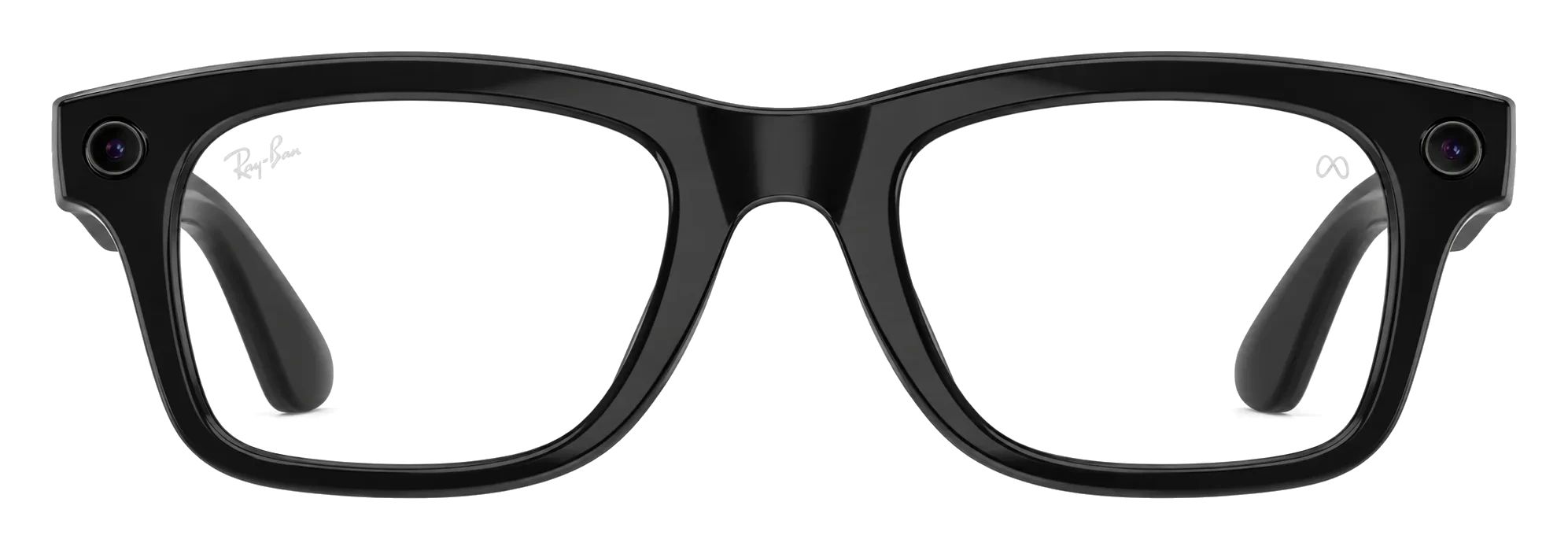
Ray-Ban Meta (Gen 2)
What you own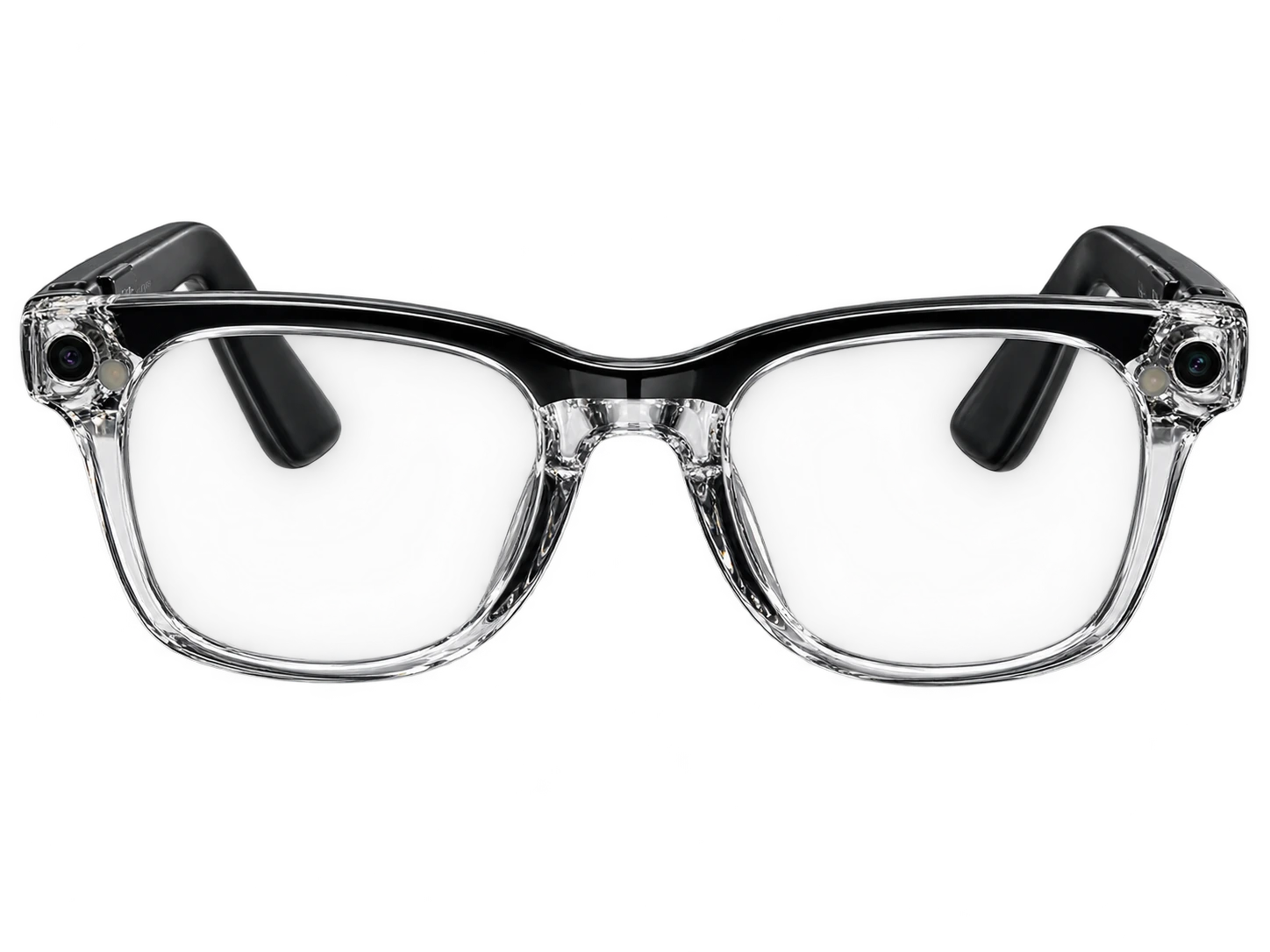
Ray-Ban Meta (Gen 3)
What you would buyKeep yours
Not a clear upgrade on the changes we could rate.
We may earn a commission.
All the details
What you gain
FeatureYoursNewChange
Other changes
FeatureYoursNewChange
StylesIncludes Blayzer Optics and Scriber OpticsAviator, Zena and Wayfarer, in 27 color and lens combinationsChanged
Is your Ray-Ban Meta (Gen 2) still supported?
Software updates
Do your accessories fit?
Cases, bands and chargers
Not confirmed
What reviewers say about upgrading
Reviewers
Not confirmed