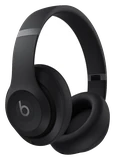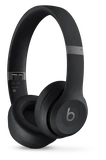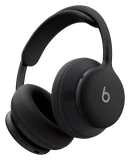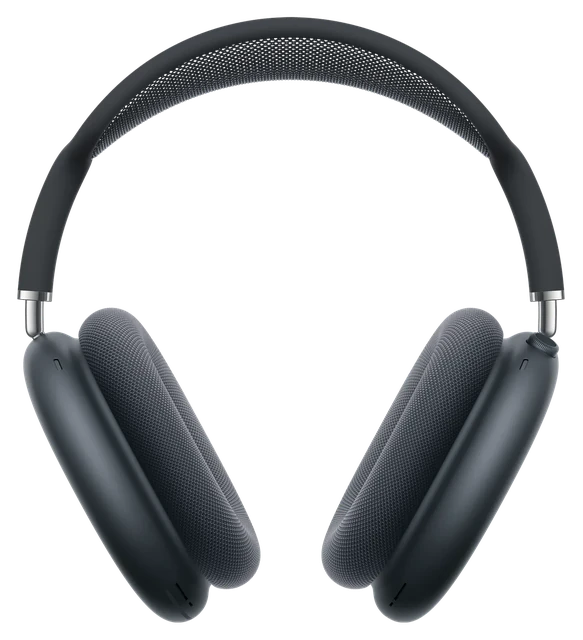











































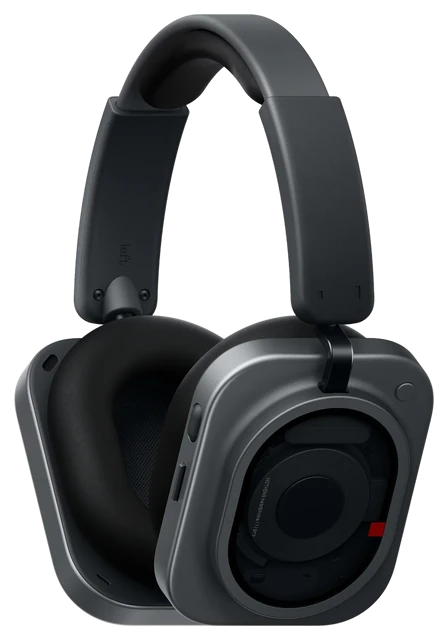
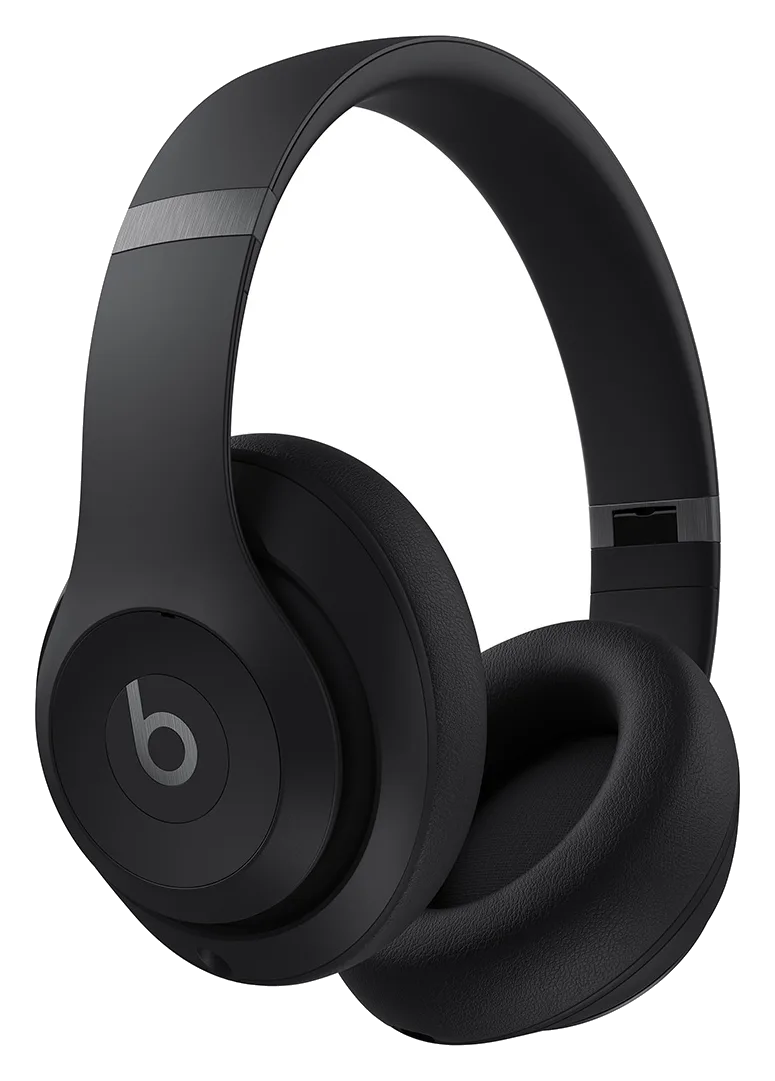
Beats Studio Pro

Beats Studio ProPrice, Specs, Battery Life & iPhone vs Android

Last updated

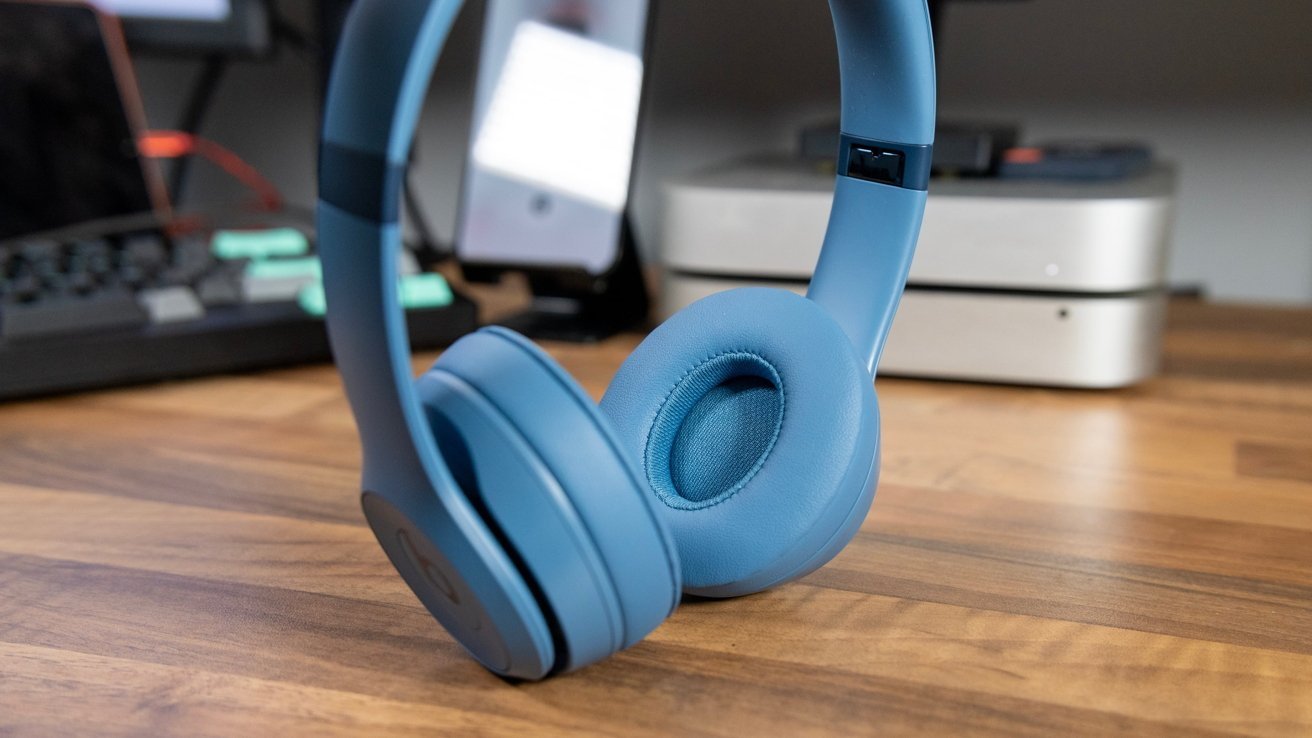
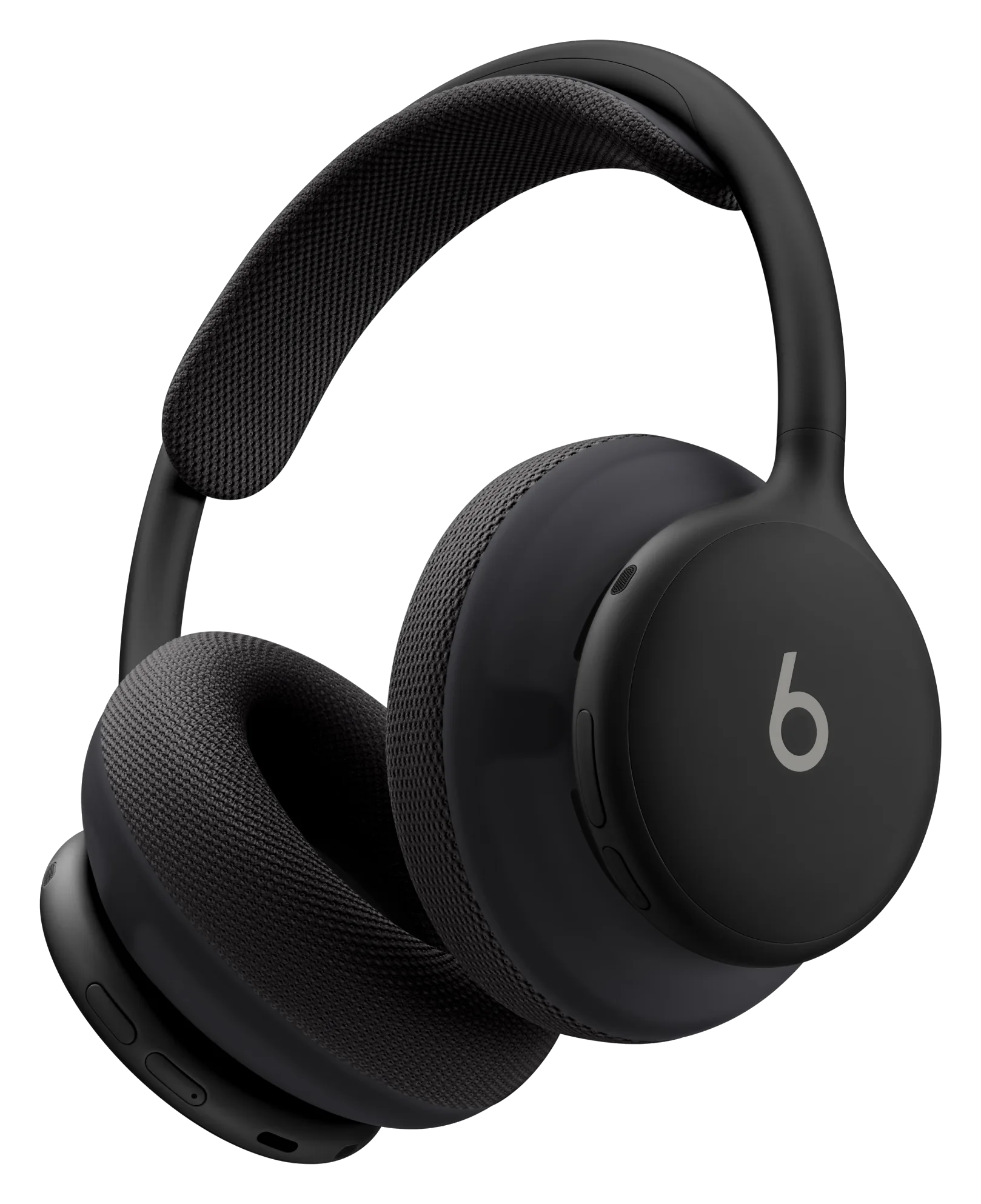
Beats Studio Pro are the over-ear headphones from Beats, an Apple company. They pair in one touch with iPhone and with Google Fast Pair on Android, play lossless audio over USB-C or a 3.5mm cable, and run up to 40 hours with noise cancelling off.
Price
BATTERY
24 hrs ANC on, 40 off
WORKS WITH
iPhone and Android
WEIGHT
260 g
MAY 23 · LATEST ON BEATS STUDIO PRO
New Apple over-ear headphones confirmed by FCC filing

Apple filed for a mystery pair of over-ear headphones before anyone leaked a word. Beats probably gets the credit, not AirPods Max.
Read the story →

Best for

Battery life.
Up to 40 hours with noise cancelling off and 24 hours with it on.Confirmed: beatsbydre.com
anc.
Fully adaptive noise cancelling plus Transparency mode.Confirmed: beatsbydre.com
Travel.
Folds into its carrying case and takes a 3.5mm cable for in-flight entertainment.Confirmed: beatsbydre.com

How the Beats Studio Pro compares

On what buyers decide on, from the makers' own figures, against 3 other earbuds you can buy now, and what at least two outlets' reviews agree on.

Where it leads

  • Noise cancelling: Fully adaptive Active Noise Cancelling, plus Transparency modeConfirmedSourceNone of the 2 other earbuds compared beats it on this.

Where a rival leads

  • No rival leads it on anything iDevice can compare.

Compared only where both makers state one figure in the same unit and under the same conditions, and only when the gap is at least 20% (battery, brightness) or a whole class (water rating, noise cancelling, subscription). Criteria with no such figure are left out, never guessed.

Comparison

Compare headphones

How it compares

Price

$299.99

What it costs to buy. None of these need a subscription.

Weight

260g

Grams on your head. Lower is lighter.

Battery life

~40 hrs

How long it lasts on its own, away from a charger.
Cost over 3 years

Nothing Headphone (1)
$299
Nothing Headphone (1) Pro
$399
Bose QuietComfort Ultra Headphones (2nd Gen)
$449
Sony WH-1000XM6
$459.99
AirPods Max 2
$549

Battery life

Nothing Headphone (1)
~35 hrs
Beats 360
~32 hrs

Current list prices.

The headphones as worn, without the case.

Battery life can vary based on usage, settings and firmware version.

If not this one

Beats Studio Pro is our pick for travel. Where it does not lead, here is what does, and why you would switch.

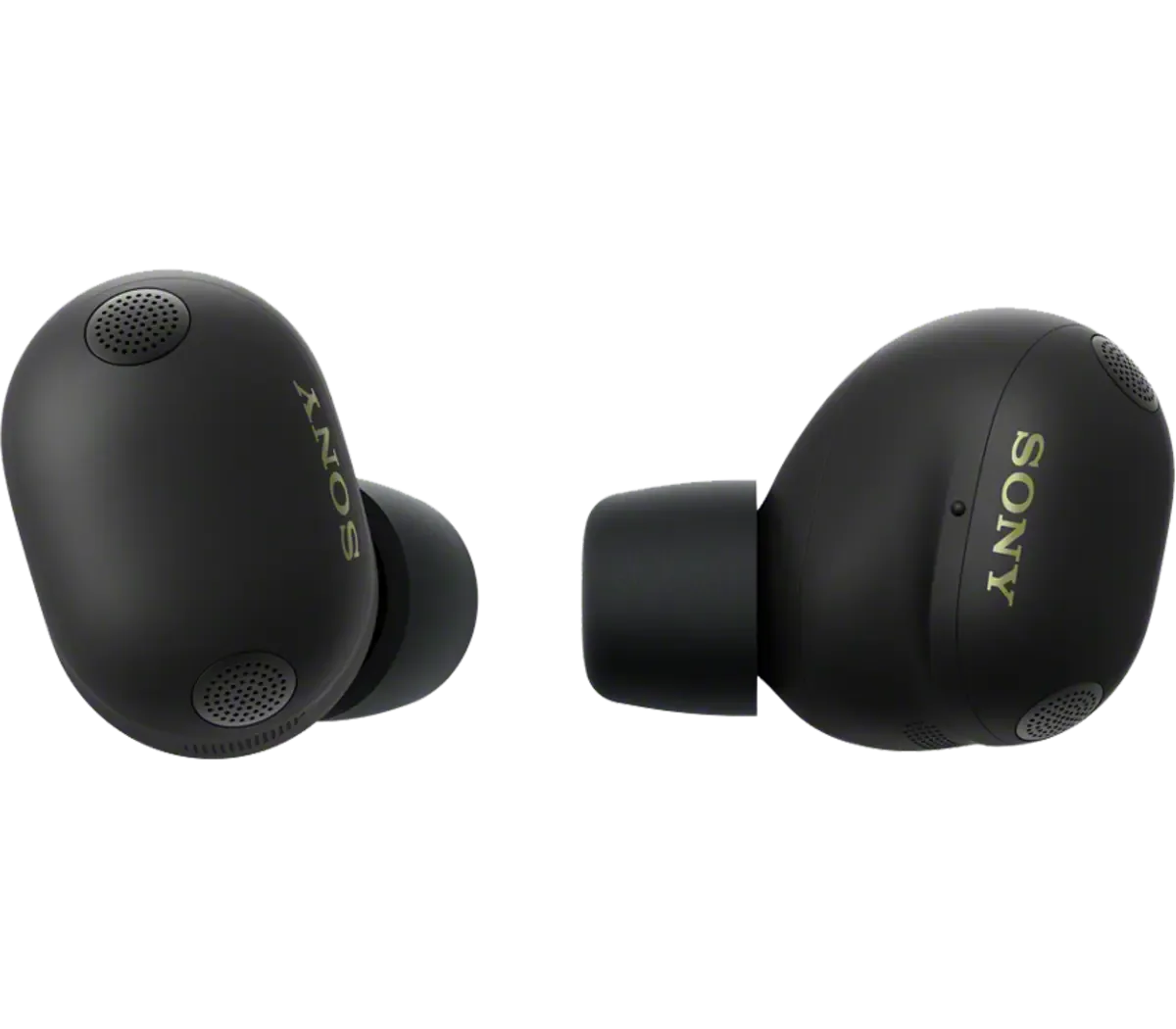
  • If calls are what it is forSony WF-1000X

    Two microphones and a bone conduction sensor per earbud pick out your voice.

    $329.99
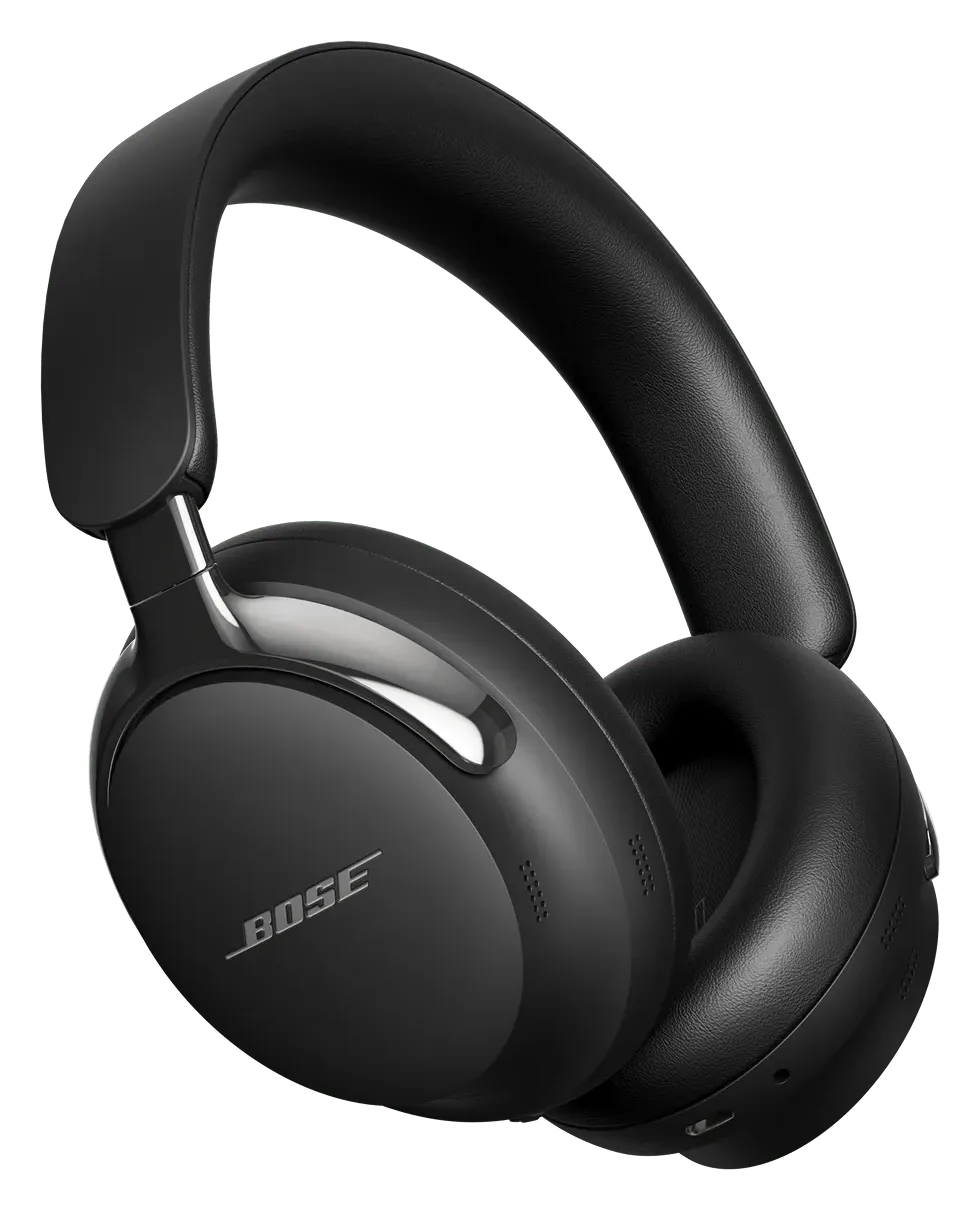
  • If you want it for watching thingsBose QuietComfort Ultra Headphones

    Cinema Mode spatializes video sound and makes dialogue clearer.

    $449
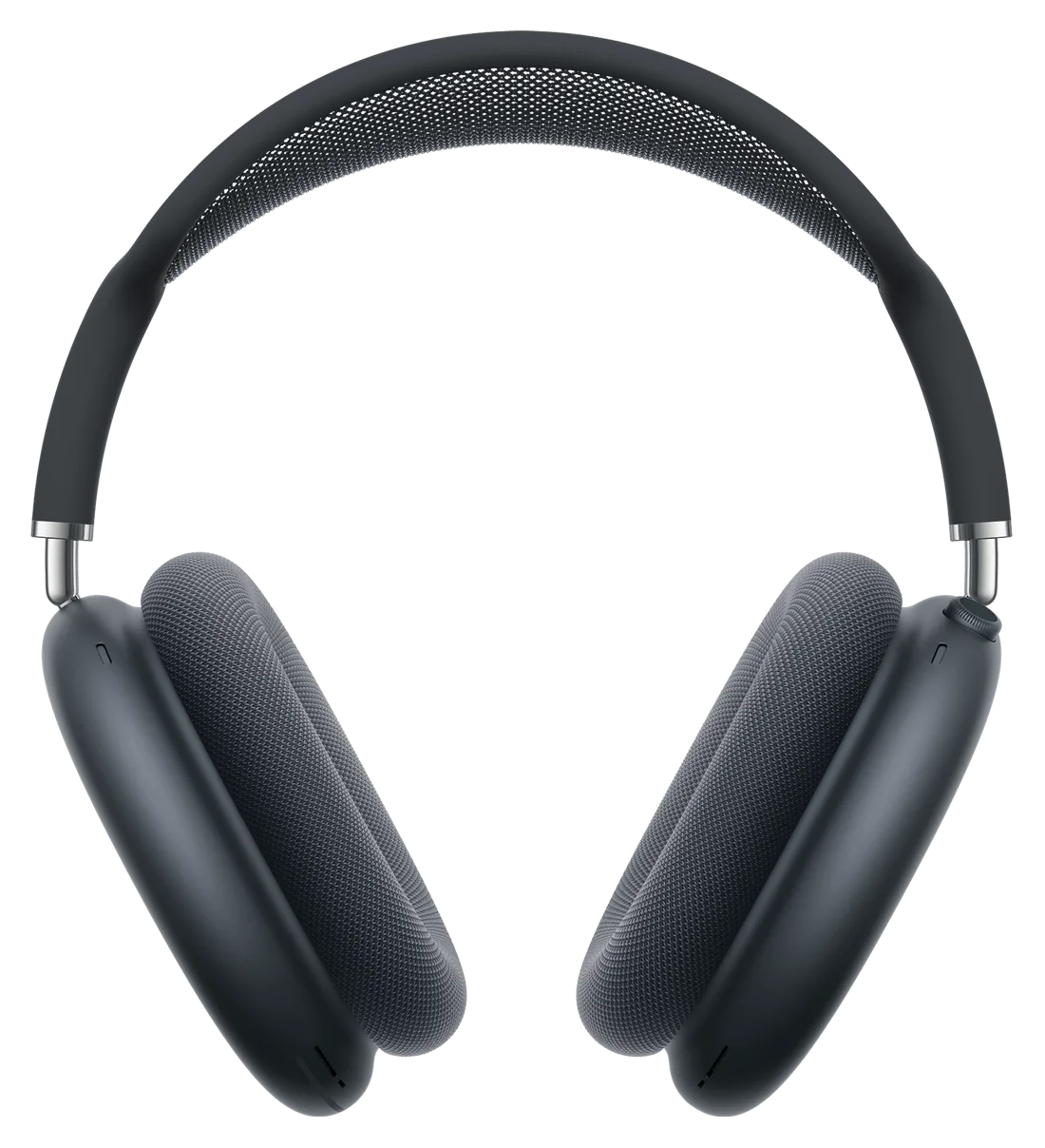
  • If you want live translationAirPods Max

    Live Translation with an Apple Intelligence iPhone, new to AirPods Max.

    $549

Most paired with

Everything it works with

What Beats Studio Pro work with

Works with iPhone and Android.

Do Beats Studio Pro work with Android?

Works

Beats Studio Pro pair with Google Fast Pair, switch audio between Android and Chromebook with Audio Switch, and show up in Google's Find My Device. The Beats app for Android handles settings and firmware updates.

What you need
The Beats app for Android for settings and firmware updates.
See details and sources (2)
  • Beats: Beats Studio Pro - Premium Wireless Noise Cancelling Headphones - BeatsFrom the maker or platform · checked 2026-10-10
    One-touch pairing - easy, one-touch setup instantly pairs with every device in your iCloud account
    Find My - locate your lost headphones on a map based on the last known connected location
    Google Fast Pair - connect quickly with a single tap and automatically pair to all Android or Chrome devices registered to your Gmail account
    Find My Device - easily locate your lost headphones on a map with Google Find My Device
  • Beats: Studio Pro Headphones Support - BeatsFrom the maker or platform · checked 2026-10-10
    On an Android device, use the Beats app to check and update the firmware version for your Beats Studio Pro.
    If you have previously paired with an iPhone and the Mac is connected to the same iCloud account, your Beats Studio Pro will automatically pair with your Mac.
    Beats Studio Pro can also play back tracks available in Dolby Atmos when using Apple Music on an Android device.
    You can use Find My on your iPhone, iPad, Mac, or Apple Watch to see your Beats last connected location on a map.
    On your Android device, use the Beats app for Android to locate your Beats.

Last checked 2026-10-10.

Do Beats Studio Pro work with iPhone?

Works

One-touch setup pairs Beats Studio Pro with every device on your iCloud account, "Hey Siri" works hands-free, and Find My shows where they were last connected.

See details and sources (2)
  • Beats: Beats Studio Pro - Premium Wireless Noise Cancelling Headphones - BeatsFrom the maker or platform · checked 2026-10-10
    One-touch pairing - easy, one-touch setup instantly pairs with every device in your iCloud account
    Find My - locate your lost headphones on a map based on the last known connected location
    Google Fast Pair - connect quickly with a single tap and automatically pair to all Android or Chrome devices registered to your Gmail account
    Find My Device - easily locate your lost headphones on a map with Google Find My Device
  • Beats: Studio Pro Headphones Support - BeatsFrom the maker or platform · checked 2026-10-10
    On iPhone running the latest iOS, simply hold the headphones near an unlocked phone and follow the on-screen instructions.
    If you have previously paired with an iPhone and the Mac is connected to the same iCloud account, your Beats Studio Pro will automatically pair with your Mac.
    On Apple devices, you can activate Siri hands-free by saying, “Hey Siri”.
    You can use Find My on your iPhone, iPad, Mac, or Apple Watch to see your Beats last connected location on a map.

Last checked 2026-10-10.

Do Beats Studio Pro work with Mac?

Works

Once paired with your iPhone, they pair with a Mac on the same iCloud account by themselves.

See details and sources (1)
  • Beats: Studio Pro Headphones Support - BeatsFrom the maker or platform · checked 2026-10-10
    On iPhone running the latest iOS, simply hold the headphones near an unlocked phone and follow the on-screen instructions.
    If you have previously paired with an iPhone and the Mac is connected to the same iCloud account, your Beats Studio Pro will automatically pair with your Mac.
    Head tracking is only available when paired with Apple devices and must be enabled/disabled from the device.
    You can use Find My on your iPhone, iPad, Mac, or Apple Watch to see your Beats last connected location on a map.

Last checked 2026-10-10.

Quick answers

All FAQs

Quick answers

How much do Beats Studio Pro cost?
$299.99 at Beats' US store, with free 2-day delivery and 14-day returns.
How long does the Beats Studio Pro battery last?
Beats rates them at up to 40 hours with noise cancelling and Transparency off, and up to 24 hours with noise cancelling on. A 10-minute Fast Fuel charge gives up to 4 hours of playback.
Can I use Beats Studio Pro with a cable?
Yes, two ways. The USB-C cable carries lossless audio and charges the headphones while you listen, and lets you pick one of three sound profiles: Beats Signature, Entertainment and Conversation. The 3.5mm cable works with sources like in-flight entertainment and plays without any battery power.

Get Beats Studio Pro updates

Email me when there's news.

Works with

Works

Beats Studio Pro pair with Google Fast Pair, switch audio between Android and Chromebook with Audio Switch, and show up in Google's Find My Device. The Beats app for Android handles settings and firmware updates.

What you need
The Beats app for Android for settings and firmware updates.
See details and sources (2)
  • Beats: Beats Studio Pro - Premium Wireless Noise Cancelling Headphones - BeatsFrom the maker or platform · checked 2026-10-10
    One-touch pairing - easy, one-touch setup instantly pairs with every device in your iCloud account
    Find My - locate your lost headphones on a map based on the last known connected location
    Google Fast Pair - connect quickly with a single tap and automatically pair to all Android or Chrome devices registered to your Gmail account
    Find My Device - easily locate your lost headphones on a map with Google Find My Device
  • Beats: Studio Pro Headphones Support - BeatsFrom the maker or platform · checked 2026-10-10
    On an Android device, use the Beats app to check and update the firmware version for your Beats Studio Pro.
    If you have previously paired with an iPhone and the Mac is connected to the same iCloud account, your Beats Studio Pro will automatically pair with your Mac.
    Beats Studio Pro can also play back tracks available in Dolby Atmos when using Apple Music on an Android device.
    You can use Find My on your iPhone, iPad, Mac, or Apple Watch to see your Beats last connected location on a map.
    On your Android device, use the Beats app for Android to locate your Beats.

Last checked 2026-10-10.

Works

One-touch setup pairs Beats Studio Pro with every device on your iCloud account, "Hey Siri" works hands-free, and Find My shows where they were last connected.

See details and sources (2)
  • Beats: Beats Studio Pro - Premium Wireless Noise Cancelling Headphones - BeatsFrom the maker or platform · checked 2026-10-10
    One-touch pairing - easy, one-touch setup instantly pairs with every device in your iCloud account
    Find My - locate your lost headphones on a map based on the last known connected location
    Google Fast Pair - connect quickly with a single tap and automatically pair to all Android or Chrome devices registered to your Gmail account
    Find My Device - easily locate your lost headphones on a map with Google Find My Device
  • Beats: Studio Pro Headphones Support - BeatsFrom the maker or platform · checked 2026-10-10
    On iPhone running the latest iOS, simply hold the headphones near an unlocked phone and follow the on-screen instructions.
    If you have previously paired with an iPhone and the Mac is connected to the same iCloud account, your Beats Studio Pro will automatically pair with your Mac.
    On Apple devices, you can activate Siri hands-free by saying, “Hey Siri”.
    You can use Find My on your iPhone, iPad, Mac, or Apple Watch to see your Beats last connected location on a map.

Last checked 2026-10-10.

Works

Once paired with your iPhone, they pair with a Mac on the same iCloud account by themselves.

See details and sources (1)
  • Beats: Studio Pro Headphones Support - BeatsFrom the maker or platform · checked 2026-10-10
    On iPhone running the latest iOS, simply hold the headphones near an unlocked phone and follow the on-screen instructions.
    If you have previously paired with an iPhone and the Mac is connected to the same iCloud account, your Beats Studio Pro will automatically pair with your Mac.
    Head tracking is only available when paired with Apple devices and must be enabled/disabled from the device.
    You can use Find My on your iPhone, iPad, Mac, or Apple Watch to see your Beats last connected location on a map.

Last checked 2026-10-10.

Most paired with

Do Beats Studio Pro work with Android?

Works

Beats Studio Pro pair with Google Fast Pair, switch audio between Android and Chromebook with Audio Switch, and show up in Google's Find My Device. The Beats app for Android handles settings and firmware updates.

What you need
The Beats app for Android for settings and firmware updates.
See details and sources (2)
  • Beats: Beats Studio Pro - Premium Wireless Noise Cancelling Headphones - BeatsFrom the maker or platform · checked 2026-10-10
    One-touch pairing - easy, one-touch setup instantly pairs with every device in your iCloud account
    Find My - locate your lost headphones on a map based on the last known connected location
    Google Fast Pair - connect quickly with a single tap and automatically pair to all Android or Chrome devices registered to your Gmail account
    Find My Device - easily locate your lost headphones on a map with Google Find My Device
  • Beats: Studio Pro Headphones Support - BeatsFrom the maker or platform · checked 2026-10-10
    On an Android device, use the Beats app to check and update the firmware version for your Beats Studio Pro.
    If you have previously paired with an iPhone and the Mac is connected to the same iCloud account, your Beats Studio Pro will automatically pair with your Mac.
    Beats Studio Pro can also play back tracks available in Dolby Atmos when using Apple Music on an Android device.
    You can use Find My on your iPhone, iPad, Mac, or Apple Watch to see your Beats last connected location on a map.
    On your Android device, use the Beats app for Android to locate your Beats.

Last checked 2026-10-10.

Do Beats Studio Pro work with iPhone?

Works

One-touch setup pairs Beats Studio Pro with every device on your iCloud account, "Hey Siri" works hands-free, and Find My shows where they were last connected.

See details and sources (2)
  • Beats: Beats Studio Pro - Premium Wireless Noise Cancelling Headphones - BeatsFrom the maker or platform · checked 2026-10-10
    One-touch pairing - easy, one-touch setup instantly pairs with every device in your iCloud account
    Find My - locate your lost headphones on a map based on the last known connected location
    Google Fast Pair - connect quickly with a single tap and automatically pair to all Android or Chrome devices registered to your Gmail account
    Find My Device - easily locate your lost headphones on a map with Google Find My Device
  • Beats: Studio Pro Headphones Support - BeatsFrom the maker or platform · checked 2026-10-10
    On iPhone running the latest iOS, simply hold the headphones near an unlocked phone and follow the on-screen instructions.
    If you have previously paired with an iPhone and the Mac is connected to the same iCloud account, your Beats Studio Pro will automatically pair with your Mac.
    On Apple devices, you can activate Siri hands-free by saying, “Hey Siri”.
    You can use Find My on your iPhone, iPad, Mac, or Apple Watch to see your Beats last connected location on a map.

Last checked 2026-10-10.

Do Beats Studio Pro work with Mac?

Works

Once paired with your iPhone, they pair with a Mac on the same iCloud account by themselves.

See details and sources (1)
  • Beats: Studio Pro Headphones Support - BeatsFrom the maker or platform · checked 2026-10-10
    On iPhone running the latest iOS, simply hold the headphones near an unlocked phone and follow the on-screen instructions.
    If you have previously paired with an iPhone and the Mac is connected to the same iCloud account, your Beats Studio Pro will automatically pair with your Mac.
    Head tracking is only available when paired with Apple devices and must be enabled/disabled from the device.
    You can use Find My on your iPhone, iPad, Mac, or Apple Watch to see your Beats last connected location on a map.

Last checked 2026-10-10.

What you need

Do Beats Studio Pro work with Android?

Works

Beats Studio Pro pair with Google Fast Pair, switch audio between Android and Chromebook with Audio Switch, and show up in Google's Find My Device. The Beats app for Android handles settings and firmware updates.

What you need
The Beats app for Android for settings and firmware updates.
See details and sources (2)
  • Beats: Beats Studio Pro - Premium Wireless Noise Cancelling Headphones - BeatsFrom the maker or platform · checked 2026-10-10
    One-touch pairing - easy, one-touch setup instantly pairs with every device in your iCloud account
    Find My - locate your lost headphones on a map based on the last known connected location
    Google Fast Pair - connect quickly with a single tap and automatically pair to all Android or Chrome devices registered to your Gmail account
    Find My Device - easily locate your lost headphones on a map with Google Find My Device
  • Beats: Studio Pro Headphones Support - BeatsFrom the maker or platform · checked 2026-10-10
    On an Android device, use the Beats app to check and update the firmware version for your Beats Studio Pro.
    If you have previously paired with an iPhone and the Mac is connected to the same iCloud account, your Beats Studio Pro will automatically pair with your Mac.
    Beats Studio Pro can also play back tracks available in Dolby Atmos when using Apple Music on an Android device.
    You can use Find My on your iPhone, iPad, Mac, or Apple Watch to see your Beats last connected location on a map.
    On your Android device, use the Beats app for Android to locate your Beats.

Last checked 2026-10-10.

Do Beats Studio Pro work with iPhone?

Works

One-touch setup pairs Beats Studio Pro with every device on your iCloud account, "Hey Siri" works hands-free, and Find My shows where they were last connected.

See details and sources (2)
  • Beats: Beats Studio Pro - Premium Wireless Noise Cancelling Headphones - BeatsFrom the maker or platform · checked 2026-10-10
    One-touch pairing - easy, one-touch setup instantly pairs with every device in your iCloud account
    Find My - locate your lost headphones on a map based on the last known connected location
    Google Fast Pair - connect quickly with a single tap and automatically pair to all Android or Chrome devices registered to your Gmail account
    Find My Device - easily locate your lost headphones on a map with Google Find My Device
  • Beats: Studio Pro Headphones Support - BeatsFrom the maker or platform · checked 2026-10-10
    On iPhone running the latest iOS, simply hold the headphones near an unlocked phone and follow the on-screen instructions.
    If you have previously paired with an iPhone and the Mac is connected to the same iCloud account, your Beats Studio Pro will automatically pair with your Mac.
    On Apple devices, you can activate Siri hands-free by saying, “Hey Siri”.
    You can use Find My on your iPhone, iPad, Mac, or Apple Watch to see your Beats last connected location on a map.

Last checked 2026-10-10.

Do Beats Studio Pro work with Mac?

Works

Once paired with your iPhone, they pair with a Mac on the same iCloud account by themselves.

See details and sources (1)
  • Beats: Studio Pro Headphones Support - BeatsFrom the maker or platform · checked 2026-10-10
    On iPhone running the latest iOS, simply hold the headphones near an unlocked phone and follow the on-screen instructions.
    If you have previously paired with an iPhone and the Mac is connected to the same iCloud account, your Beats Studio Pro will automatically pair with your Mac.
    Head tracking is only available when paired with Apple devices and must be enabled/disabled from the device.
    You can use Find My on your iPhone, iPad, Mac, or Apple Watch to see your Beats last connected location on a map.

Last checked 2026-10-10.

Supports

Works

Yes on both. Find My on iPhone, iPad, Mac or Apple Watch shows where they were last connected; on Android, the Beats app and Google Find My Device locate them.

See details and sources (1)
  • Beats: Studio Pro Headphones Support - BeatsFrom the maker or platform · checked 2026-10-10
    On iPhone running the latest iOS, simply hold the headphones near an unlocked phone and follow the on-screen instructions.
    On an Android device, use the Beats app to check and update the firmware version for your Beats Studio Pro.
    If you have previously paired with an iPhone and the Mac is connected to the same iCloud account, your Beats Studio Pro will automatically pair with your Mac.
    Head tracking is only available when paired with Apple devices and must be enabled/disabled from the device.
    Beats Studio Pro can also play back tracks available in Dolby Atmos when using Apple Music on an Android device.
    On Apple devices, you can activate Siri hands-free by saying, “Hey Siri”.
    You can use Find My on your iPhone, iPad, Mac, or Apple Watch to see your Beats last connected location on a map.
    On your Android device, use the Beats app for Android to locate your Beats.

Last checked 2026-10-10.

With a limit

Lossless audio plays over the included USB-C cable or the 3.5mm cable, through the built-in DAC. Over Bluetooth it does not.

What you need
A USB-C or 3.5 mm cable connection.
What works
Lossless audio over USB-C or 3.5 mm, and three sound profiles over USB-C.
Good to know
Lossless audio needs a wired connection.
See details and sources (1)
  • Beats: Use your Beats Studio Pro - Apple SupportFrom the maker or platform · checked 2026-10-10
    Beats Studio Pro have a built-in digital-to-analog converter (DAC), so you can listen to lossless audio when your headphones are connected to a device with a USB-C cable or 3.5 mm audio cable.

Last checked 2026-10-10.

With a limit

Yes on Apple devices: Personalized Spatial Audio with dynamic head tracking. Head tracking works only with Apple devices; on Android, Apple Music still plays Dolby Atmos tracks.

What you need
An iPhone X or later with a TrueDepth camera for a personal profile.
What works
Dolby Atmos playback from Apple Music on Apple and Android devices.
Good to know
Head tracking only when paired with Apple devices.
See details and sources (1)
  • Beats: Studio Pro Headphones Support - BeatsFrom the maker or platform · checked 2026-10-10
    On an Android device, use the Beats app to check and update the firmware version for your Beats Studio Pro.
    Head tracking is only available when paired with Apple devices and must be enabled/disabled from the device.
    Beats Studio Pro can also play back tracks available in Dolby Atmos when using Apple Music on an Android device.
    On Apple devices, you can activate Siri hands-free by saying, “Hey Siri”.
    You can use Find My on your iPhone, iPad, Mac, or Apple Watch to see your Beats last connected location on a map.
    On your Android device, use the Beats app for Android to locate your Beats.

Last checked 2026-10-10.

Works

"Hey Siri" works hands-free with Apple devices, and pressing and holding the b button opens the voice assistant on iPhone or Android.

See details and sources (1)
  • Beats: Studio Pro Headphones Support - BeatsFrom the maker or platform · checked 2026-10-10
    On iPhone running the latest iOS, simply hold the headphones near an unlocked phone and follow the on-screen instructions.
    On an Android device, use the Beats app to check and update the firmware version for your Beats Studio Pro.
    If you have previously paired with an iPhone and the Mac is connected to the same iCloud account, your Beats Studio Pro will automatically pair with your Mac.
    Head tracking is only available when paired with Apple devices and must be enabled/disabled from the device.
    Beats Studio Pro can also play back tracks available in Dolby Atmos when using Apple Music on an Android device.
    On Apple devices, you can activate Siri hands-free by saying, “Hey Siri”.
    You can use Find My on your iPhone, iPad, Mac, or Apple Watch to see your Beats last connected location on a map.
    On your Android device, use the Beats app for Android to locate your Beats.

Last checked 2026-10-10.

How it works

Works

They charge over USB-C with the included cable. The power adapter is sold separately.

See details and sources (1)

Last checked 2026-10-10.

2023 · Went on sale
Beats Studio Pro released
Beats released the Studio Pro, its over-ear noise cancelling headphones for iPhone and Android.

At a glance

Beats Studio ProTHIS PRODUCTBeats Studio ProAirPods Max 2COMPARE WITHAirPods Max 2
Noise cancellation
Fully adaptive Active Noise Cancelling, plus Transparency modeConfirmed: Beats · Oct 11, 2026
Active Noise Cancellation with 8 mics, up to 1.5x more effective than the first AirPods MaxConfirmed: Apple · Sep 29, 2026Adaptive Audio and Transparency mode
Works with
iPhone and Android: one-touch pairing, Hey Siri and Find My with Apple devicesConfirmed: Beats · Oct 11, 2026Google Fast Pair, Audio Switch and Find My Device on Android
iPhone full (hands-free Siri) / Android basic BluetoothConfirmed: Apple · Sep 29, 2026
Price
From $299.99
From $549
Spatial audio
Personalized Spatial Audio with dynamic head trackingConfirmed: Beats · Oct 11, 2026head tracking with Apple devices only
YesConfirmed: Apple · Sep 29, 2026Personalized Spatial Audio with dynamic head tracking
Weight
260gConfirmed: Beats · Oct 11, 2026
386.2g (Smart Case 134.5g)Confirmed: Apple · Sep 29, 2026
More specs
Processor
Unknown
Apple H2 (each ear cup)Confirmed: Apple · Sep 29, 2026
Connectivity
Class 1 BluetoothConfirmed: Beats · Oct 11, 2026USB-C audio; 3.5mm analog input
Bluetooth 5.3Confirmed: Apple · Sep 29, 2026lossless and ultra-low latency audio via USB-C
Indicators
Fuel Gauge LEDs show the charge levelConfirmed: Beats · Oct 11, 2026
Status light (green or amber charge level)Confirmed: Apple · Sep 29, 2026
Controls
b button for music and calls, volume rocker, multi-function button for listening modesConfirmed: Beats · Oct 11, 2026
Digital Crown (volume, play/pause, calls, Siri), listening mode buttonConfirmed: Apple · Sep 29, 2026
Battery
Up to 40 hrs with ANC offConfirmed: Beats · Oct 11, 2026up to 24 hrs with ANC or Transparency on; a 10-minute charge gives up to 4 hrs
Up to 20 hrs with Active Noise Cancellation onConfirmed: Apple · Sep 29, 2026a 5-minute charge gives about 1.5 hrs
Hi-Res / lossless audio
YesConfirmed: Apple Support · Oct 11, 2026over USB-C or the 3.5mm cable
YesConfirmed: Apple · Sep 29, 2026over USB-C
Case
Carrying caseConfirmed: Beats · Oct 11, 2026
Smart CaseConfirmed: Apple · Sep 29, 2026

Buying decision

Beats Studio Pro
No rush
Beats

Beats Studio Pro

No new model soon

We don't expect a newer model soon, so there's no reason to wait for one.

Full price everywhere

None of the stores we check has it on sale yet.

What would make this a buy?

A meaningful discount or a return to a well-supported past low would change this recommendation.

About Beats

Beats

Apple-owned audio brand making over-ear and in-ear headphones, including Beats 360, Beats Studio Pro and Powerbeats Pro 2.

Visit Beats
More from Beats we cover
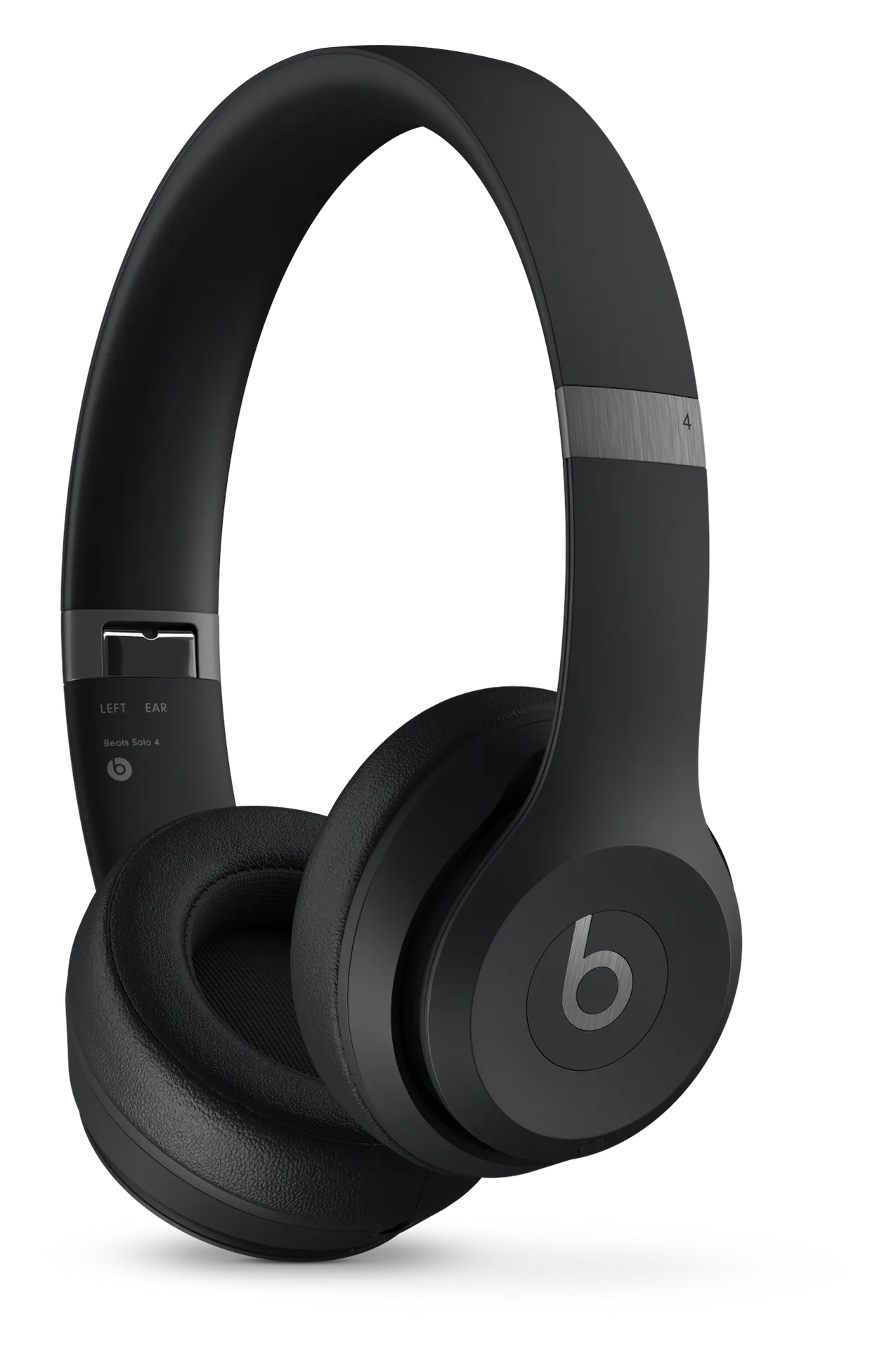
Beats 360Beats Solo 4

Returns and warranty

Returns

14-day returns· the clock starts the day it arrives

  • Send it back like new

    Return it in its original condition with all included parts, accessories and packaging.

  • How you get your money back
    Card refunds go to your bank within five business days after Apple receives the item.
    Returns may be inspected; approved refunds or exchanges are issued within 10 business days. Cash returns over $750 are paid by check within 10 business days.

Warranty

1-year warranty· starts the day you buy it

Covered

  • Battery covered only for defects
    The standard warranty covers a battery only if it fails from a defect.
    The 80 percent rule belongs to AppleCare, not to the free warranty: AppleCare plans cover batteries that keep less than 80% of their original capacity.

Not covered

  • Scratches and dents

    Cosmetic damage such as scratches, dents and broken plastic on ports is not covered unless it comes from a defect.

  • Normal wear and aging

    Defects caused by normal wear and tear or normal aging are not covered.

  • Repairs by other shops

    Damage from service by anyone who is not Apple or an Apple Authorized Service Provider is not covered.

  • How it gets fixed
    Apple chooses to repair, replace with the same model (or a similar one with your consent), or refund the purchase price.
    For mail-in service Apple sends prepaid waybills and pays shipping both ways if you follow its packing instructions.

Good to know

  • Activation Lock / Find My

    If the security features are on and cannot be turned off by the person returning it, Apple may refuse the return.

  • Opened software

    Opened software, software downloads and gift cards cannot be returned.

What's in the box

What comes in the box with the Beats Studio Pro?

Here is what you get when you open it.

Beats Studio Pro headphones
Carrying case
USB-C to USB-C cable
3.5mm analog audio cable
Quick start guide and warranty card

From Beats. Checked Oct 10, 2026.

When to buy

No new model is close, so there's no need to rush.

Price historyStill collecting (1 of 7 days)
Stores we check1Beats
How we read this
  • We read store prices every day and keep every read. The price shown is the newest read from the retailer named.
  • A read older than 36 hours is never shown as the current price. It reads "last seen" and carries no buy link.
  • “30-day low” is the lowest of our own reads for this product in the last 30 days, not a retailer’s claim. We print the number of reads beside it, and we say nothing about a low until a product has a week of reads.
  • “Lowest known”, where it appears, is older price history from published reports and imports. It is shown only when it is lower than the 30-day low, and it is not counted as reads.
  • The verdict is worked out from the price, the history and whether a newer model is coming. It never depends on who pays us.

Current offers

Beats
$299.99
In stock
Buy

We may earn a commission when you buy through these links.

Available nowBeats 360$349.99Guide News
Available nowBeats Solo 4$199.99Guide News
Available nowBose QuietComfort Ultra Headphones$449Guide News
Available nowNothing Headphone (1) Pro$399Guide News

Frequently asked questions

Questions about Beats Studio Pro

Top questions

How much do Beats Studio Pro cost?
$299.99 at Beats' US store, with free 2-day delivery and 14-day returns.
How long does the Beats Studio Pro battery last?
Beats rates them at up to 40 hours with noise cancelling and Transparency off, and up to 24 hours with noise cancelling on. A 10-minute Fast Fuel charge gives up to 4 hours of playback.
Can I use Beats Studio Pro with a cable?
Yes, two ways. The USB-C cable carries lossless audio and charges the headphones while you listen, and lets you pick one of three sound profiles: Beats Signature, Entertainment and Conversation. The 3.5mm cable works with sources like in-flight entertainment and plays without any battery power.
Do Beats Studio Pro have spatial audio?
Yes. Personalized Spatial Audio with dynamic head tracking. Head tracking works only with Apple devices, and a personal profile needs an iPhone X or later with a TrueDepth camera. On Android, Apple Music still plays Dolby Atmos tracks.
Do Beats Studio Pro have noise cancelling?
Yes. Fully adaptive Active Noise Cancelling, which Beats says filters noise 48,000 times per second, plus Transparency mode. An Off mode turns both off.
How heavy are Beats Studio Pro, and do they fold?
260 grams (9.17 ounces). They fold to pack into the included carrying case.
What comes in the Beats Studio Pro box?
The headphones, a carrying case, a USB-C to USB-C cable for charging and audio, a 3.5mm analog audio cable, a quick start guide and a warranty card. The USB-C power adapter is sold separately.
Are Beats Studio Pro good for calls?
Beats says the upgraded voice-targeting microphones filter background noise up to 27% more than Beats Studio3 Wireless. Over USB-C you can take calls while the headphones charge.
Beats Studio Pro or AirPods Max 2?
Beats Studio Pro cost $299.99 at Beats; AirPods Max 2 start at $549. Beats rates the Studio Pro at up to 24 hours with noise cancelling on, and Apple rates AirPods Max 2 at up to 20. The Studio Pro weighs 260 grams against 386.2 grams. Both do Personalized Spatial Audio with head tracking and lossless audio over USB-C. The Studio Pro adds a 3.5mm input and Android features like Google Fast Pair; AirPods Max 2 add Adaptive Audio, Conversation Awareness and Live Translation with Apple devices.

Using it

What does it cost?
It costs $299.99. That is the list price.
How heavy is it?
It weighs 260g.
Does it have noise cancelling?
Yes, it cancels noise.
How does it connect?
It connects over Bluetooth.
Does it do spatial audio?
Yes, it does spatial audio.

Price and models

Is there a newer one?
No. The Beats Studio Pro is the current model.

Returns and warranty

How long do I have to return it?
14-day returns The clock starts the day it arrives.
Is there a restocking fee?
Restocking fee: not stated by Apple
Who pays return shipping?
Who pays return shipping: not stated by Apple Start the return online and print a return label, then schedule a carrier pickup or drop it at the carrier. You can also return it at any U.S. Apple Store.
Can I return it if I opened or wore it?
Send it back like new Return it in its original condition with all included parts, accessories and packaging.
How do I get my money back?
How you get your money back Card refunds go to your bank within five business days after Apple receives the item. Returns may be inspected; approved refunds or exchanges are issued within 10 business days. Cash returns over $750 are paid by check within 10 business days.
How long is the warranty?
1-year warranty Starts the day you buy it.
Is the battery covered?
Battery covered only for defects The standard warranty covers a battery only if it fails from a defect. The 80 percent rule belongs to AppleCare, not to the free warranty: AppleCare plans cover batteries that keep less than 80% of their original capacity.

In the box

What's in the box?
Beats Studio Pro headphones, Carrying case, USB-C to USB-C cable, 3.5mm analog audio cable, Quick start guide and warranty card.

Works with

Do Beats Studio Pro work with Mac?
Yes. Once paired with your iPhone, they pair with a Mac on the same iCloud account by themselves. Works
Do Beats Studio Pro support Spatial audio / head tracking?
Yes on Apple devices: Personalized Spatial Audio with dynamic head tracking. Head tracking works only with Apple devices; on Android, Apple Music still plays Dolby Atmos tracks. With a limit
Do Beats Studio Pro support Voice assistant / AI?
Yes. "Hey Siri" works hands-free with Apple devices, and pressing and holding the b button opens the voice assistant on iPhone or Android. Works

You have reached the end of this stream

Those are all the stories we have lined up here.

More news