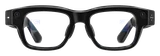
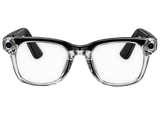
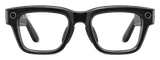
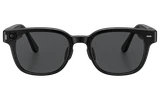
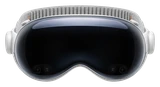
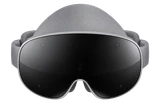
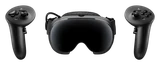
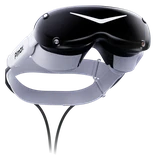
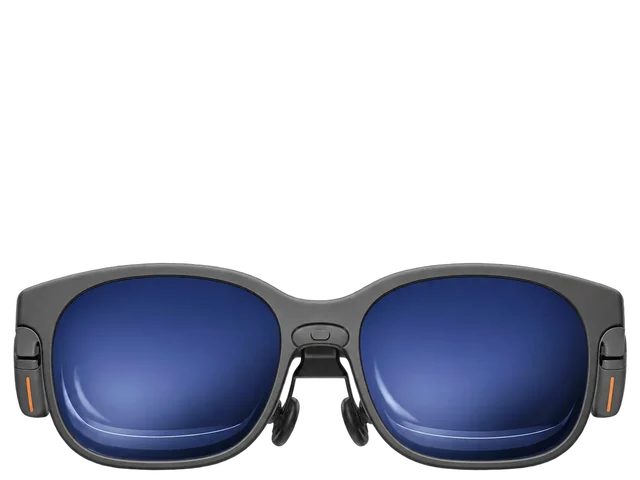
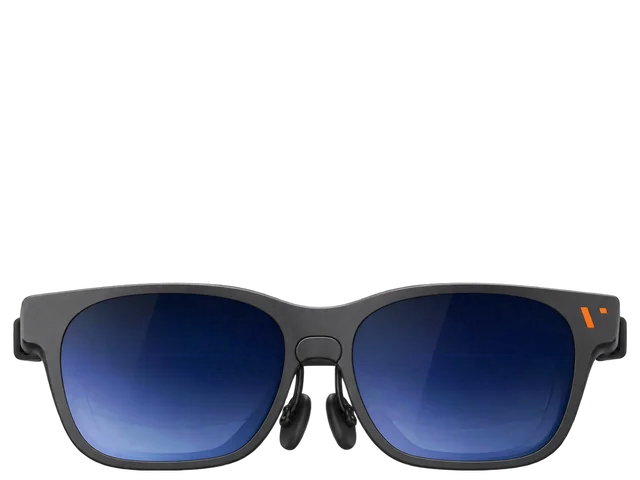
Key differences
- Peak brightness: 1,000 nits vs 1,600 nits (both main)Viture Luma Pro: 1,000 nits ConfirmedSourceViture Pro 2: 1,600 nits ConfirmedSource
From each maker's own specifications. A point is listed only when both makers state a figure and the two differ; a point either maker does not state is left out, never guessed. Two figures measured under different conditions are shown side by side, not compared.
Who should buy which
- The Viture Luma Pro Guide names it for gaming and movies.Gaming: Plugs straight into USB-C handhelds like the Steam Deck and ROG Ally, and into Switch, PS5 and Xbox through a VITURE dock. Source linkedSourceMovies: A private 152-inch screen for films and shows at home or on the road. Source linkedSource
- The Viture Pro 2 Guide names it for 3D movies and handheld gaming.3D movies: SpaceWalker switches on real-time 2D-to-3D conversion for viewing video with depth. Source linkedSourceHandheld gaming: It connects directly to Steam Deck, ROG Ally X and other USB-C handhelds. Source linkedSource
Both are also named for work.
Side by side
FeatureViture Luma ProViture Pro 2
Works withUSB-C devices with DisplayPort video out: Steam Deck, ROG Ally, iPhone 15 and later , Galaxy S, Pixel 8 and 9, MacBooks and Windows laptopsiPhone, iPad, Mac, Windows PC, Steam Deck, ROG Ally X and other USB-C handhelds, Android phones, Nintendo Switch/Switch 2 and PS5/Xbox via dock accessoriesVITURE15 andVITURE2 and We may earn a commission.
Works with your phone
iPhoneViture Luma Pro: Works with limitsViture Pro 2: Works with limits
AndroidViture Luma Pro: Works with limitsViture Pro 2: Not stated