














Nothing Headphone (1) Pro review: tested against AirPods Max
By iDevice · September 29, 2026
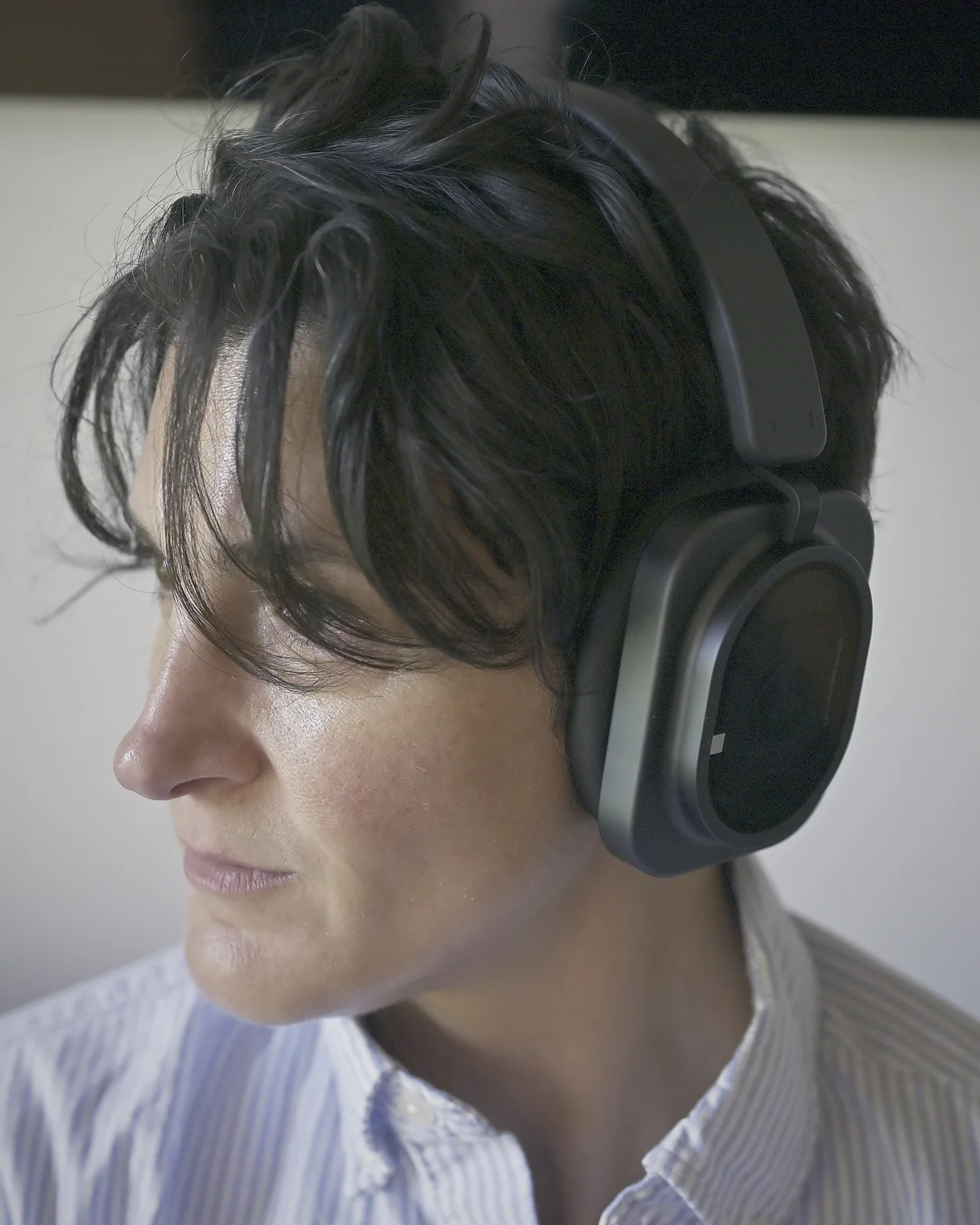
Headphone (1) Pro made our playlists sound like a concert hall. We tested them side by side with AirPods Max, and we preferred the Nothing.
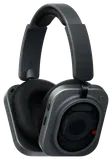
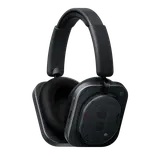
Nothing built its name on being the rebel in the room, and these headphones carry that attitude. They look back to the era when headphones were something you wore proudly: chunky cups, a bold band, the confidence of a Walkman on a city bus. Then Nothing puts the machine on display, with transparent glass sides that give you a glimpse of the three drivers inside. Our thesis at iDevice is that the computer is leaving your pocket and moving onto your body. Headphone (1) Pro does not apologise for that. They want to be seen, and they want you to know they're different. They're not Apple. They're Nothing. These are not headphones you wear, or carry, to disappear.
The sound is something to experience. Many headphones, AirPods Max included, use one speaker in each ear to play everything, from the deepest bass to the highest cymbal. That is like asking one singer to cover every part in a choir. Nothing splits the job three ways. A big speaker handles the bass. A second, smaller one handles voices and instruments. And a tiny solid-state driver, far stiffer and quicker than a regular speaker cone, handles the sparkle at the top: cymbals, strings, the breath in a singer's voice. Each one only does what it is best at, so the sound never gets muddy. Next to AirPods Max, they sound clearer and more open, and the soundstage feels larger and more immersive. Detail sits up front without turning harsh.
There is a Flat EQ switch, tuned with Metropolis Studios. This is aimed at producers and serious audiophiles, and it shows Nothing blurring the line between prosumer headphones and studio gear. Flip it and the headphones drop their tuning and processing and play the recording as neutrally as they can, the way you would want to hear a track you are mixing or checking. Spatial audio, transparency mode and your EQ switch off while it is on. It sits on the inside of the ear cup, where it is hard to reach, but we spent our time on the default tuning, liked it best and rarely needed the switch.
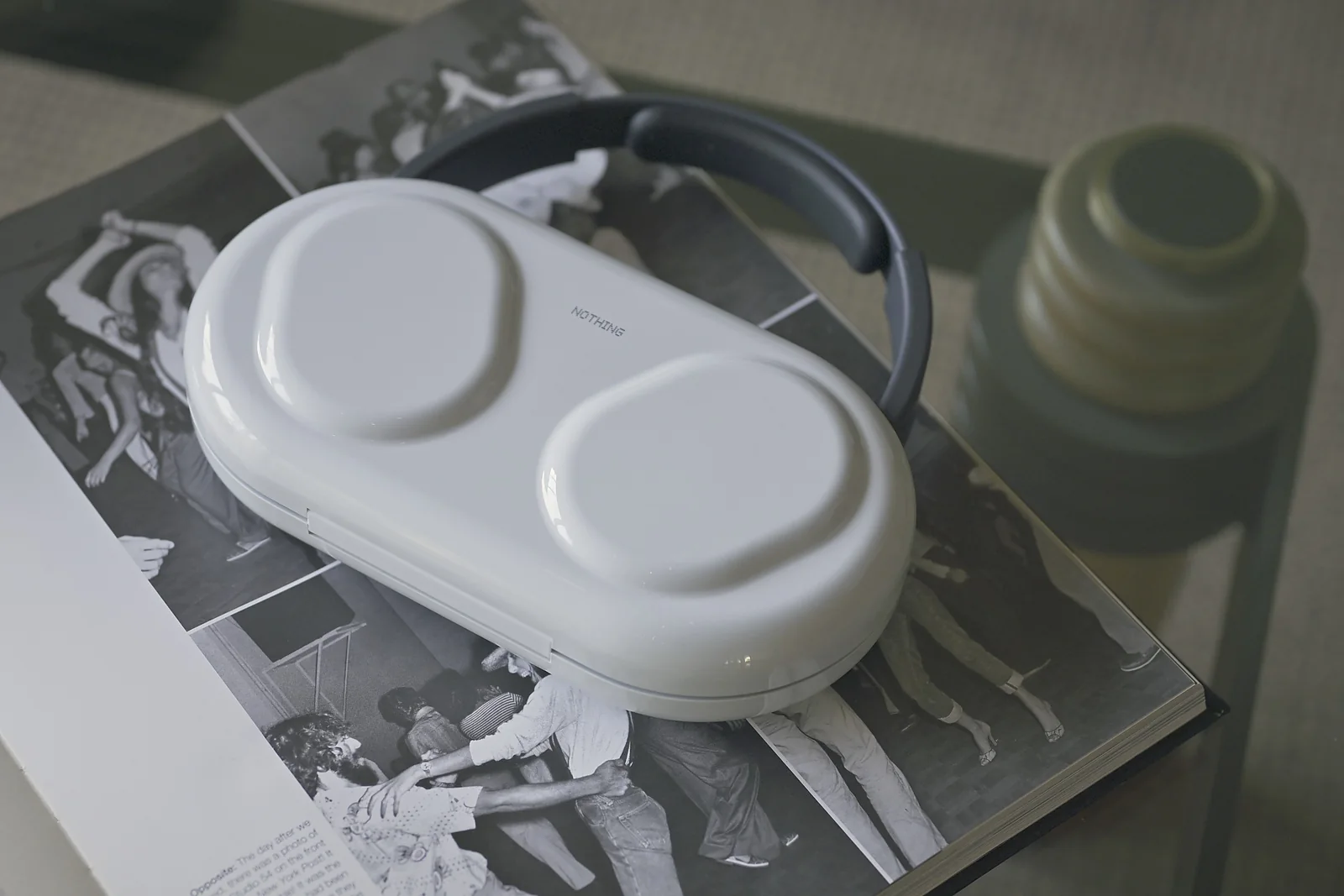
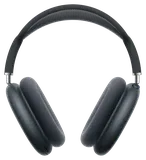
They are lighter than AirPods Max, 327g against 386g. Fifty-nine grams is about the weight of a tennis ball. It may not sound like much, but when you wear your cans for hours, you notice even the smallest difference. We wore these far longer than the Max without discomfort. The case is the best headphone case we have used. Yes, it weighs more than the headphones themselves (383.5g against 327g). We don't mind. It feels like a fashion accessory, like a handbag or a camera bag. It even comes with two lanyard connectors, so you can clip on a strap (not included) and wear it over your shoulder.
There is a real power switch. AirPods Max have no off switch; Apple's answer is to store them in their case, where they drop into an ultralow power mode. We appreciated being able to switch these off.
The controls are simple, and they work without looking. The roller sets the volume and clicks as you scroll through it, so you feel every step. The paddle flicks left or right to skip tracks. It works well but makes no sound, and a click there would be a nice extra touch in a future version.
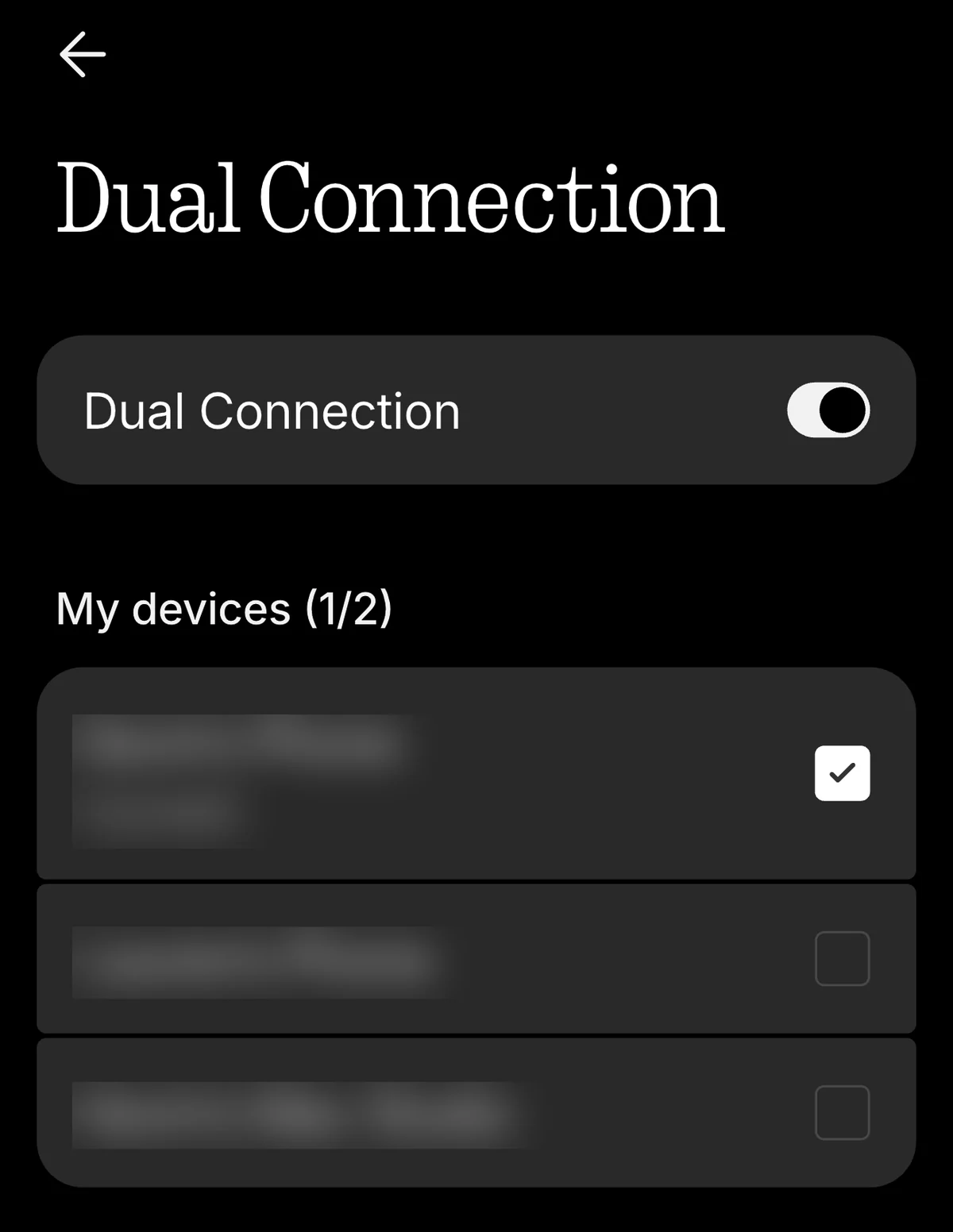
The one real drawback is for people deeply woven into Apple's ecosystem, and it comes down to two things. First, hands-free Siri: AirPods Max answer to "Hey Siri" with no button, while here you press a button to call your phone's assistant. Second, switching between devices. It works, just not as seamlessly. With AirPods Max, across Apple devices signed in to the same account, you press play on your iPhone and they move over from your Mac on their own. With the Nothing, even with Dual Connection turned on, we had to stop the music on the Mac first. Nothing is still polishing here: a launch-day firmware update (1.0.1.53) arrived as we finished testing, promising steadier two-device connections and better USB audio.
Like many people who work from home or in a busy office, we value a good pair of noise-cancelling headphones for one thing above all: blocking out distractions so you can get in the zone and focus. Here, noise cancelling made working from home feel like sitting in the Cone of Silence from Get Smart, except this one works. It easily shut out the landscapers' leaf blowers outside, and the dog whining at us to take him out while we finished this review.
On calls, the mics held up. We found voice quality on par with AirPods Max, if not slightly better.
On paper, battery beats Apple by a wide margin. Nothing rates them for 30 hours with noise cancelling on, against 20 for AirPods Max, and up to 68 hours with it off. Both charge over USB-C.
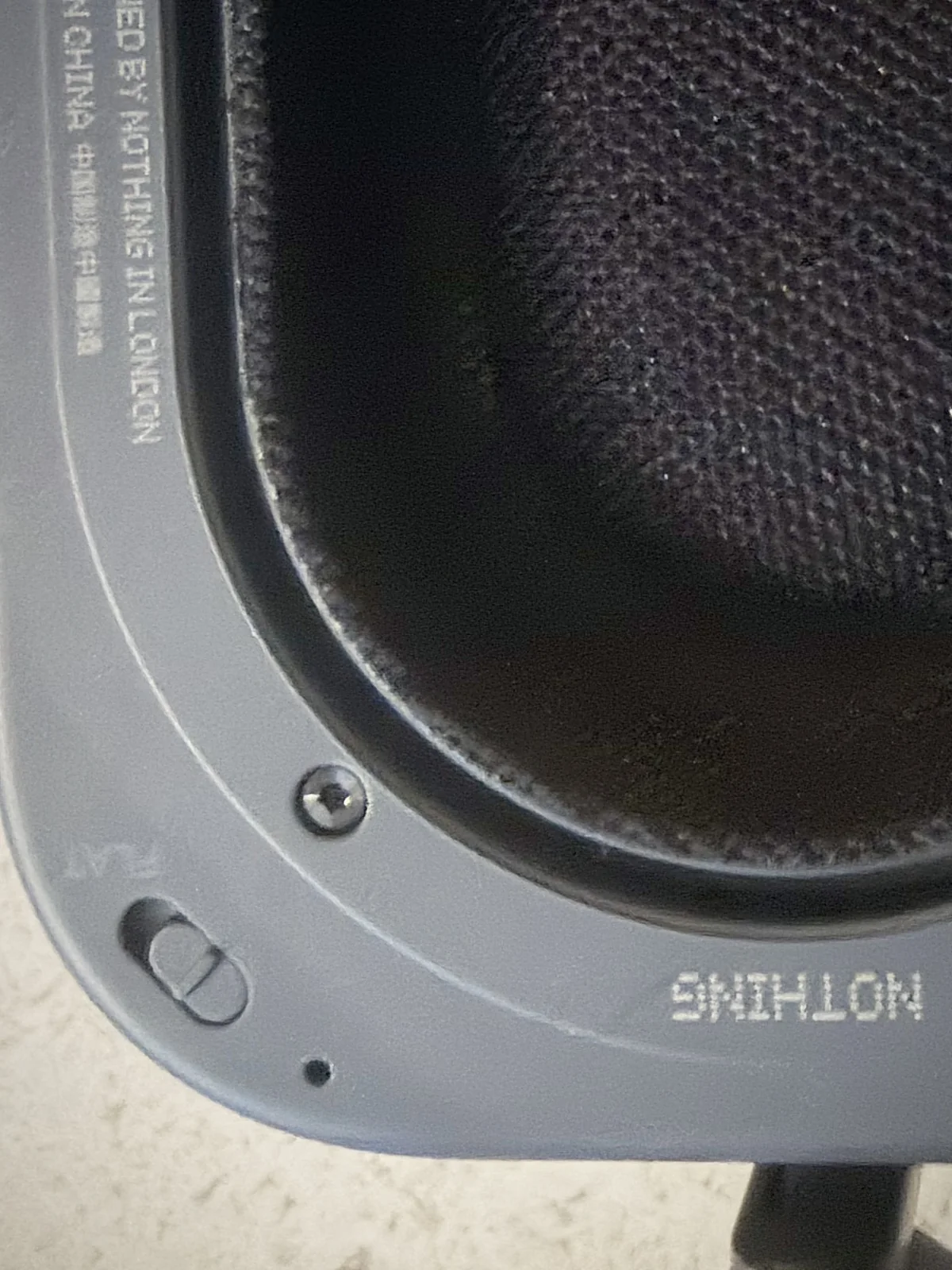
The other trade-offs are minor. The Flat switch, the Bluetooth pairing button and the left and right markings inside the headband are all dark on dark, so in low light they blend in and are hard to find. Once you remember the controls sit on the back of the right ear cup, it stops mattering. For us, listening mostly on one device, walking around the neighborhood, commuting, cleaning the house or winding down at the end of the day, Headphone (1) Pro beats AirPods Max. And at $399, it costs $150 less.
Nothing sent us a review unit. Nothing did not see this review before publication and had no say in what we wrote.