






iDevice review
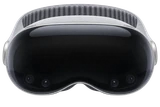
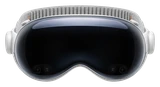
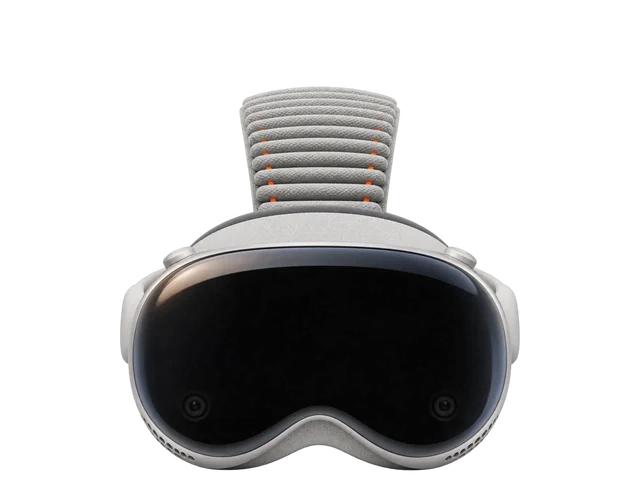
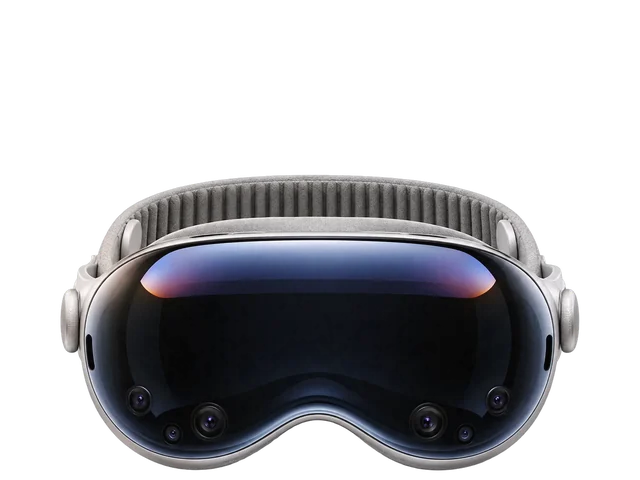
Apple Vision Pro (M5) review: a stunning screen you can wear for longer
Breathtaking for movies, photos and a giant Mac display, and more comfortable than before, though still heavy and short on battery.
Thumbs up
- Stunning for movies and photos
- More comfortable Dual Knit Band
- Sharper, up to 120Hz
- Mac Virtual Display above 60Hz
- Faster, more efficient M5
Thumbs down
- Still heavy
- About 2.5 to 3 hours of battery
- Noisy passthrough in dim light
- Small app library
- Glasses need ZEISS inserts
Put on the Vision Pro, open a 3D movie, and the room disappears around a screen the size of a theater. Even ordinary 2D shows look special. Photos, especially your own spatial ones, are one of the things you'll keep coming back to. For watching almost anything, it's an extraordinary experience.
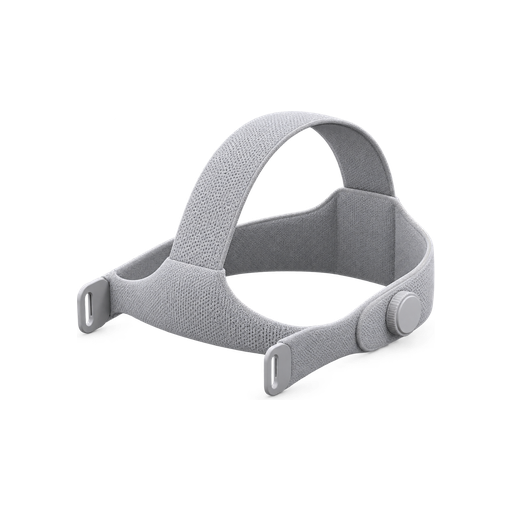
The bigger change on this model is how long you can stand to wear it. The Dual Knit Band spreads the weight better, with counterweights at the back, and it's easy to adjust. A three-hour session is comfortable for most people, with less pressure around the eyes and no neck strain. It still weighs 750 to 800 grams (26.4 to 28.2 oz), and you'll feel that.
Screen
The micro-OLED displays pack 23 million pixels and run at up to 120Hz. Everything looks a little sharper, especially when you're working in a virtual desktop. It isn't a dramatic change, but you'll notice it over a long work session, and your eyes stay comfortable through it.
Work
Mac Virtual Display is the underrated feature. Your Mac's screen floats in front of you, in standard, wide or ultrawide shapes, and it can run faster than 60Hz. With a keyboard, writing for hours in the headset feels natural.
Speed and battery
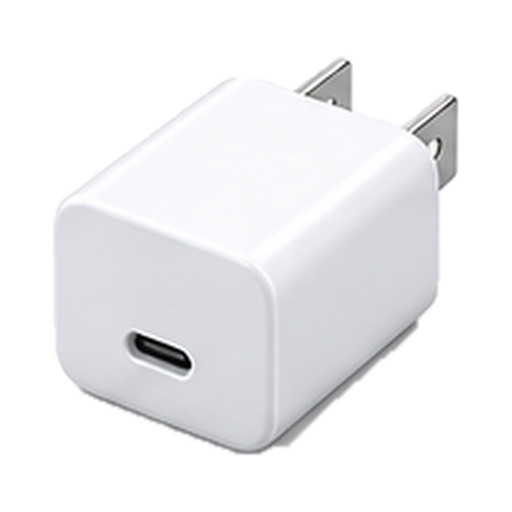
The M5 chip is faster and more efficient, and performance feels noticeably better. Apple rates the battery at up to 2.5 hours of general use and 3 hours of video, and real use often goes a bit beyond that. It's still the weak link. You can use it plugged into a 30W or higher USB-C adapter.
Passthrough
The camera view of your room shows less motion blur, but in a dim room it's as noisy as before, and the whole view still looks a little blurry.
Apps and setup
The library of apps built for the headset is still small, though many iPhone and iPad apps run on it. YouTube is native with 8K support, Disney+ is fully built for it, and Netflix runs in Safari. PlayStation, Xbox and Steam controllers work. If you wear glasses, you'll need ZEISS Optical Inserts. You can set it up without an iPhone, though an iPhone speeds setup along, and it isn't meant for kids under 13.