

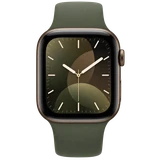
 Apple Watch Series 121 new report
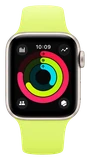 Apple Watch SE 3
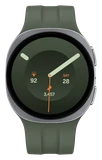 Galaxy Watch9
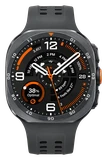 Galaxy Watch Ultra 2
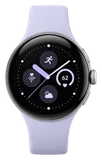 Pixel Watch 5
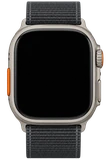 Apple Watch Ultra 4
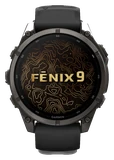 Garmin Fenix 9
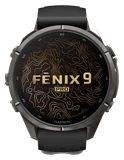 Garmin Fenix 9 Pro

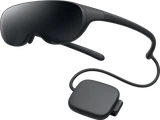



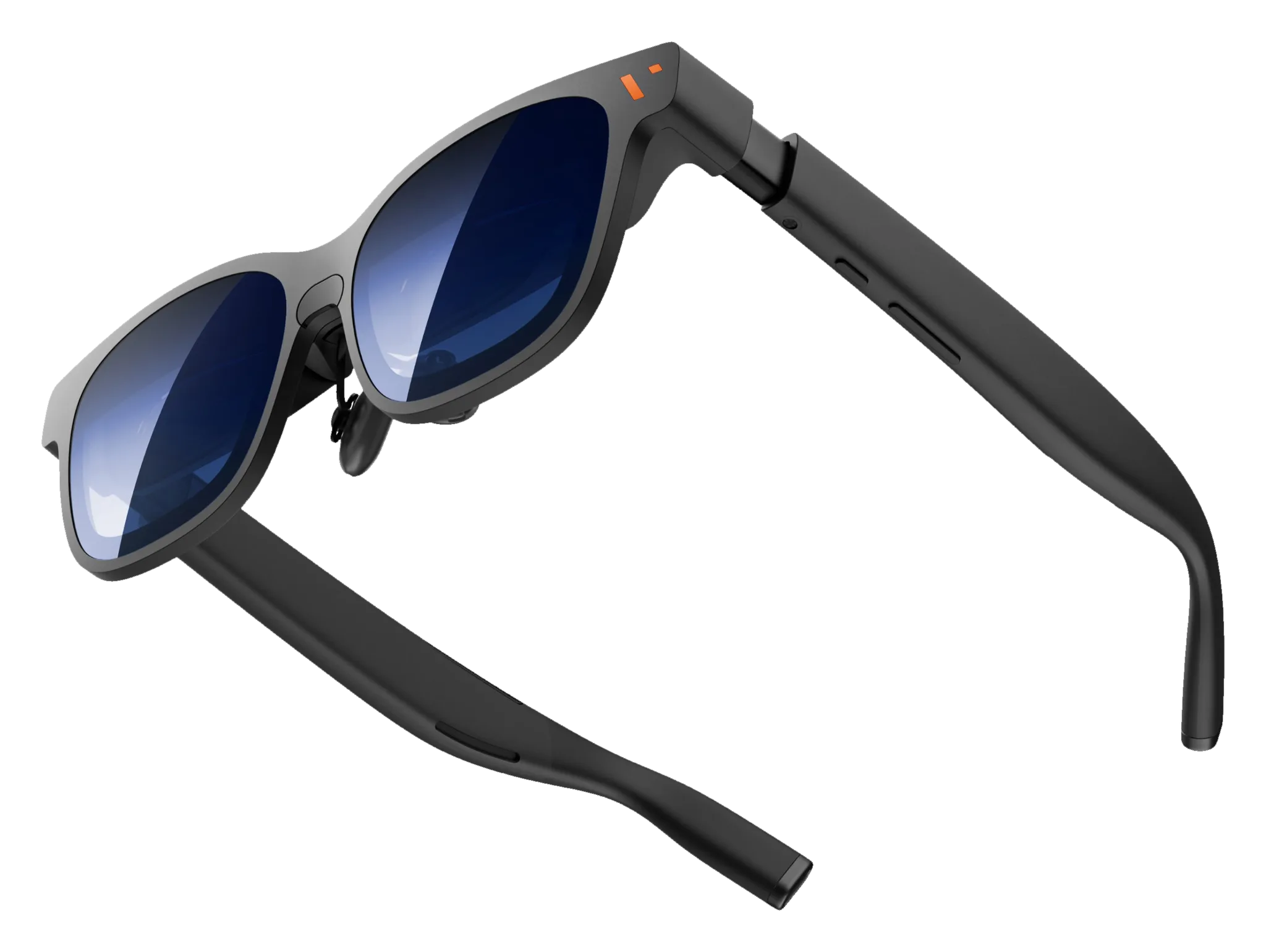
What does the Viture Pro 2 work with?
Ask about the Viture Pro 2
- How heavy is it? It weighs 63g.
- How sharp and bright is the screen? The screen reaches 1600 nits at its brightest.
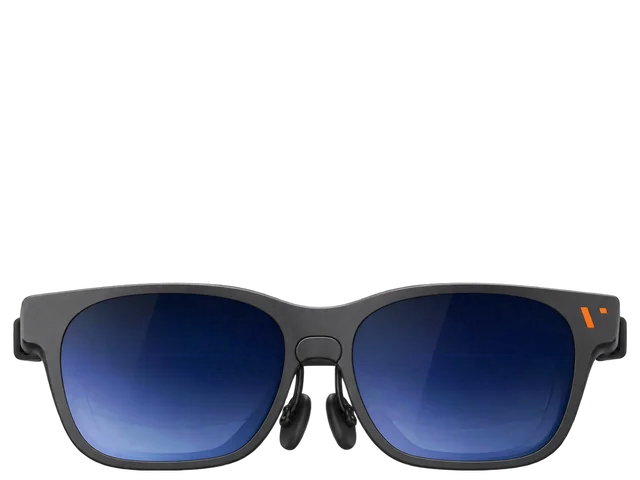 VITURE Pro 2 XR Glasses
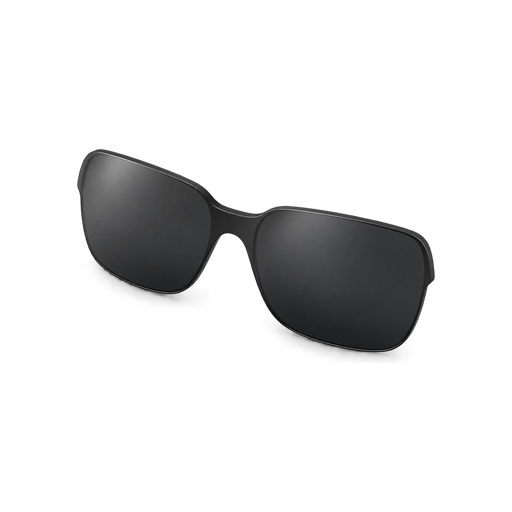 Lens shade
 Swappable nose pads
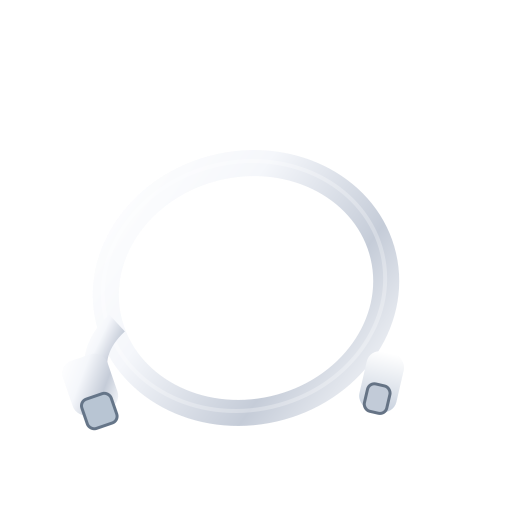 USB-C to USB-C cable
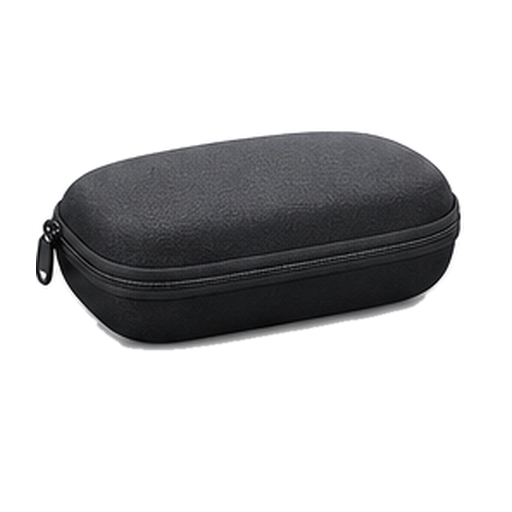 Glasses case
 Glasses cloth
 Quick Start GuideSafety Guideline
Released ·Guide updated
Your phone
Smart glasses that work with Android. They also work with iPhone, with some limits.
Do Viture Pro 2 glasses work with an iPhone?
Yes, but iPhone 15, 16 and 17 plug in directly, but multi-screen and 3D need Adapter Ultra.Why we say thisConfirmedVITURE confirms this.Yes, but iPhone 15, 16 and 17 plug in directly, but multi-screen and 3D need Adapter Ultra.VITURE says: “iPhone 15 / 16 / 17 and USB-C iPads: plug in directly with the included USB-C cable.”VITURE↗ · quote recorded Sep 22, 2026
Do Viture Pro 2 glasses work with Android phones?
Yes. Android gets the full SpaceWalker feature set.Why we say thisConfirmedVITURE confirms this.Android phoneYes. Android gets the full SpaceWalker feature set.VITURE says: “iPhone 15 / 16 / 17 and USB-C iPads: plug in directly with the included USB-C cable.”VITURE↗ · quote recorded Sep 22, 2026
Other devices
Do Viture Pro 2 glasses work with an iPad?
Yes, but USB-C iPads plug in directly, but multi-screen and 3D need Adapter Ultra.Why we say thisConfirmedVITURE confirms this.Yes, but USB-C iPads plug in directly, but multi-screen and 3D need Adapter Ultra.VITURE says: “iPhone 15 / 16 / 17 and USB-C iPads: plug in directly with the included USB-C cable.”VITURE↗ · quote recorded Sep 22, 2026
Do Viture Pro 2 glasses work with a Mac?
Yes. Through Viture's Mac app, with multi-screen layouts.Why we say thisConfirmedVITURE confirms this.Yes. Through Viture's Mac app, with multi-screen layouts.VITURE says: “iPhone 15 / 16 / 17 and USB-C iPads: plug in directly with the included USB-C cable.”VITURE↗ · quote recorded Sep 22, 2026
Do Viture Pro 2 glasses work with a Windows PC?
Yes. Through Viture's Windows app, with multi-screen layouts.Why we say thisConfirmedVITURE confirms this.Windows PCYes. Through Viture's Windows app, with multi-screen layouts.VITURE says: “iPhone 15 / 16 / 17 and USB-C iPads: plug in directly with the included USB-C cable.”VITURE↗ · quote recorded Sep 22, 2026
Do Viture Pro 2 glasses work with a Steam Deck?
Yes. It connects directly over USB-C.Why we say thisConfirmedVITURE confirms this.Steam DeckYes. It connects directly over USB-C.VITURE says: “iPhone 15 / 16 / 17 and USB-C iPads: plug in directly with the included USB-C cable.”VITURE↗ · quote recorded Sep 22, 2026
Do Viture Pro 2 glasses work with the Nintendo Switch 2?
Yes, with a Viture dock or Adapter Ultra.Why we say thisConfirmedVITURE confirms this.Nintendo Switch 2 (video)Yes, with a Viture dock or Adapter Ultra.VITURE says: “iPhone 15 / 16 / 17 and USB-C iPads: plug in directly with the included USB-C cable.”VITURE↗ · quote recorded Sep 22, 2026
Do Viture Pro 2 glasses work with the Nintendo Switch?
Yes, with a Viture dock or Adapter Ultra.Why we say thisConfirmedVITURE confirms this.Nintendo Switch familyYes, with a Viture dock or Adapter Ultra.VITURE says: “iPhone 15 / 16 / 17 and USB-C iPads: plug in directly with the included USB-C cable.”VITURE↗ · quote recorded Sep 22, 2026
Do Viture Pro 2 glasses work with a PS5?
Yes, with the Viture Pro Mobile Dock and an HDMI cable.Why we say thisConfirmedVITURE confirms this.PlayStation 5Yes, with the Viture Pro Mobile Dock and an HDMI cable.VITURE says: “iPhone 15 / 16 / 17 and USB-C iPads: plug in directly with the included USB-C cable.”VITURE↗ · quote recorded Sep 22, 2026
Do Viture Pro 2 glasses work with an Xbox?
Yes, with the Viture Pro Mobile Dock and an HDMI cable.Why we say thisConfirmedVITURE confirms this.Xbox consolesYes, with the Viture Pro Mobile Dock and an HDMI cable.VITURE says: “iPhone 15 / 16 / 17 and USB-C iPads: plug in directly with the included USB-C cable.”VITURE↗ · quote recorded Sep 22, 2026
Can you use Bluetooth headphones with Viture Pro 2 glasses?
Yes. Pair them to the device you are watching. The glasses also have speakers.Why we say thisConfirmedVITURE confirms this.Bluetooth headphonesYes. Pair them to the device you are watching. The glasses also have speakers.VITURE says: “iPhone 15 / 16 / 17 and USB-C iPads: plug in directly with the included USB-C cable.”VITURE↗ · quote recorded Sep 22, 2026
What it can do
Do Viture Pro 2 glasses work with other handheld gaming PCs?
Yes. Any USB-C handheld that sends video, including ROG Ally X.Why we say thisConfirmedVITURE confirms this.Handheld PCs (video)Yes. Any USB-C handheld that sends video, including ROG Ally X.VITURE says: “iPhone 15 / 16 / 17 and USB-C iPads: plug in directly with the included USB-C cable.”VITURE↗ · quote recorded Sep 22, 2026
Ask about anything else
Does it work with…?