






































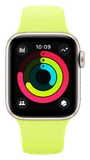






































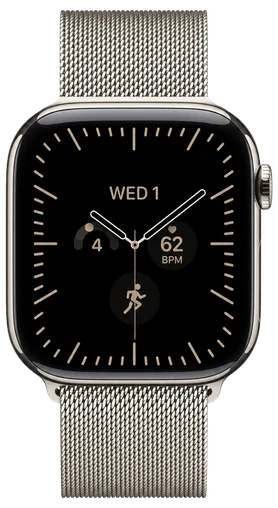
If your Apple Watch showed the wrong hour this morning, Apple has published a support document with the fix. The clocks went back across most of the U.S. on Sunday, November 1, and on some watches the time stayed an hour off after the change.
Apple says the wrong time "appears only on the Always On display when your wrist is down." Tap the screen or raise your wrist and the watch shows the correct hour again. Lower it, and the old hour can come back.
The watch has the right time, and only the dimmed, wrist-down view is stuck. That view is the one you see when you glance at a resting watch on a desk or across a table, which is what Always On is for. It's also the view that's easiest to trust without thinking, so an hour's error there can make you late or early.
The fix is to switch to a different watch face, then switch back to the one you use. If that doesn't clear it, restart the watch. Apple doesn't list anything else to try.
Owners in Europe hit the same problem when the clocks went back there the other week, MacRumors reported. Now it's the U.S. turn, and Apple has put its steps in writing.
To check yours, rest your wrist and look at the face without tapping it. If it matches your phone, you're fine. If it's an hour off, change the face and change it back, and restart the watch if that doesn't work. There's nothing to send back.