Step 1: choose what matters
Step 2: answer by job
Different jobs
Pick for how you will use it
Not the same job: get the Nothing Ear (3a) for sound quality, the SteelSeries Arctis GameBuds for gaming and noise cancelling.
We may receive a commission
See every difference and source
All the details
Key differences
Who should buy which
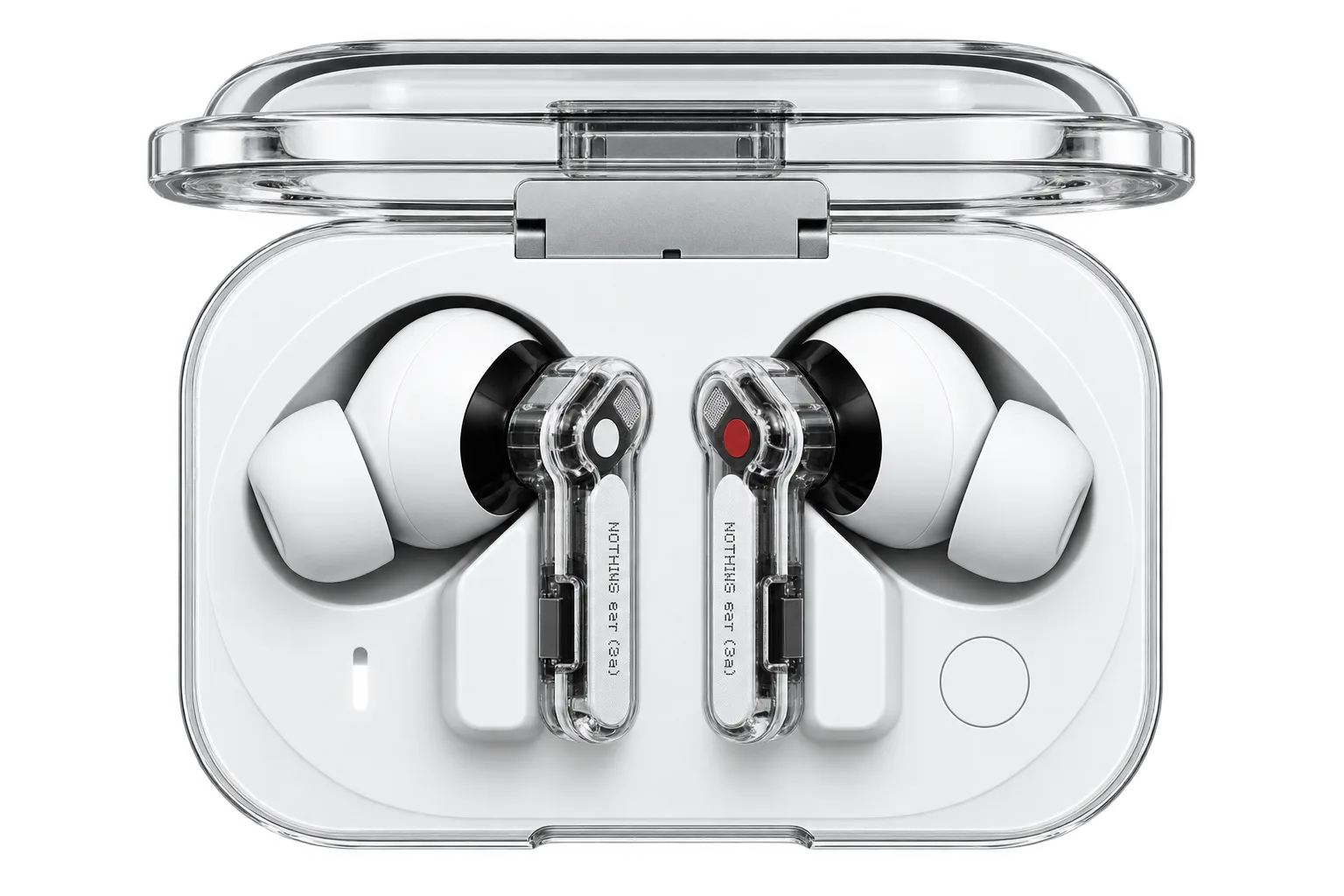
- The Nothing Ear (3a) Guide names it for sound quality and calls.Sound quality: A 12 mm driver with Hi-Res Audio over LDAC, plus custom EQ and an 8-band equaliser in the Nothing X app. Source linkedSourceCalls: Three microphones per earbud with Clear Voice Technology to cut echoes and traffic noise on calls. Source linkedSource
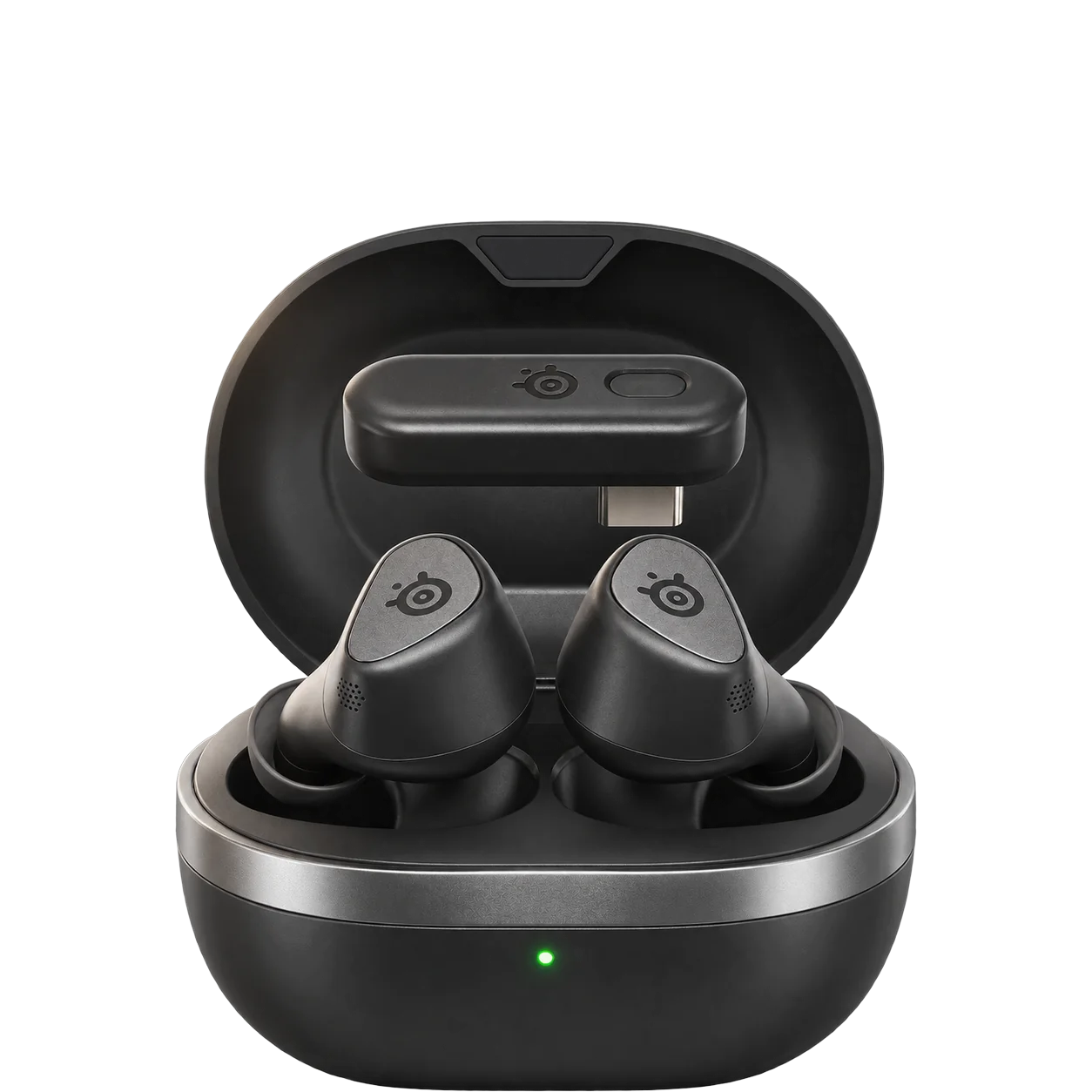
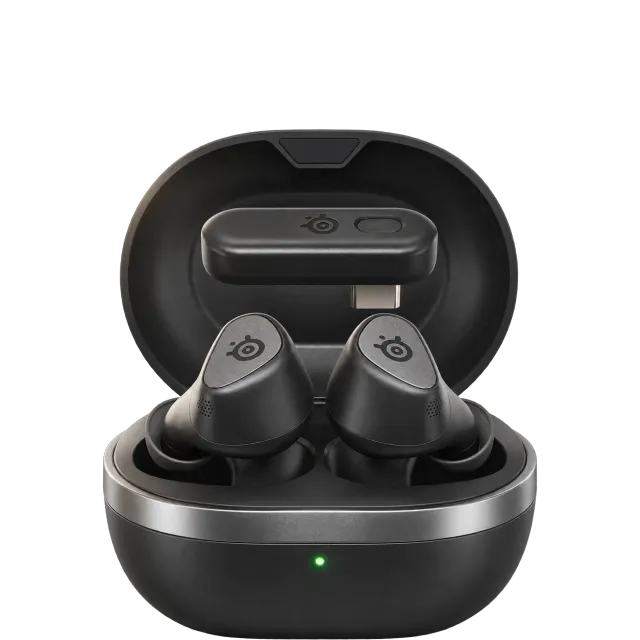
- The SteelSeries Arctis GameBuds Guide names it for gaming and noise cancelling.Gaming: A USB-C 2.4GHz dongle gives a low-latency link to PS5, Switch and PC, which ordinary Bluetooth earbuds cannot make. Source linkedSourceNoise cancelling: 4-mic hybrid noise cancelling with a transparency mode. ConfirmedSource
Side by side
FeatureNothing Ear (3a)SteelSeries Arctis GameBuds
ConnectivityBluetooth 6.0 with SBC, AAC and LDAC2.4GHz wireless through a USB-C dongle, plus Bluetooth 5.3
ControlsPinch controls for music and noise cancelling, customizable in the Nothing X appOn-ear buttons to mute, change volume and answer calls
Noise cancelingAdaptive noise cancelling up to 45 dB, with a transparency mode4-mic hybrid noise cancelling, plus a transparency mode
Nothing Ear (3a)
SteelSeries Arctis GameBuds
Works with your phone
iPhone
Nothing Ear (3a): WorksSteelSeries Arctis GameBuds: Works
Android
Nothing Ear (3a): WorksSteelSeries Arctis GameBuds: Works
Sources
More comparisons
- Beats Powerbeats Fit vs Nothing Ear (3a)
- Beats Powerbeats Fit vs SteelSeries Arctis GameBuds
- Beats Powerbeats Pro 2 vs Nothing Ear (3a)
- Beats Powerbeats Pro 2 vs SteelSeries Arctis GameBuds
- Bose Sport Open Earbuds vs Nothing Ear (3a)
- Bose QuietComfort Ultra Earbuds (2nd Gen) vs SteelSeries Arctis GameBuds