


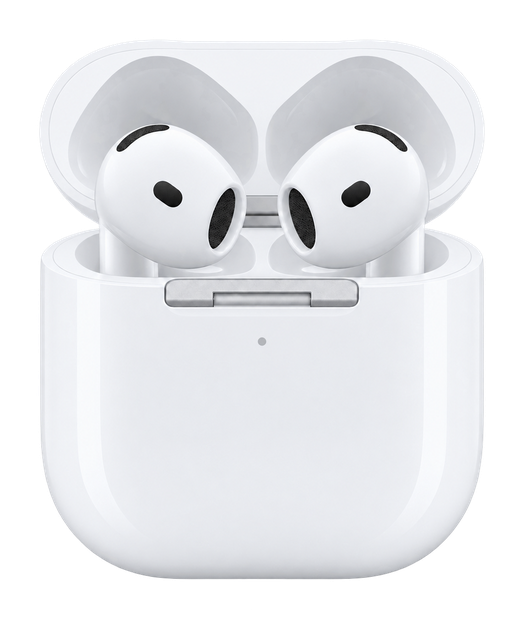
Do AirPods 5 work with iPhone and Android?
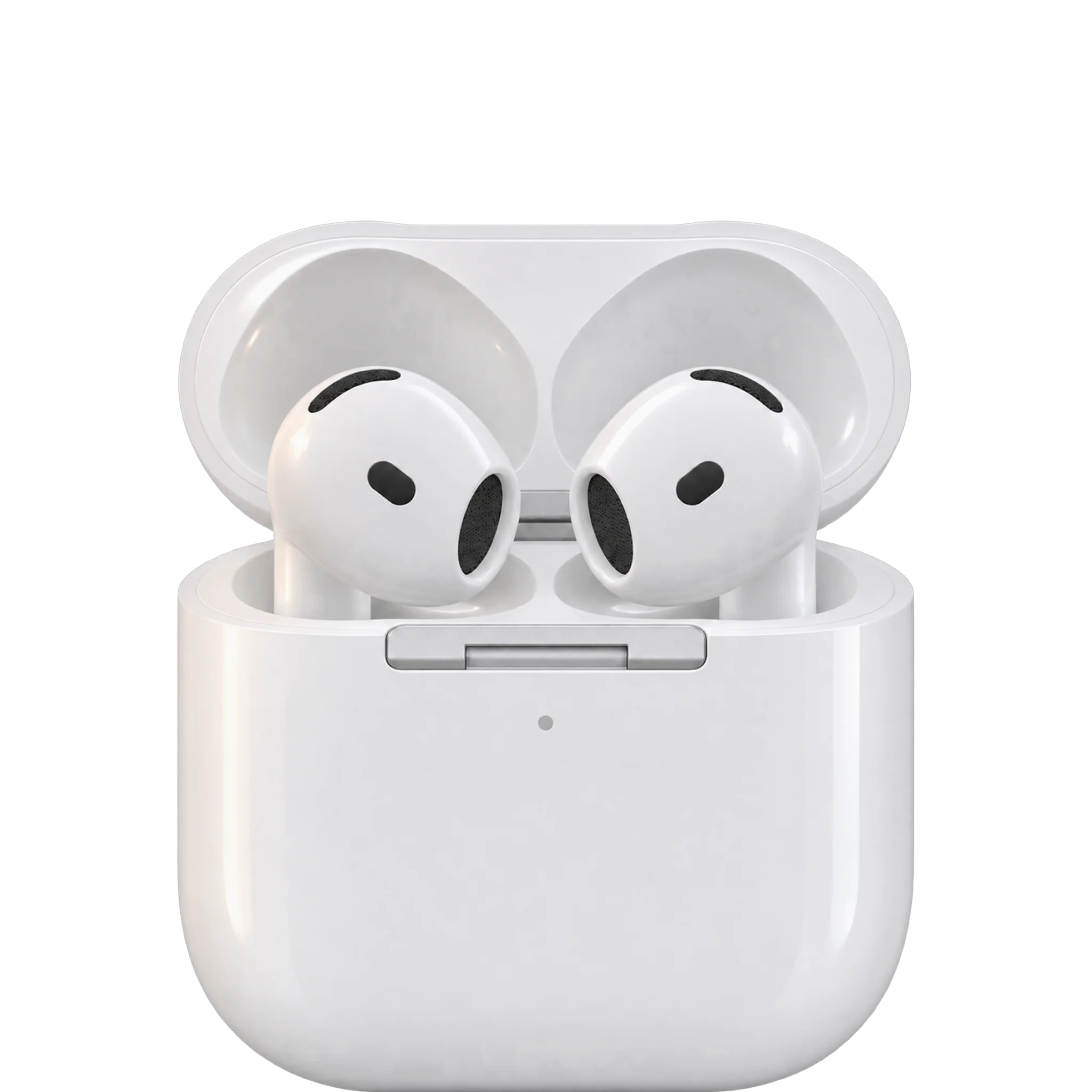


Works with
AndroidIt only plays audio and takes calls. Siri, settings and updates need an Apple device.
What you need: Standard Bluetooth pairing (case setup mode).
Limits: Siri, Apple settings, firmware updates and Apple-only features need an Apple device.
Samsung Galaxy phones, Google Pixel phonesThe same limits as any Android phone.
What you need: Standard Bluetooth pairing (case setup mode).
Limits: Siri, Apple settings, firmware updates and Apple-only features need an Apple device.
iPhoneThey work on an iPhone with iOS 27 or later. Live Translation also needs an iPhone 15 Pro or later with Apple Intelligence turned on.
What you need: iOS 27 or later.
Limits: Older iOS versions do not meet Apple's requirement.
Windows PCIt only plays audio and takes calls.
What you need: Standard Bluetooth pairing.
Limits: No Siri; settings and firmware updates need an Apple device.
MacPair them in Bluetooth settings on macOS Golden Gate or later.
What you need: macOS Golden Gate or later.
Firmware updatesThey update automatically while charging near a Wi-Fi-connected iPhone, iPad or Mac.
What you need: AirPods charging, in Bluetooth range of a Wi-Fi-connected iPhone, iPad or Mac.
Limits: Without an Apple device, Apple directs you to an Apple Store or Authorized Service Provider appointment.
Companion app / settingsIn Settings on an iPhone, iPad or Mac. There's no separate AirPods app.
What you need: An Apple device on current software.
Limits: Apple documents no settings app for Android/Windows; on those devices only Bluetooth audio is documented.
Voice assistant / AIOn Apple devices. Hands-free Siri AI needs an Apple Intelligence iPhone on iOS 27.
What you need: Apple device; Siri AI needs iOS 27 and an Apple Intelligence-enabled iPhone.
Limits: No Siri on non-Apple devices; Siri may not be available in all languages or areas.
Charging standardsBoth cases charge by USB-C. Only the Wireless Charging Case also charges wirelessly.
What you need: USB-C cable; wireless charging only on the Wireless Charging Case model.
Limits: Base case: USB-C only.
Find network (earbuds and case)On iOS 27 or later. Only the Wireless Charging Case has a speaker.
What you need: Find My requires iOS 27 or later.
Limits: Case speaker only on the Wireless Charging Case model.
Replacement earbud / caseApple sells replacements. A new case must match your AirPods 5 model.
What you need: Model-matched case.
Xbox consolesXbox consoles have no Bluetooth audio.
What you need: Not supported on the console
Limits: Xbox Series X|S and Xbox One have no Bluetooth audio; needs an Xbox Wireless or wired headset instead
Show allShow less
Nintendo Switch familyThe Switch plays game audio only. It can't use the AirPods microphone.
What you need: Bluetooth pairing from the Switch System Settings.
Limits: Bluetooth microphones cannot be used, so no voice chat through the earbuds.
TV (Apple TV, Roku, Fire TV, smart TVs)Only Apple TV 4K gets the full set. Other Bluetooth TVs work as plain headphones.
What you need: Apple TV 4K signed in to the same Apple Account, or a TV with Bluetooth audio
Limits: Apple extras like Siri do not work on non-Apple TVs; only one Bluetooth audio device plays at a time on Samsung and Google TV; some TVs lack Bluetooth audio and lip-sync errors can happen.
Garmin watchIt needs a Garmin watch that stores music.
What you need: A Garmin watch with music storage
Limits: Only Garmin music models support headphones. Apple extras do not work with Garmin watches.
Hi-res / lossless audio and codecsLossless audio works only with Vision Pro.
What you need: Apple Vision Pro.
Limits: Lossless only works with Vision Pro; ordinary Bluetooth codec list not published for this model.
Live translationIt needs an Apple Intelligence iPhone (iPhone 15 Pro or later) and is not in every region.
What you need: iPhone 15 Pro or later, iOS 26 or later, Apple Intelligence on, latest firmware.
Limits: Needs a recent Apple Intelligence iPhone; not all regions or languages.
Gaming / low-latency modeApple documents ultra-low latency only with Vision Pro, and not in Japan.
What you need: Apple Vision Pro.
Limits: No documented low-latency mode for iPhone, Mac, PC or consoles.
Garmin Instinct 3Partly. Pair AirPods 5 with your phone and use the Instinct 3 as a remote for what plays on the phone.
What you need: AirPods paired with your phone
Limits: Garmin's manual describes the music control as controlling playback on your phone, not on the watch.
Garmin vivosmart 5Partly. Pair AirPods 5 with your phone and use the vivosmart 5 as a remote for what plays on the phone.
What you need: AirPods paired with your phone
Limits: Garmin's manual describes the music control as controlling playback on your phone, not on the watch.
Multipoint / automatic switchingAcross Apple devices signed in to the same Apple Account.
What you need: Same Apple Account on each Apple device.
Spatial audio / head trackingIt uses dynamic head tracking on compatible Apple devices.
What you need: Compatible Apple device on current software.
Garmin Bounce 2Yes. The Bounce 2 plays music stored on the watch through Bluetooth headphones such as AirPods 5.
What you need: Music loaded on the watch
Limits: Apple-only AirPods features (automatic switching, Siri, spatial audio) do not work on a Garmin watch
Garmin Enduro 3Yes. The Enduro 3 plays music stored on the watch through Bluetooth headphones such as AirPods 5.
What you need: Music loaded on the watch
Limits: Apple-only AirPods features (automatic switching, Siri, spatial audio) do not work on a Garmin watch
Garmin Fenix 9 ProYes. The Fenix 9 Pro plays music stored on the watch through Bluetooth headphones such as AirPods 5.
What you need: Music loaded on the watch
Limits: Apple-only AirPods features (automatic switching, Siri, spatial audio) do not work on a Garmin watch
Garmin Forerunner 970Yes. The Forerunner 970 plays music stored on the watch through Bluetooth headphones such as AirPods 5.
What you need: Music loaded on the watch
Limits: Apple-only AirPods features (automatic switching, Siri, spatial audio) do not work on a Garmin watch
Garmin Venu 4Yes. The Venu 4 plays music stored on the watch through Bluetooth headphones such as AirPods 5.
What you need: Music loaded on the watch
Limits: Apple-only AirPods features (automatic switching, Siri, spatial audio) do not work on a Garmin watch
Ask about anything else
Does it work with…?