






Best VR headset for Android
Best VR headset for Android
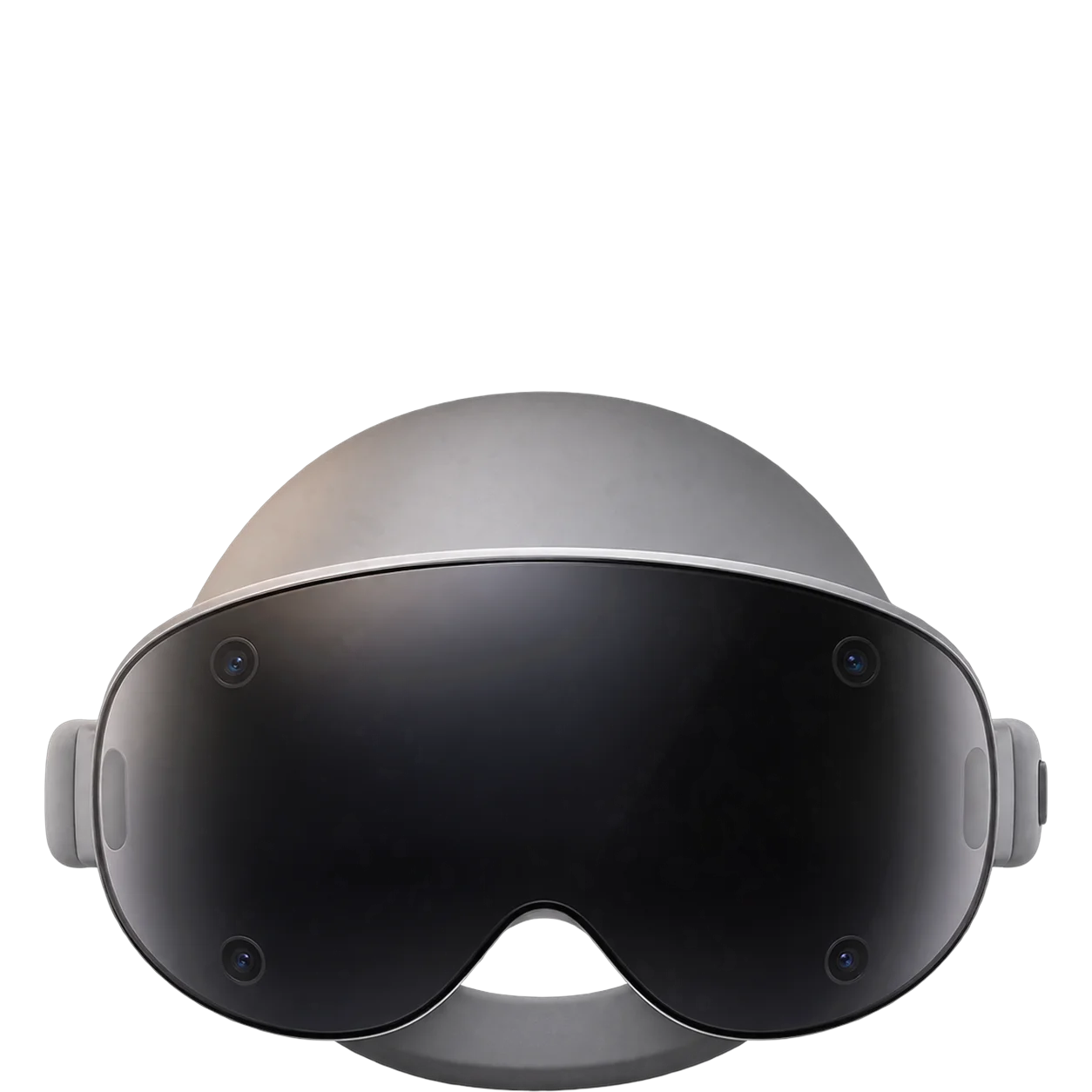
Does the Samsung Galaxy XR work with iPhone and Android?
Works with
iPhoneThe Galaxy XR Mobile app isn't on iPhone.
What you need: None for the companion app.
Limits: This covers Samsung's companion features; basic web or Bluetooth use with an iPhone is not ruled out.
Non-Samsung Android phoneThe Galaxy XR Mobile app works only with Galaxy phones.
Limits: This is a NO for the official Galaxy XR Mobile companion app, not a blanket ban on every Android app/service.
Galaxy phoneIt connects through the Galaxy XR Mobile app.
What you need: A compatible Galaxy phone. Some features need an account or network.
Limits: The mobile app is for Galaxy phones only, and what you need varies by feature.
Windows PCPC Connect is still in beta. It works with Windows 10 or later.
What you need: Windows 10+; compatible PC; headset and PC on a stable Wi-Fi network.
Limits: PC Connect is in beta, and Samsung does not list GPU requirements.
Android mobile/tablet appsMost run, but not every app is available.
What you need: App must be offered as compatible to the headset through Google Play or otherwise supported.
Limits: Some apps may be unavailable or have limited functionality; immersive XR optimization is separate from basic 2D compatibility.
PC game streamingGoogle PC Connect streams games from a Windows PC.
What you need: Windows PC supported by PC Connect; same Wi-Fi network.
Limits: Samsung does not publish GPU minimums or per-game requirements.
Galaxy Book PC LinkSamsung PC Link works on Galaxy Books with Windows 11.
What you need: A Galaxy Book on Windows 11. Some features need a Samsung account or network.
Limits: It works only on Galaxy Books, unlike Google PC Connect.
Samsung AccountIt is used for Samsung features such as PC Link, not basic use.
What you need: Samsung Account for Samsung connected-device features.
Limits: Not every basic Android XR function depends on a Samsung Account.
NetflixNetflix comes preinstalled.
What you need: Netflix account/subscription as required by the service.
Limits: Whether Netflix runs as a full XR app or a flat app window is not confirmed.
YouTubeIn the YouTube app for Android XR.
What you need: Google/YouTube account as needed for personalized or paid features.
Limits: Some YouTube features differ from the phone and web versions.
Show allShow less
Google AccountIt runs Google Play, apps and content.
What you need: Google Account.
Limits: Separate apps/services may require their own subscriptions or accounts.
Charge through headset USB-C portThat port is for data and accessories. Charge the battery pack.
What you need: Charge the battery pack instead.
Limits: The headset's USB-C port is for data and accessories, not charging.
Prescription lens insertsEyeBuyDirect inserts, sold separately.
What you need: Compatible prescription within the offered range; inserts sold separately.
Limits: Price/prescription availability can vary by region and prescription.
Bluetooth headphonesSamsung doesn't document the microphone or audio delay.
What you need: Bluetooth.
Limits: Microphone, latency, codec and spatial audio behavior with third-party headphones are not confirmed.
Glasses / contact-lens fitSoft contacts work. Samsung suggests prescription inserts instead of glasses.
Limits: Fit and eye-tracking quality can vary with glasses/contacts; the current Samsung documentation is not perfectly consistent across support pages.
Children under 13It is for ages 13 and up.
Limits: This is an age-use restriction, not a parental-control setting.
PlayStation console — direct connection, Xbox console — direct connectionSamsung says it isn't supported.
Limits: Some owners use Remote Play through an Android app instead, which is not a direct console connection.
External battery packIt runs from its external battery pack.
What you need: The Galaxy XR battery pack, or a replacement made for it.
Limits: Ordinary USB power banks may not work.
Show allShow less
Cast / mirror to TVIt casts with Samsung Smart View on the same Wi-Fi.
What you need: Compatible TV; headset and TV on the same Wi-Fi network.
Limits: It depends on the TV or device you cast to.
Xbox controllerButtons and sticks work, but there is no motion tracking.
What you need: Bluetooth.
Limits: Samsung says non-dedicated controllers such as Xbox provide only 3DoF-style direction/button input, not full 6DoF XR control.
Third-party / replacement battery packIt only takes packs made for Galaxy XR. Ordinary power banks are not supported.
What you need: Replacement specifically designed for Galaxy XR.
Limits: Ordinary power banks are not supported, and the wrong or smaller packs can make it run unstably.
Google Play StoreGoogle Play is its app store.
What you need: Google Account for app/content access.
Limits: Individual apps can still be filtered by device compatibility.
Bluetooth keyboard / mouse / trackpadAll three pair over Bluetooth.
What you need: Bluetooth accessory in pairing mode.
Limits: App-specific behavior can still vary.
Teens 13+Samsung advises adult supervision for teens.
What you need: User must meet the applicable minimum age; adult supervision for minors.
Limits: Family Link parent-account behavior on Galaxy XR is not confirmed.
Accessibility featuresIncluding the TalkBack screen reader.
What you need: Current Android XR software.
Limits: Specific feature names/availability may vary by market/device/app.
Ask about anything else
Does it work with…?