








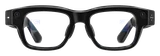
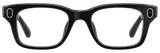
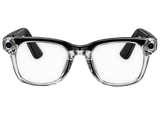
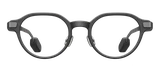
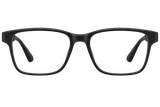
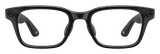
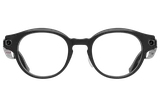

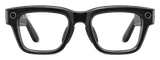
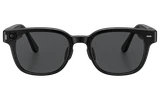




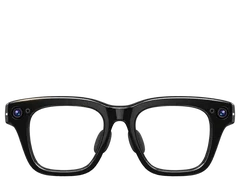
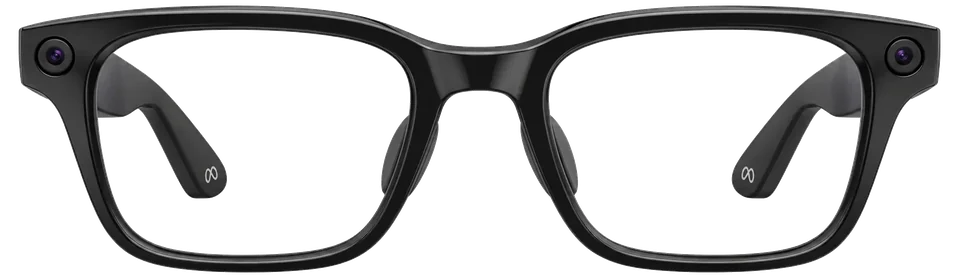
Meta has pushed out a software update for some of its own Meta AI glasses after finding that they can overheat when too much moisture or sweat gets inside. The fix is version 130 in the Meta AI app, and Meta calls the problem a rare one.
The affected styles are the Adventurer, Fury, Starfire, Nova and Capri, the frames Meta builds under its own name. Meta says the flaw and the update don't apply to the Ray-Ban Meta or Oakley Meta glasses. If that's what you wear, there's nothing to do.
Tom's Guide reported the update on November 9. Meta hasn't said how many pairs have overheated or what happens to a pair when it does. It also hasn't described what version 130 changes, beyond saying it's meant to fix the flaw.
Charge the glasses first and keep them connected to your phone while the update installs. In the Meta AI app, open Glasses or Devices, tap the pair you want to update, then choose Device settings. If you have more than one pair connected, swipe across to the right one, then tap to update to version 130 or later.
Automatic updates can be switched on from the same settings, so the next fix installs without you going looking for it.
Scattered posts on social media have described Ray-Ban glasses overheating after too much exposure to water, though none have turned up about the Meta-branded frames this update covers. Meta's word is that Ray-Ban and Oakley glasses aren't part of this flaw.
If you own an Adventurer, Fury, Starfire, Nova or Capri pair, especially one you sweat in, open the Meta AI app and check that you're on version 130 or later.