





Best phone for Android
Best phone for Android
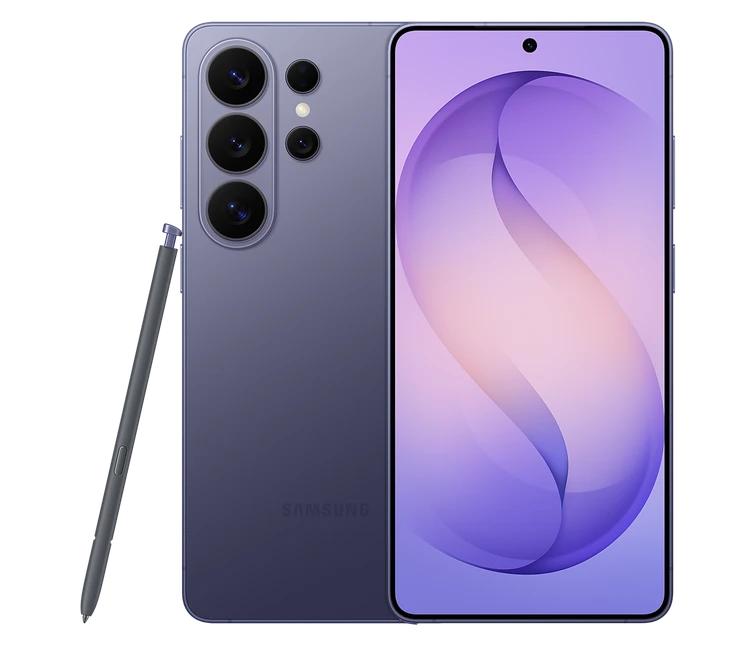
Does the Samsung Galaxy S26 Ultra work with iPhone and Android?

Works with
DeX on PCSamsung says DeX on PC is not supported on the Galaxy S26 series.
Limits: DeX on PC is not supported.
Samsung DeX on ChromebookNo. Samsung says Chrome OS PCs are not supported for DeX.
Limits: This is specifically DeX compatibility, not every possible Android-Chromebook feature.
MacYes, with Samsung's Smart Switch app for Mac: back up the phone, restore to a Galaxy, and sync contacts and calendar from the Mac.
What you need: Smart Switch PC app for Mac (MacOS X 10.13 or higher).
Limits: Samsung's Smart Switch page describes backup, restore and contact and calendar sync on a Mac. It does not name this model or describe other Mac features.
Show allShow less
Samsung DeX over HDMI / DeX cableYes. Samsung lists the Galaxy S26 series as compatible with DeX cable or HDMI cable.
What you need: Compatible USB-C-to-HDMI/DeX connection and display.
Windows Phone Link / Link to WindowsYes. Microsoft explicitly lists Galaxy S26 Ultra for Link to Windows and Phone Link experiences.
What you need: Windows 10 October 2022 update+ or Windows 11; network/account requirements apply.
Limits: Individual Phone Link features have their own version/market requirements.
S PenYes. The Galaxy S26 Ultra supports its S Pen for writing, notes, selection, translation and other pen features.
What you need: Included/model-specific S Pen.
Limits: The S26 Ultra S Pen has no Bluetooth Low Energy and no Air Actions.
S Pen Creator EditionYes. Samsung lists Galaxy S26 Ultra as compatible with S Pen Creator Edition.
What you need: Enable Allow multiple S Pens or remove the included pen if needed.
Limits: No Bluetooth, Air Actions or charging.
Qi wireless chargersYes. Samsung says its modern Galaxy phones work with Qi-certified wireless chargers; S26 Ultra supports wireless charging up to 25W.
What you need: Compatible Qi-certified wireless charger.
Limits: Exact maximum can require appropriate Samsung/compatible charging hardware.
Show allShow less
S Pen ProYes. Samsung lists Galaxy S26 Ultra as compatible with S Pen Pro.
What you need: Charged S Pen Pro; use S Pen mode.
Limits: Additional-S-Pen setting may be needed while the built-in pen is stored.
USB-C chargingYes. Galaxy S26 Ultra uses USB-C and supports wired charging up to 60W.
What you need: Compatible USB-C charger/cable; appropriate high-power charger for maximum rate.
Limits: Charging speed depends on charger/cable and conditions.
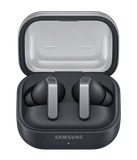
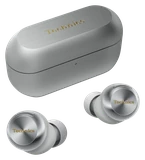
Galaxy Buds4 ProYes. Samsung pairs the Galaxy Buds4 Pro with the Galaxy S26 Ultra.
What you need: Bluetooth, and the Galaxy Wearable app where needed.
Ask about anything else
Does it work with…?