





























Love it
Not so much
- Up to four virtual screens from a laptop
- Sharp, private picture
- Dimming film blocks almost all outside light
- Prescription lenses available
- Speakers leak sound
- Ears can ache during a full movie
- Many iPhones can't connect, including the Air, 16e and 17e
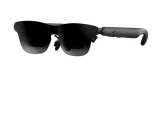
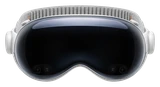
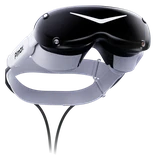
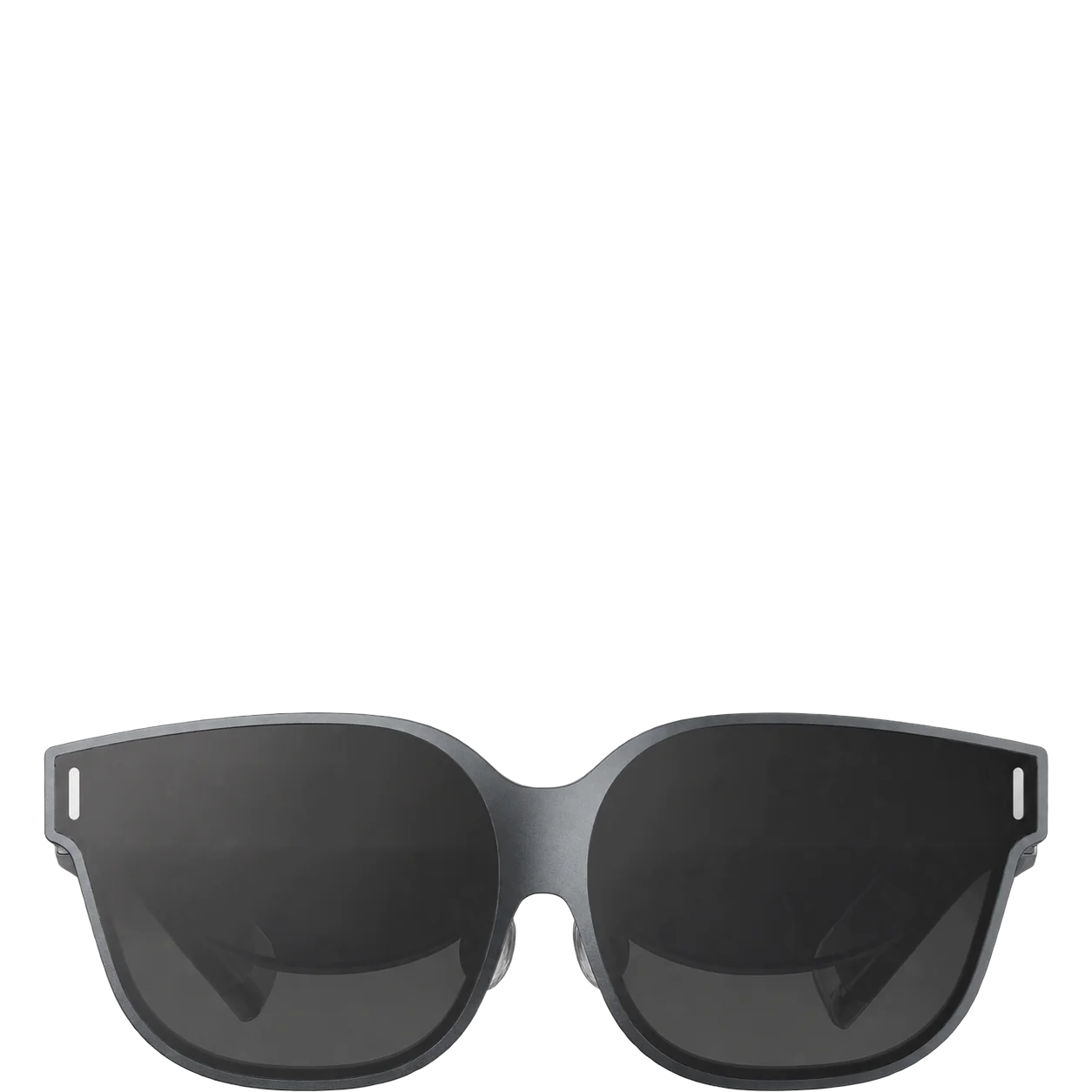
On a plane, the INAIR 2 Pro puts what looks like a 135-inch screen in front of you, and the person in the next seat can't read it. The picture comes from Sony Micro OLED panels in full HD for each eye at 120Hz, and text is crisp enough to work on, not just watch.
That second part is what sets it apart. Install INAIR's desktop app on a Mac or Windows laptop, plug in, and you can run up to four virtual screens at once, which turns a hotel desk or a tray table into a real workspace.
Picture
The picture is big and sharp. An electrochromic film dims the lenses until almost no outside light gets through, so a movie on a bright flight looks like a movie in a dark room, and you don't need snap-on shades.
If you're nearsighted, INAIR sells the glasses with prescription lenses that fit inside the frame.
Comfort and sound
At 80 grams they're comfortable in shorter stretches, with soft nose pads and temples that hold on well. By the end of a full movie, though, the spot behind your ears can start to ache.
INAIR calls the stereo speakers high-fidelity. They're clear enough to follow a show, but they're nothing special and they leak sound, so wear earbuds in public.
What you need
There's no battery in the glasses. They run on power from whatever you plug them into over USB-C, and they show its screen. On iPhone, that means the iPhone 15, 16 or 17 series, and not the SE, 16e, 17e, Air or anything older, because those models send no video over USB-C. An Android phone or tablet needs a USB-C port with DisplayPort output. A Steam Deck connects directly, Windows laptops need USB-C DisplayPort output, and INAIR lists which Apple Silicon Macs work. The four-screen desktop app asks more of a Windows laptop than a video port: INAIR wants 16 GB of RAM and graphics at least on the level of an NVIDIA GeForce GTX 960, so check your machine before you count on it. A Nintendo Switch needs the INAIR Hub adapter.
INAIR also sells the INAIR Pod, a separate pocket computer that turns the glasses into a multi-window workspace with a touchpad. You don't need it to use them with a phone or computer.
How it compares
If the glasses are mostly for movies and games, the RayNeo GT is our pick. For most people there's no real difference between the two, the GT costs less, and its speakers are tuned with Bang & Olufsen and have a Whisper Mode for quiet places. The RayNeo Air 4 Pro is also the better buy for films and trips: it costs less, it's a little lighter and it plays 3D movies and turns flat video into 3D. The RayNeo GT Max leans toward the cinema with a wider view, while the INAIR 2 Pro is the one for work.
What's in the box
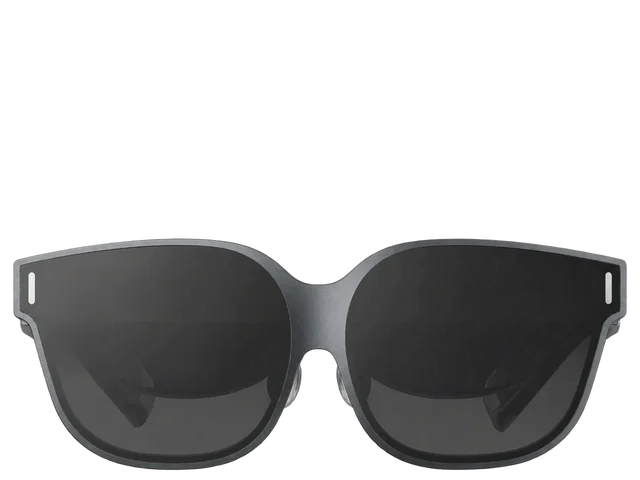 INAIR 2 Pro glasses
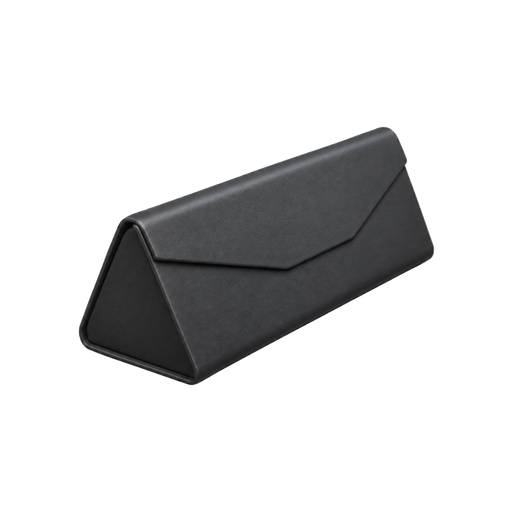 Glasses case
 Cleaning cloth
 User manual
 Uncut lenses
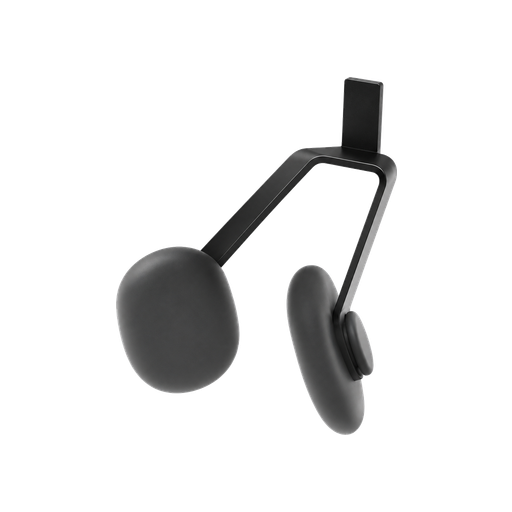 Nose pads
 USB-C cable
Bottom line
Get the INAIR 2 Pro if you want your glasses to be a second monitor, since a laptop can drive up to four virtual screens. If you mostly watch movies and play games, the RayNeo GT or the RayNeo Air 4 Pro does that job for less money.
Buy it if
Skip it if
- You want several virtual screens from your laptop on the road.
- You want the INAIR Pod's pocket workspace with a touchpad.
- You mostly watch movies. Get the RayNeo GT or the RayNeo Air 4 Pro.
- You want good built-in sound without earbuds.
- You plan to run it from a phone that sends no video over USB-C, like the iPhone Air or 16e.