
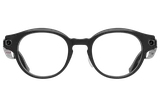







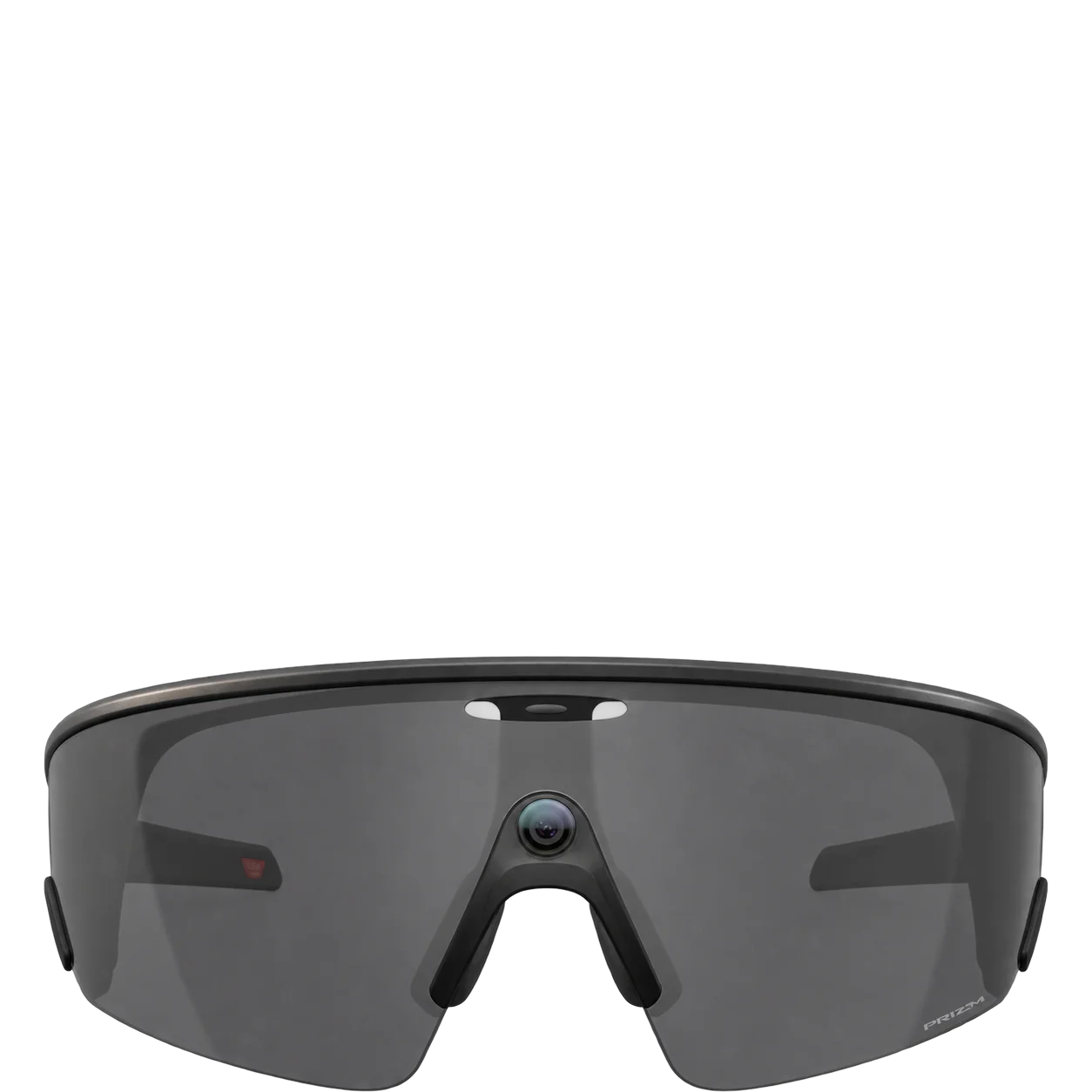
Do Oakley Meta Vanguard work with iPhone and Android?


Works with
USB-C iPhone (video), Android phone (video)They have no display.
Limits: Meta lists this model as having no display. Without a screen, the glasses cannot act as an external monitor, and no adapter changes that.
iPhoneUse the Meta AI app on iOS 18.4 or later.
What you need: Supported iPhone; Meta AI app; current App Store iOS 18.4+.
Limits: Oakley’s product page still says iOS 14.4 minimum; the required app’s current US listing is stricter at iOS 18.4+.
AndroidUse the Meta AI app on Android 10 or later.
What you need: Android 10+; supported phone; Meta AI app.
Limits: Google Play did not expose a separate store-level Android minimum in the fetched listing.
Mac (video), Windows PC (video), Handheld PCs (video)They have no display.
Limits: Meta lists this model as having no display. Without a screen, the glasses cannot act as an external monitor, and no adapter changes that.
Bluetooth audio with Mac, Bluetooth audio with Windows PCThey only handle audio, calls and meetings. Meta AI and the camera need the phone app.
What you need: Put the glasses in pairing mode (hold the capture button 5 s with arms folded), then pair from the Mac's Bluetooth settings.
Limits: Audio only. Meta AI, camera and media import still need the phone app. Meta's page does not name macOS or this model specifically.
Companion app, account and subscriptionsThe app runs settings, media sharing, Meta AI and connected services.
What you need: The Meta AI app on a supported phone, plus accounts for any connected services.
Limits: Meta does not list the subscription rules for every connected service.
Cross-generation compatibilityOne app runs up to 7 pairs, but Meta's Charging Stand doesn't fit.
What you need: Meta AI app.
Limits: Meta's Charging Stand does not fit Meta Ray-Ban Display or Oakley Meta Vanguard. Use the case that came with these glasses; Meta does not say other cases fit.
Bluetooth audio with PlayStation 5The PS5 doesn't support Bluetooth audio.
Limits: Sony's rule covers all Bluetooth audio devices. Third-party USB transmitters are not validated here.
PlayStation 5 (video), Xbox (video), Nintendo Switch (video), Nintendo Switch 2 (video)They have no display.
Limits: Meta lists this model as having no display. Without a screen, the glasses cannot act as an external monitor, and no adapter changes that.
Prescription lensesYes. Single-vision and progressive lenses are offered when you order.
Limits: Meta and Oakley don't offer prescription lenses for it.
Show allShow less
Live translation / captionsSix languages, read aloud through the speakers.
What you need: Supported market/language; Meta AI app.
Limits: Current documented language set is limited, and no separate live-caption feature was verified for Vanguard.
Bluetooth audio with Nintendo SwitchThe Switch plays game audio only. It can't use the microphone.
What you need: Pair from the Switch Bluetooth Audio settings; glasses in pairing mode.
Limits: No Bluetooth microphone, so no voice chat through the glasses; up to two wireless controllers while using Bluetooth audio; possible audio delay. Nintendo does not name these glasses.
Ask about anything else
Does it work with…?