


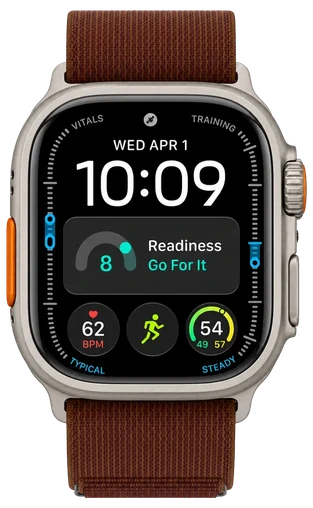
Does the Apple Watch Ultra 4 work with iPhone and Android?
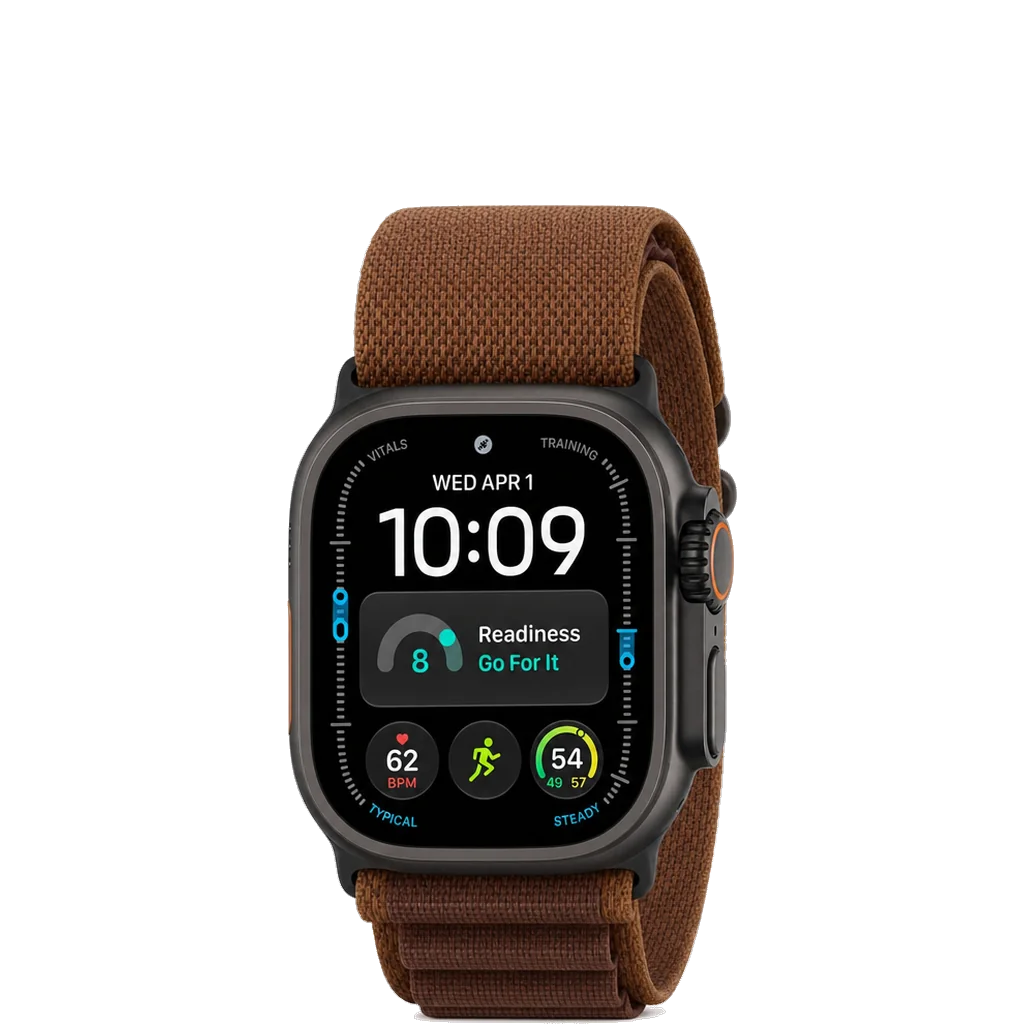
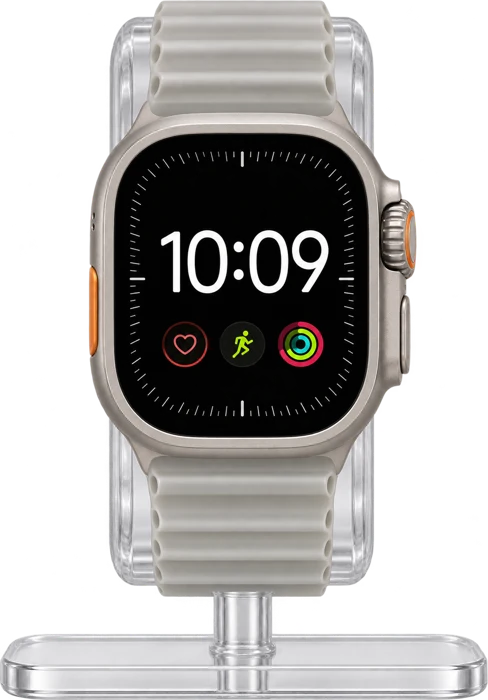

Works with
Android phones (Galaxy, Pixel and others)It needs an iPhone to set up and use.
What you need: An iPhone is required for normal setup.
Limits: An Android phone cannot stand in for the iPhone.
iPhoneNeeds an iPhone 11 or later on iOS 27 or later.
What you need: IPhone 11 or later; iOS 27 or later; Bluetooth on; Wi‑Fi or mobile network during setup.
MacIt can unlock a Mac, but it still needs an iPhone.
What you need: Same Apple Account on Mac and Apple Watch; two-factor authentication; Wi‑Fi and Bluetooth; watch passcode. Normal watch setup still requires iPhone 11+ on iOS 27+.
Limits: The documented Mac integration is not a direct Apple Watch setup/pairing or Health-data management replacement for iPhone.
SpotifyPlaying music on the watch needs Spotify Premium.
What you need: Spotify app on iPhone.
Limits: Free users can only use the watch as a remote; streaming and offline listening on the watch need Premium.
Third-party appsWhat each app can do on the watch varies.
What you need: App-specific account/software requirements; some apps require their iPhone app for setup or certain functions.
Limits: Feature parity varies by app: Spotify direct/offline playback requires Premium; Google Maps new-destination navigation starts on the phone; WhatsApp setup/troubleshooting depends on the iPhone app; Family Setup behavior is not fully documented for all third-party apps.
WhatsAppSetup and chat sync need your iPhone nearby.
What you need: Apple Watch Series 4 or newer; watchOS 10 or newer; WhatsApp on a nearby iPhone for setup and sync.
Limits: Chats sync from your iPhone, which must be nearby with Bluetooth on to load them.
Show allShow less
PaymentsYour bank, card and country must support Apple Pay.
What you need: A supported card from a participating card issuer; Apple Pay available in the market.
Limits: Apple Pay is not in every country, and bank and card support varies. Apple does not list Google Wallet, Samsung Wallet or Garmin Pay for the watch.
Companion app, account and subscriptionSet it up in the Apple Watch app with your Apple Account. Fitness+ is optional.
What you need: Paired compatible iPhone; Apple Watch app; Apple Account for account-backed services.
Limits: Apple Fitness+ availability varies by country or region.
Health features and restrictionsEach feature has its own age, country and approval rules.
What you need: A compatible iPhone on current software. Each feature has its own rules: hypertension needs iPhone 11 or later and age 22 or older, sleep apnea notifications are for age 18 or older without a diagnosis, and ECG and irregular rhythm have age and regional limits.
Limits: Hypertension notifications may not be cleared for Series 12 or Ultra 4 everywhere. ECG and irregular rhythm availability varies by region. Blood Oxygen has regional and US model limits. Hypertension checks ask you to use a separate blood pressure cuff.
Voice assistantSiri AI needs an Apple Intelligence iPhone nearby.
What you need: For Siri AI: watchOS 27, Apple Intelligence-enabled iPhone nearby, and supported Siri/device language.
Limits: Siri is not available in all countries/regions/languages. At the checked date, Siri AI was English-first, unavailable on watchOS in the EU, and unavailable when the Apple Account region is China mainland.
StravaRecord runs and rides on the watch.
What you need: Strava app on iPhone; watchOS 10 or later, iOS 17 or later.
MyFitnessPalIt has an Apple Watch app.
What you need: MyFitnessPal on iPhone; watchOS 10 or later.
Family setup / kids modeSet it up with Apple Watch For Your Kids from a parent's iPhone.
What you need: A parent's iPhone, Apple Accounts for the parent and the child, a Family Sharing group and a compatible watch. Some features need a cellular plan.
Limits: Some features need the child's own iPhone and are not available this way. Carrier and regional availability vary, and not every app, such as WhatsApp, says how it works with Family Setup.
CarPlay / carIt only works as a car key, in cars that support Apple Wallet car keys.
What you need: A compatible car; car key added in Apple Wallet.
Limits: Only works with cars that support Apple Wallet car keys. Apple does not describe the watch running CarPlay itself.
ChargingIt charges on the Apple Watch Magnetic Fast Charger. The one in the box is faster than older chargers.
What you need: For fastest charging, use the current included Apple Watch charger (A3277) with suitable USB‑C power.
Limits: Actual charge time varies with adapter, conditions, battery state, and use.
BandsAny band whose Apple list includes 49mm.
What you need: Use a band whose Apple compatibility list includes 49mm.
Limits: Older band labels can be confusing. If a band only says 42mm on an older large-case label, check the exact band model.
Show allShow less
Fitness equipment and sensorsIt works with Bluetooth sensors and GymKit equipment.
What you need: A Bluetooth sensor or accessory, or GymKit equipment labeled Connects to Apple Watch.
Limits: Apple has not said whether ANT+ sensors work.
Bluetooth headphonesPair them in Bluetooth settings on the watch.
What you need: Put the headphones in discovery mode, then pair them in Settings > Bluetooth on the watch.
Limits: AirPods set up with an iPhone work with the watch with no extra pairing. Siri, phone calls, voicemail, and voice memos play through the watch speaker.
Cellular / LTEYou need an eligible carrier plan, usually the same carrier as your iPhone.
What you need: An eligible plan from a supported carrier. Normal setup uses the same carrier as your iPhone; Apple Watch For Your Kids can use a different one.
Limits: Carrier eligibility, regional models, 5G and roaming support vary. No single cellular Apple Watch model works worldwide.
Notifications and repliesSome still need the iPhone switched on.
What you need: Wi‑Fi or cellular for use away from iPhone; paired iPhone remains required for normal setup.
Limits: For SMS, MMS, and third-party push notifications on a cellular Apple Watch, the paired iPhone must remain powered on and connected to Wi‑Fi or cellular, though it does not need to be nearby.
Satellite / emergency SOSIt only works in supported countries, with a clear view of the sky.
What you need: For satellite use: no cellular or Wi-Fi, and a clear view of the sky. Emergency SOS via satellite needs no carrier plan; Messages and location sharing via satellite do.
Limits: Satellite features depend on the country, and watches bought in some listed regions are excluded. They are free for two years after activation under Apple's current terms.
Ask about anything else
Does it work with…?