


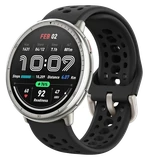
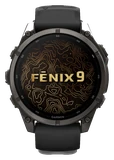





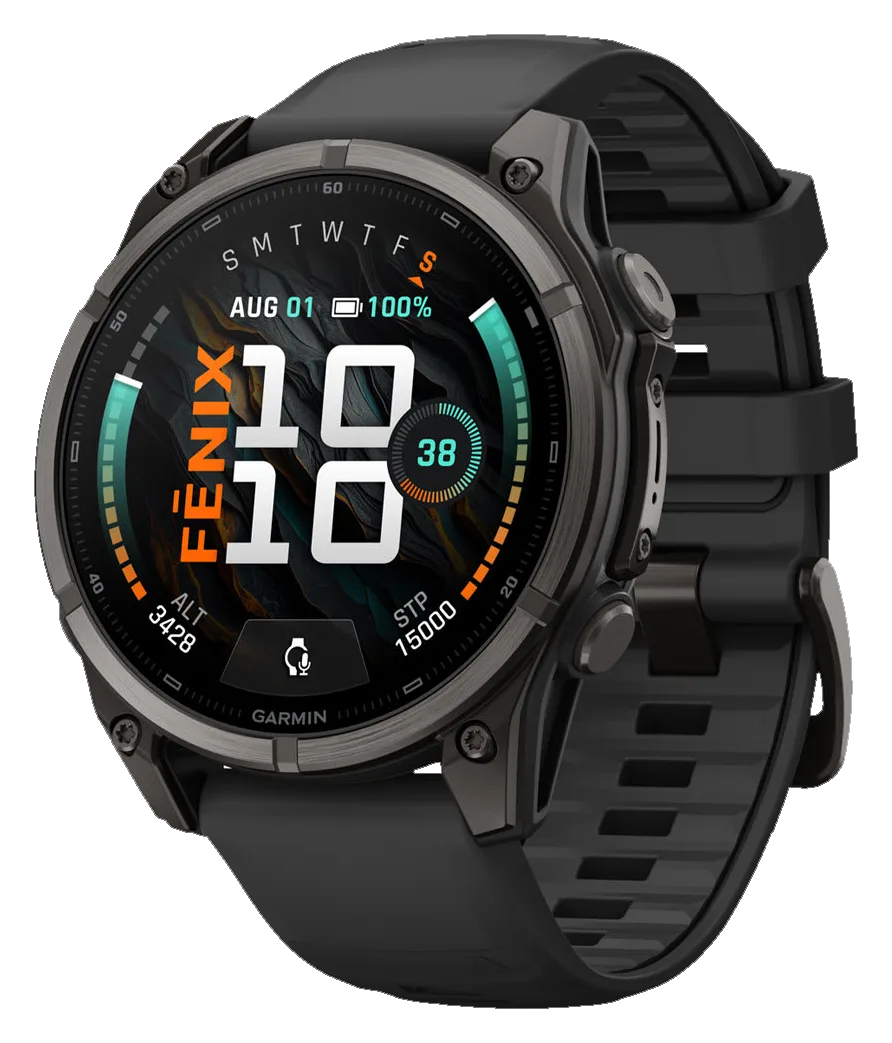
Does the Garmin Fenix 9 work with iPhone and Android?

Works with
Text replies on iPhoneReplies are Android only. An iPhone still sends notifications.
Limits: IPhone can still provide notifications.
iPhoneYou can't reply to texts from the watch. Notifications and sync work.
What you need: Compatible phone + Garmin Connect.
Limits: Replying to texts from the watch needs an Android phone.
AndroidNotifications, sync and text replies work through Garmin Connect.
What you need: Compatible Android phone + Garmin Connect.
Limits: Exact minimum Android version is held pending a Fenix 9-naming requirements source.
Show allShow less
Android phones (Pixel, Galaxy and others)It works like any Android phone, text replies included.
What you need: Garmin Connect and Bluetooth.
Limits: Exact minimum OS is held separately.
Connect IQ appsWatch faces, apps, data fields and music services install from the Connect IQ store.
What you need: Access to the Connect IQ store.
Limits: Connect IQ features are disabled while diving.
Phone voice assistantRequests go to your phone's assistant through the watch's speaker and microphone.
What you need: Compatible phone connected by Bluetooth.
Limits: Phone compatibility varies.
ANT+ sensorsIt pairs with supported ANT+ sensors.
What you need: Compatible ANT+ sensor.
Limits: Specific capabilities depend on sensor type.
Bluetooth sensorsIt pairs with supported Bluetooth sensors.
What you need: Compatible Bluetooth sensor.
Limits: Specific capabilities depend on sensor type.
ChargingIt charges on Garmin's own cable, from a USB-C port or a 5W adapter.
What you need: Garmin's own watch cable, into a USB-C port or a 5W or higher adapter.
Limits: It does not charge directly from a generic USB-C cable alone.
QuickFit bandsIt uses Garmin QuickFit bands. Pick the size made for your case.
What you need: Correct supported size for the exact case size.
Limits: Exact cross-generation size mapping needs a separate model/size source.
LTE on standard Fenix 9LTE is only on the Fenix 9 Pro - inReach.
Limits: Do not generalize Pro-inReach connectivity to the base Fenix 9.
Satellite messaging on standard Fenix 9Satellite messaging is only on the Fenix 9 Pro - inReach.
Limits: Variant-specific.
Indoor smart trainersCompatible trainers pair over Bluetooth or ANT+, with resistance control where supported.
What you need: Compatible trainer.
Limits: Trainer feature support varies.
Show allShow less
LTE on Fenix 9 Pro - inReach, Satellite on Fenix 9 Pro - inReachIt also needs the Garmin Messenger app and an active inReach plan.
What you need: Fenix 9 Pro - inReach + Garmin Messenger app + active inReach service plan.
Limits: Not a feature of every Fenix 9 variant.
Garmin Find My DeviceGarmin Connect can make a nearby watch vibrate and beep.
What you need: Watch within range of paired phone.
Limits: Not a wide-area Apple/Google crowdsourced finding network.
Ask about anything else
Does it work with…?