


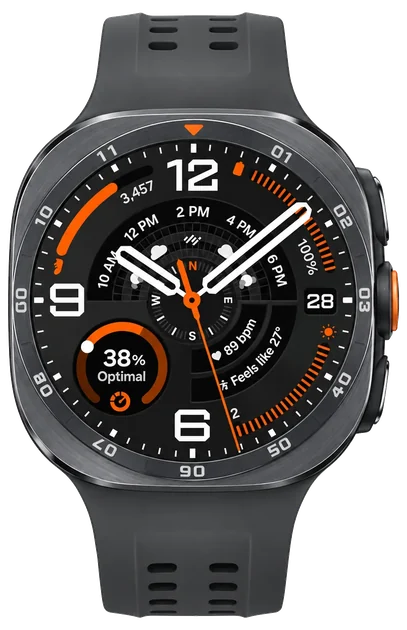
Does the Samsung Galaxy Watch Ultra 2 work with iPhone and Android?
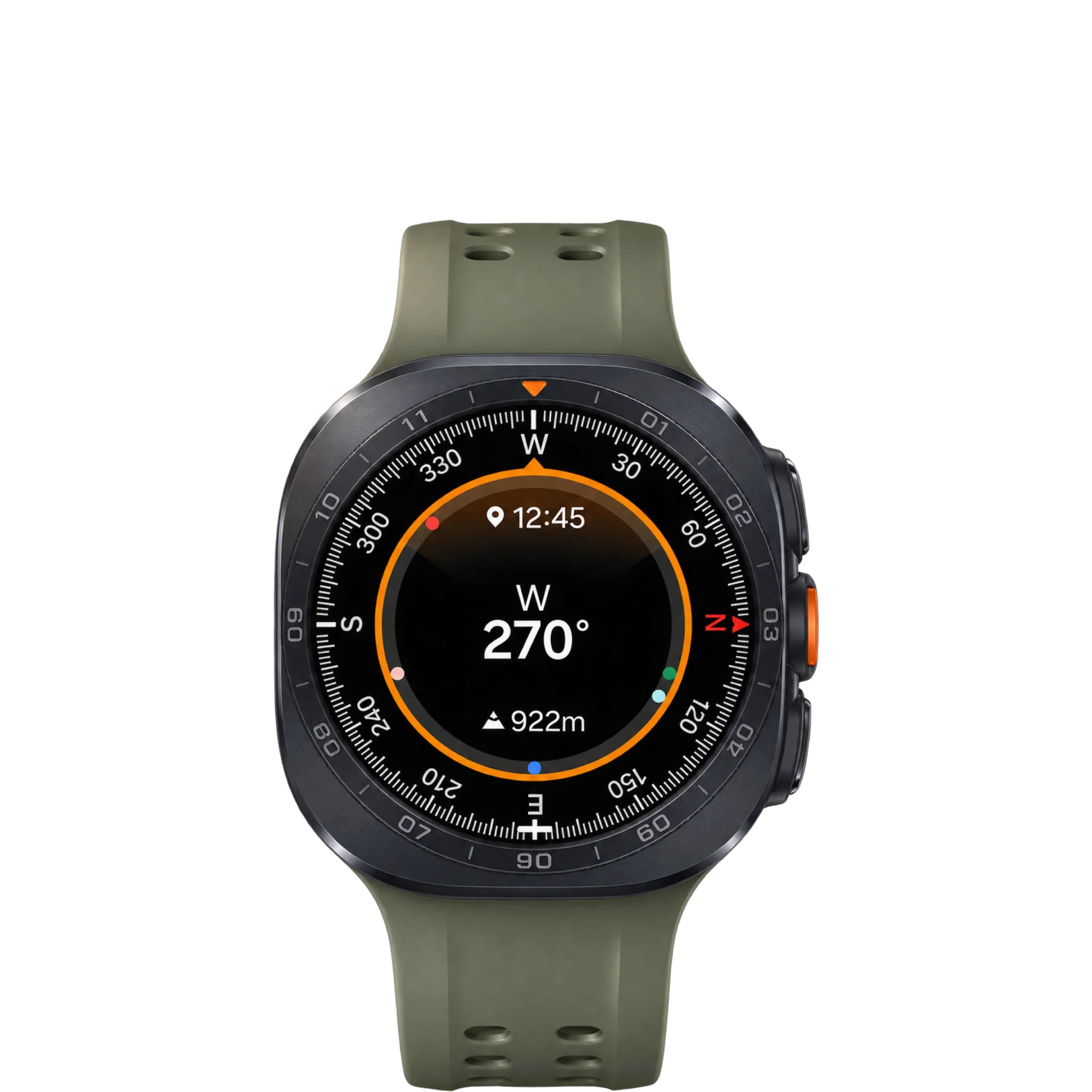
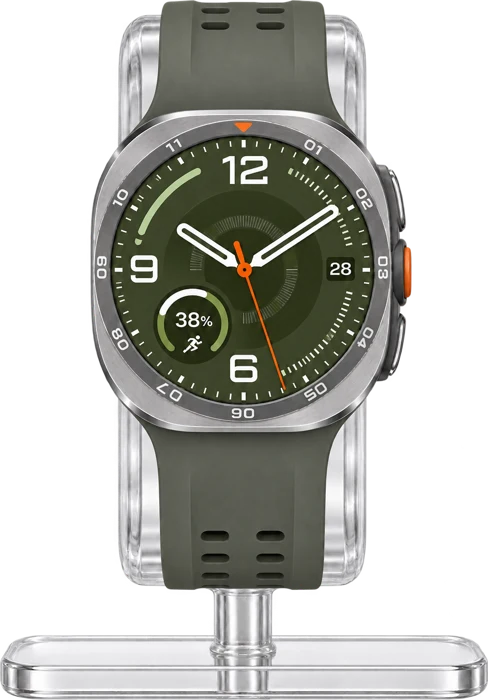

Works with
iPhoneSamsung's Wear OS watches can't pair with iPhone.
What you need: Use a compatible Android 13+ phone.
Limits: Samsung’s current model-specific compatibility table says iOS is not supported.
Google Pixel and other non-Samsung Android phonesECG, irregular rhythm alerts and other Samsung-only features need a Galaxy phone.
What you need: Android 13+; at least 1.5 GB RAM; supported model/GMS; Galaxy Wearable app.
Limits: ECG, irregular heart rhythm notifications, sleep apnea, Suggested Replies and Samsung Find need a Samsung phone.
AndroidSome features need a Samsung phone. You need Android 13 or later and Galaxy Wearable.
What you need: Android 13+; at least 1.5 GB RAM; supported GMS device; Galaxy Wearable app.
Limits: ECG, irregular heart rhythm notifications and sleep apnea features need a Samsung phone.
Samsung Galaxy phonesEvery feature works on a Galaxy phone with Android 13 or later.
What you need: A compatible Galaxy phone on Android 13 or later, the Galaxy Wearable and Samsung Health apps, and a Samsung account for some features.
Limits: Regulated health features vary by region and eligibility.
Natural CyclesIt isn't a Natural Cycles wearable.
What you need: Use a wearable explicitly listed by Natural Cycles.
Limits: Natural Cycles explicitly warns not to use temperature data from other wearables.
PaymentsYour bank, card and country must be supported.
What you need: For Samsung Wallet: a Samsung account and a supported bank, card and region. For Google Wallet: a supported country and card.
Limits: Bank, card and country support vary. Apple Pay and Garmin Pay are not confirmed.
Health featuresECG, irregular rhythm alerts and sleep apnea need a Galaxy phone.
What you need: Compatible Galaxy phone for Samsung Health Monitor; Bluetooth pairing; Samsung Health Monitor profile; supported region.
Limits: Samsung Health Monitor is Galaxy-phone-only for ECG/IHRN/sleep apnea and availability varies by region.
Show allShow less
Companion app, account and subscriptionGalaxy Wearable runs the watch, and Samsung Health your health data.
What you need: Galaxy Wearable app; Samsung Health app for health features; Samsung account where required.
Third-party appsWear OS apps from Google Play.
What you need: Google account/Play Store as required by the app; internet connection.
Voice assistantBixby and Google Gemini.
What you need: Google account/internet for Google assistant services; assistant-specific setup; supported country/language for Google assistant services.
Limits: Some assistant features require LTE; Google assistant/Gemini availability varies by language, country and region.
BandsOnly Ultra bands fit. Standard 20mm Galaxy Watch bands don't.
What you need: A band made for the Galaxy Watch Ultra and Ultra 2.
Limits: Standard 20 mm bands do not fit.
Fitness equipment and sensorsCycling power, speed and cadence sensors.
What you need: Samsung Health v7.0+; compatible cycling sensor.
Limits: Smart trainers are not supported. Direct chest-strap heart-rate pairing is not confirmed.
Bluetooth headphonesIncluding Galaxy Buds. Pair them in the watch settings.
What you need: Put the headphones in pairing mode, then pair them in Settings > Connections > Bluetooth on the watch.
Limits: Call audio to Bluetooth headphones works only on LTE watch models.
Notifications and repliesSuggested Replies need a newer Samsung phone.
What you need: Compatible Android phone; Suggested Replies require Samsung phone with One UI 6.1.1+.
Limits: Suggested Replies require Samsung phone with One UI 6.1.1 or higher.
Cellular / LTEYou need an LTE model and a carrier plan.
What you need: An LTE model and a compatible carrier and cellular plan.
Limits: Carrier and country availability vary. Samsung says setup may ask you to confirm the watch and phone use the same carrier.
Ask about anything else
Does it work with…?