
















































If your Apple Watch showed the wrong time after the clocks changed this weekend, Apple says it knows why and has published a support document with three ways to fix it. The Mac Observer reported the document after the switch from daylight saving time in the United States and Europe.
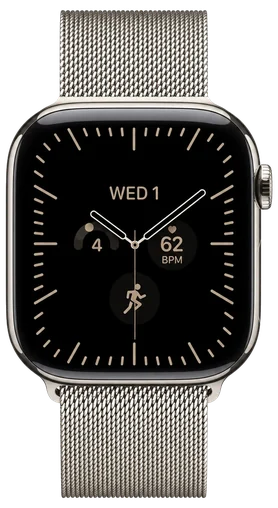
It only shows up on the Always On display, while your wrist is resting down, and the time it shows is off by one hour. Raise your wrist or tap the screen and the watch wakes up with the right time.
Apple says alarms and the watch's other basic functions aren't affected. So the dimmed clock you glance at on your desk can be wrong while the alarm you set for the morning still goes off when it should.
The quickest fix is to change your watch face and then change it back. Touch and hold the face, swipe left or right to another one and select it. Then do the same again to return to the face you had.
If swapping faces doesn't do it, restart the watch. Hold the side button until the power slider appears, drag it to turn the watch off, then hold the side button again to turn it back on.
Apple's document says the display corrects itself at midnight after the time change, so by the next day the wrong hour is gone without you touching the watch. If a wrong hour on the dimmed screen until midnight doesn't bother you, there's no need to do anything at all.