











Love it
Meh
- Extraordinarily clear picture with deep blacks
- Headset alone weighs under 170 grams
- Eye-tracked foveated rendering
- Lighthouse version works with SteamVR controllers you already own
- Frustrating software and crashes
- Picture depends on how the face foam fits
- Inconsistent controller tracking on the SLAM version
- Weak passthrough
- Wired to a powerful PC
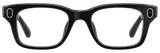
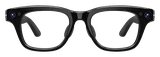
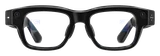
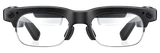
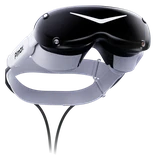
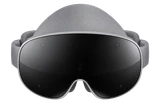
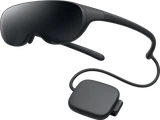
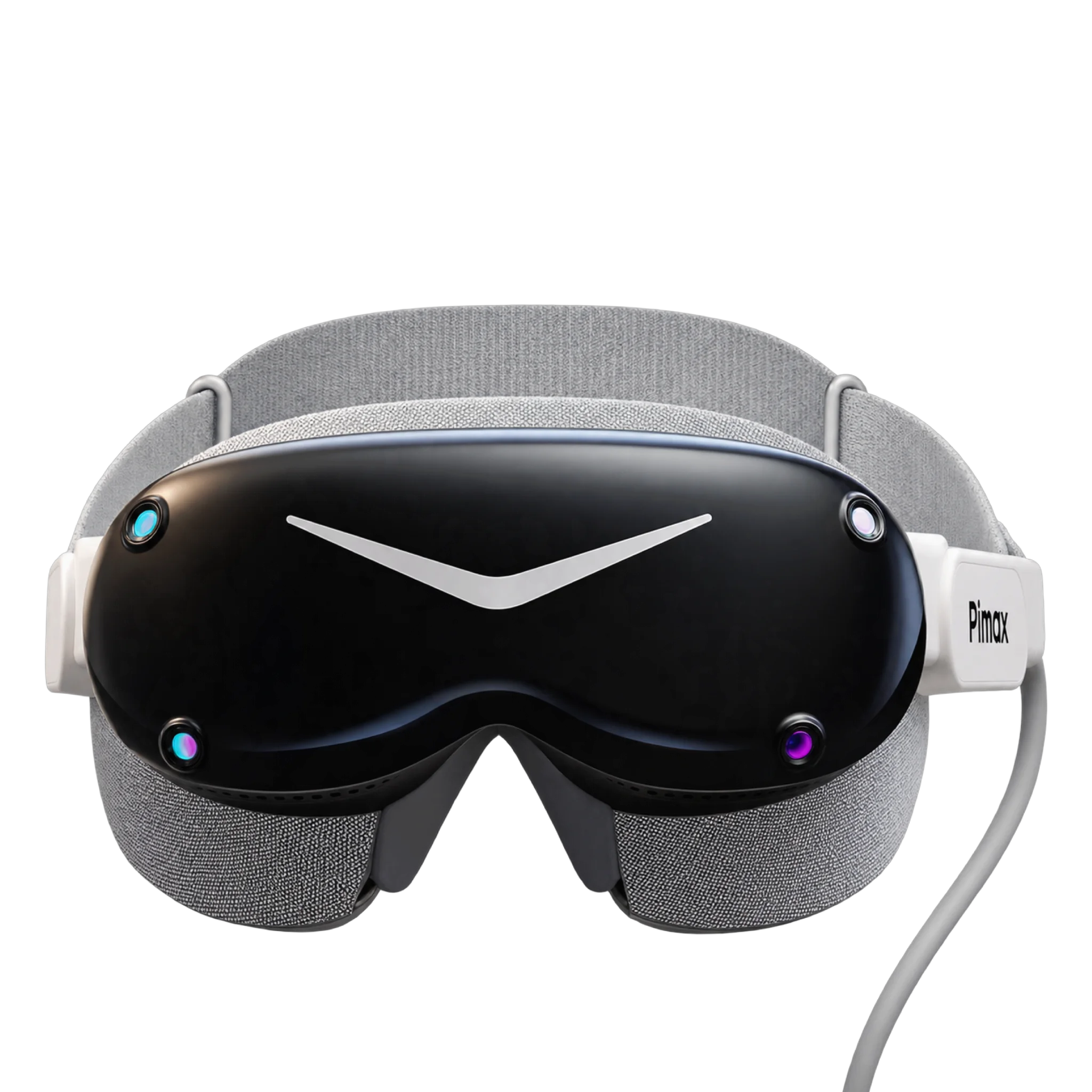
In a racing or flight sim, the Dream Air shows you why it exists. Pimax uses Sony Micro-OLED panels at 3840 x 3552 pixels per eye, and the picture is extraordinarily clear, with deep, inky blacks. The field of view is 110 degrees horizontally.
It's also tiny. Pimax puts the headset alone at under 170 grams, and in a sim rig that lightness makes long sessions far easier than on a bulky headset.
Fit
Comfort depends on your face more than it should. The view is very sensitive to how the face foam sits, and if it doesn't fit you well, the picture suffers. Plan to spend time adjusting it, including any face mask Pimax ships with your order, before you decide whether to send it back.
If you need vision correction, Pimax's prescription insert corrects nearsightedness from -1.0D to -6.0D, but it doesn't correct astigmatism or farsightedness.
Two versions
Check which version you're buying, because they're different headsets in practice. The Lighthouse version tracks with one or two SteamVR base stations, and it ships with neither base stations nor controllers. If you already own base stations and Valve Index or HTC Vive controllers, it slots right into that setup, and headset tracking works well even with a single base station.
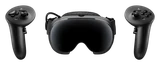
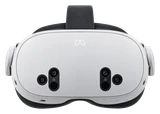
The pricier SLAM version tracks itself with four cameras on the headset, comes with two controllers and adds hand tracking and passthrough. The controllers feel good in your hands, but tracking is inconsistent. They can freeze in place or jitter, and they need just-right room conditions to track well. Passthrough is weak, too, so don't buy it for mixed reality.
Software
Expect to wrestle with settings, and the occasional crash, before everything runs smoothly. Pimax Play runs Steam games and other OpenXR and OpenVR apps, and the built-in eye tracking supports dynamic foveated rendering, which eases the load on your graphics card by rendering full detail only where you're looking.
What you need
You need a Windows 10 or 11 PC with a DisplayPort 1.4a output, a USB 3.0 port and a high-end graphics card. The headset connects with a split DisplayPort cable. A laptop works only if its graphics card drives a Mini DisplayPort or USB-C port directly and you use an adapter rated for that DisplayPort standard at 8K and 60 Hz. A USB-C port on the headset takes compatible headphones, and spatial audio is built in.
Both versions are in stock at Pimax and ship within a few business days.
How it compares
The Steam Frame is the headset most PC players should get instead. It costs far less, carries its own chip and battery, and streams games from your PC over Wi-Fi, while the Dream Air runs off a cable. Both play your SteamVR library and both track your eyes. The extra money for the Dream Air buys picture detail, and that only pays off if you sit in a sim rig.
What's in the box
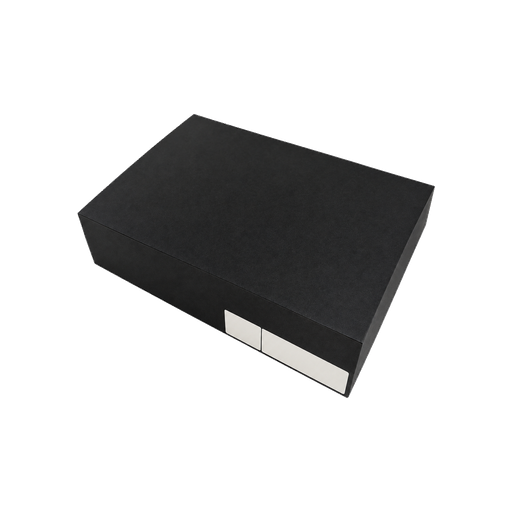
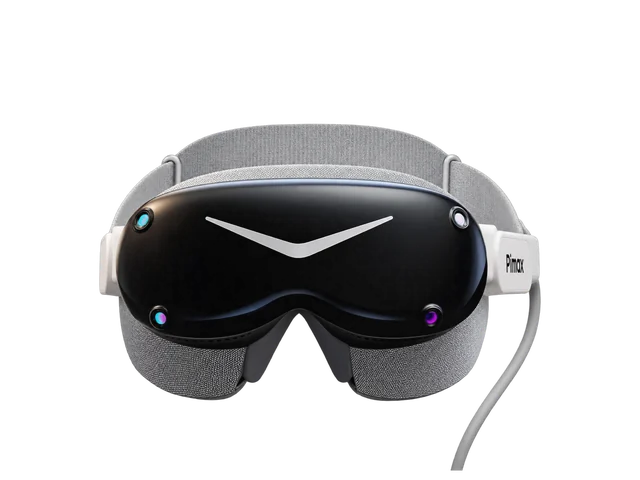 Pimax Dream Air headset
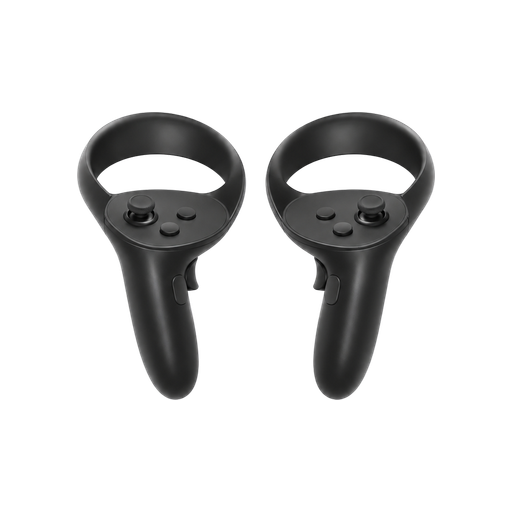 Two 6DoF controllers
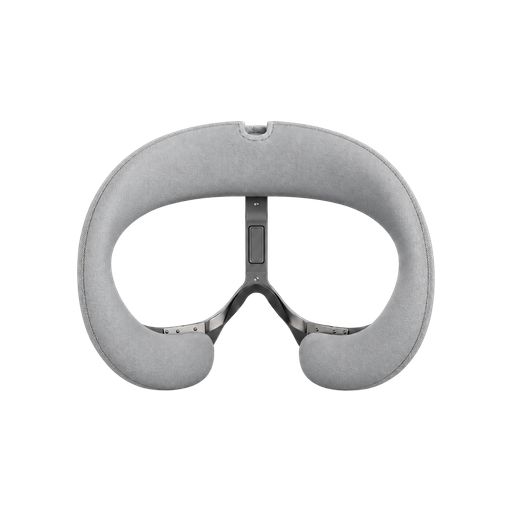 Revised face mask
Bottom line
If you play seated sims at a desk and want every pixel, the Pimax Dream Air gives you a higher-resolution picture than the Steam Frame in a tiny headset. For everyone else, the Steam Frame is the better buy: it costs far less, runs on its own and streams games over Wi-Fi, while the Dream Air stays wired to your PC.
Buy it if
- You race or fly in seated sims and put picture detail above everything else.
- You already own SteamVR base stations and controllers.
- You have a high-end Windows gaming PC with a DisplayPort output.
Skip it if
- You want wireless or standalone VR. Get the Steam Frame.
- You need reliable controller tracking out of the box.
- You need astigmatism or farsightedness correction from Pimax's prescription insert, which only corrects nearsightedness.
Last checked Nov. 15, 2026