












Love it
Meh
- Comfortable for hours, with the battery at the back
- Solid head and controller tracking
- Its own wireless link to your PC
- Eye-tracked foveated streaming
- Runs your own apps and a browser
- An hour or two of battery for games on the headset
- Games can crash and need a reboot
- Demanding games struggle on the headset
- No charger in the box
- Black-and-white passthrough
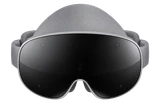
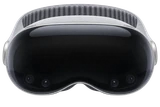
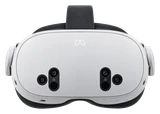
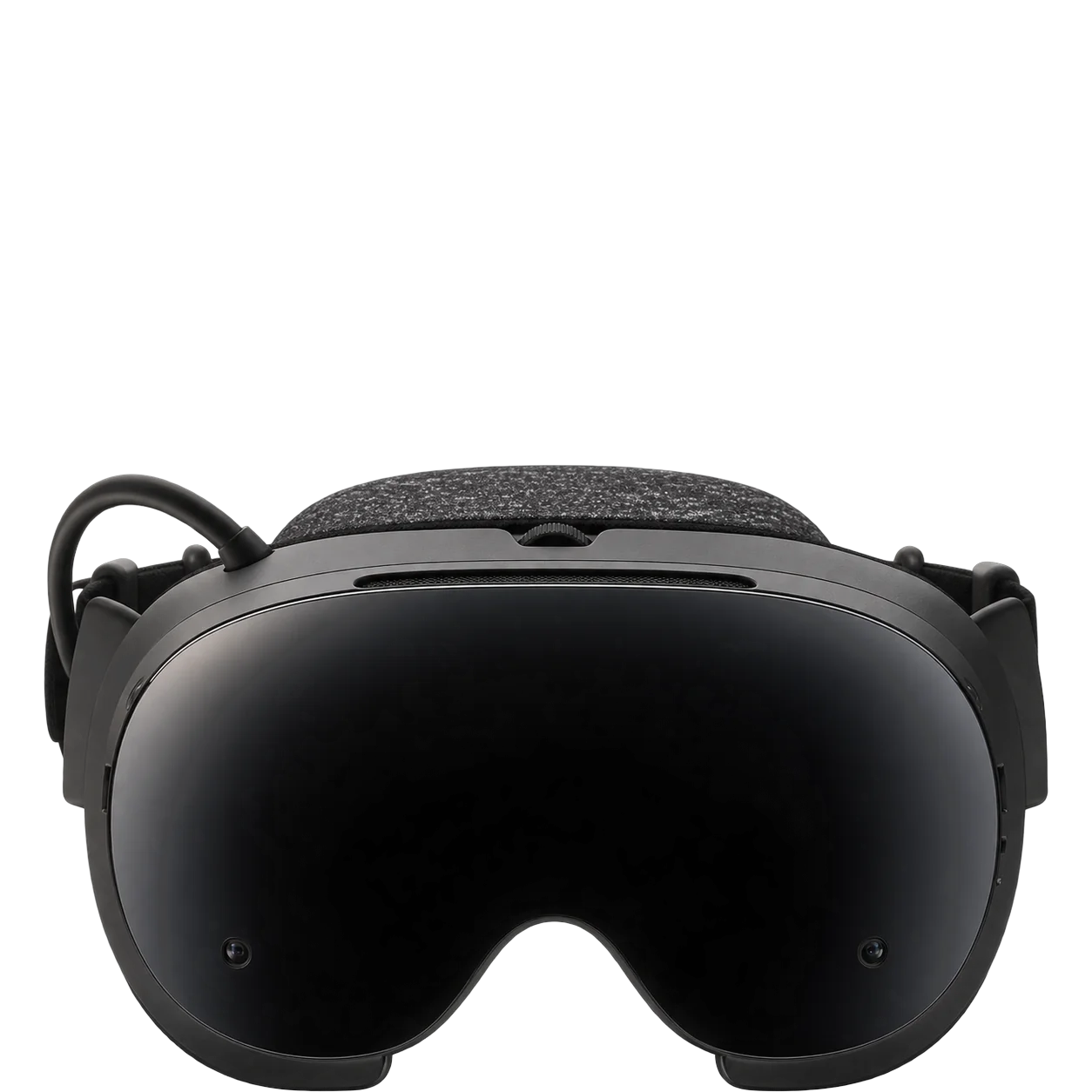
The Steam Frame is a very comfortable VR headset for a long session. Valve put the battery at the back of the headstrap, so the weight doesn't hang off your face, and for most heads that makes hours of play easy. The whole thing comes to 440 grams with the strap.
What holds it back is the software. Some games crash hard enough that you have to reboot the headset, and on a bad day it feels like an early beta rather than a finished product.
Streaming from your PC
This is what the Frame is built for. The wireless adapter in the box plugs into your gaming PC and gives the headset its own link, so it isn't fighting your router for bandwidth. Valve recommends staying within 20 feet of the adapter, and how smoothly it streams also depends on your setup. Full streaming through the adapter is supported on Windows PCs; Linux support comes with limits. It streams your whole Steam library, VR and flat games alike, and it can stream from a Steam Deck too.
Eye tracking does real work here. With foveated streaming, the PC sends full detail only where you're looking, which keeps the picture sharp without choking the link.
Playing on the headset
Running games on the Frame itself is hit and miss. The Snapdragon 8 Gen 3 handles lighter, well-optimized games, but heavier games, and ones that haven't been tuned for it, can run too badly to play, and some open and then crash. SteamOS will feel familiar if you use Steam on a PC, and because it works like a small computer, you can install your own apps and open a browser in the headset. There's a microSD slot if the built-in storage fills up.
Picture and tracking
The picture holds up well against other headsets in this class, with a wide field of view. Tracking is the Frame's strongest feature. Your head and controllers track solidly, though the picture can show some judder and ghosting.
Passthrough is black and white. If you want to see your room in color for mixed reality, you'll need to add the Arcturus Vision Camera.
Battery
Plan on an hour or two for games running on the headset, and longer if you only stream. Valve says any USB-C charger of 45W or more will keep you playing while plugged in, but there's no power supply in the box, so use a Steam Deck charger or buy one before your headset arrives.
Glasses
Glasses fit if the frames are no wider than 140mm. If yours are wider, Zenni makes prescription lenses for the Frame.
How it compares
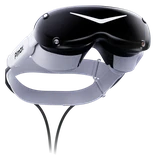
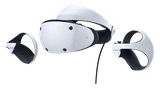
The Pimax Dream Air is the pick only if you play seated sims at a desk and want the most detailed picture. It stays wired to the PC, while the Steam Frame carries its own chip and battery, streams without a cable and costs far less. The PlayStation VR2 is the better buy if your games live on a PlayStation and you want a big virtual screen for movies or a workout routine. The Frame costs more, and that money buys a headset that doubles as a computer. It's also noticeably lighter than the Sony.
What's in the box
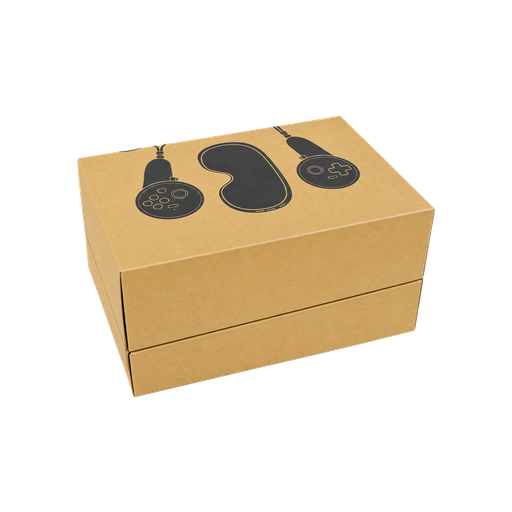
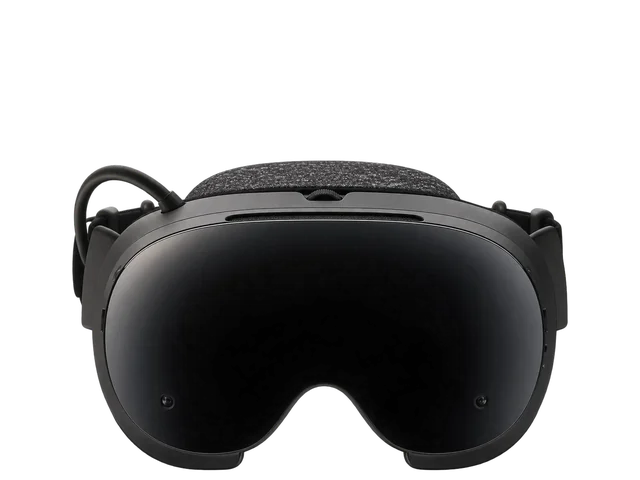 Steam Frame headset
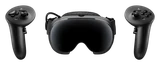
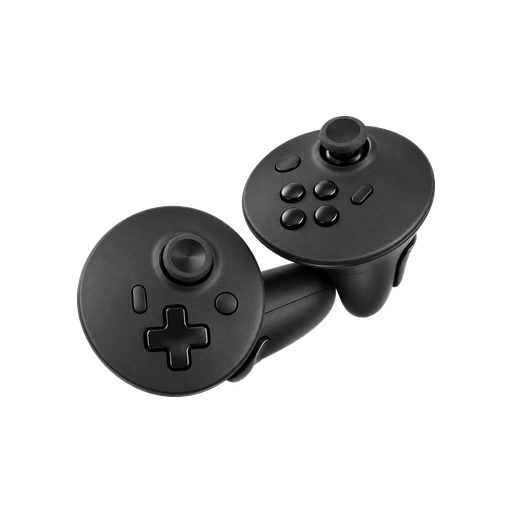 Steam Frame Controllers
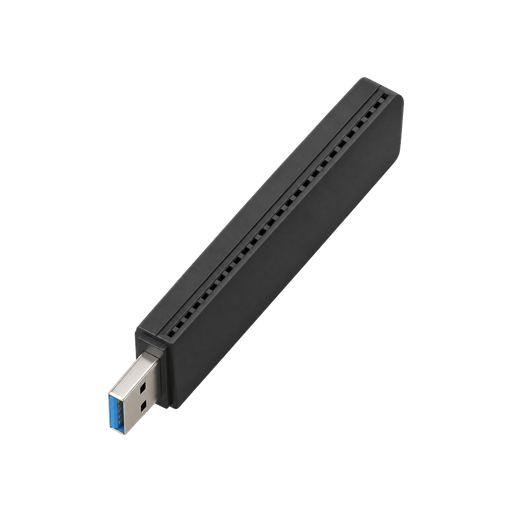 Wireless adapter
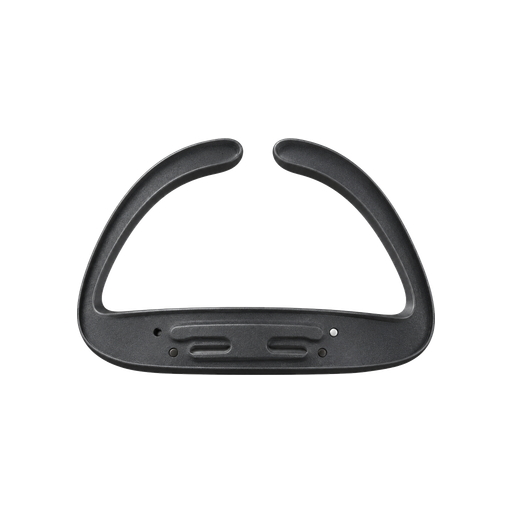 Glasses spacer
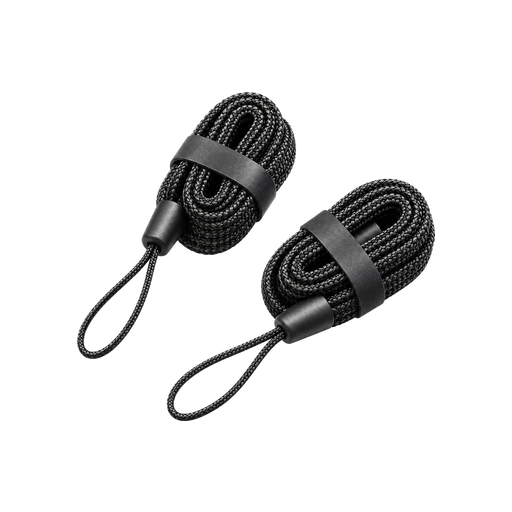 Controller lanyards
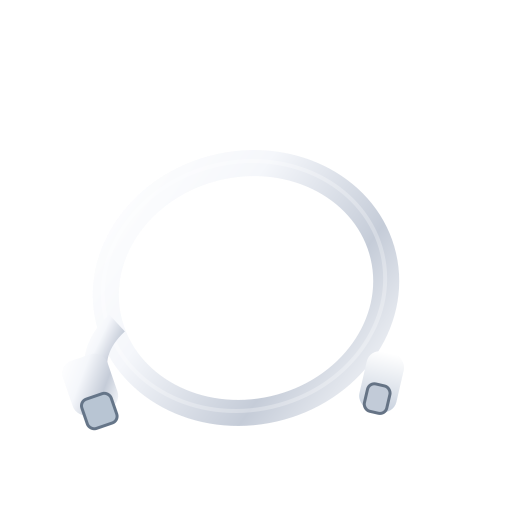 USB Type-C cable
 Cleaning cloth
 AA controller batteries
Not in the box
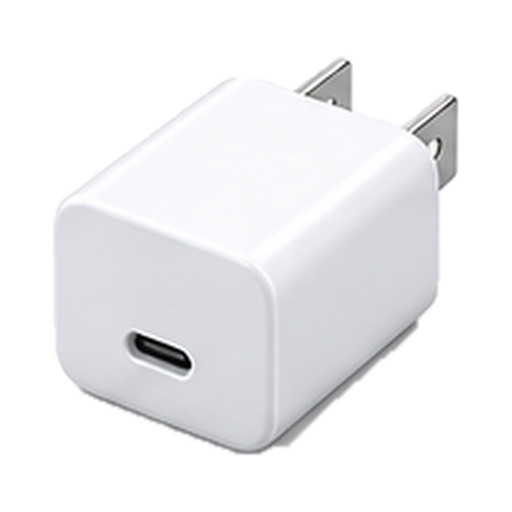 Power supply
Bottom line
If you have a gaming PC and a Steam library, the Steam Frame is the headset to get, and it beats the Pimax Dream Air unless you play in a sim rig and want the sharpest picture you can buy. If you mostly want movies and workouts on a PlayStation, the PlayStation VR2 does that job for far less.
Buy it if
- You have a gaming PC and a big Steam library.
- Comfort matters more to you than anything else.
- You want a headset that works like a computer, with your own apps and a browser.
Skip it if
- You want to play mostly on the headset, away from a PC.
- You need long play sessions without a cable.
- You play on a PlayStation. Get the PlayStation VR2.
Last checked Nov. 15, 2026