






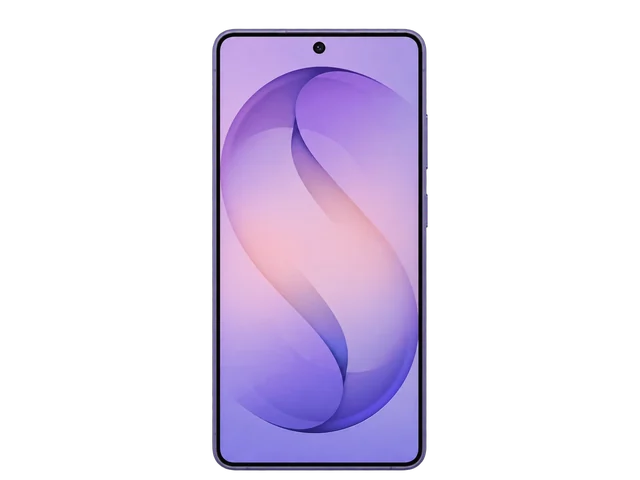
Samsung's first One UI 9.5 beta puts a 24MP photo mode in the Galaxy S26 Ultra's standard camera app. Samsung opened the beta program on Wednesday, November 18, and released the first build for the Galaxy S26 Ultra the same day. Until now, the mode lived in Camera Assistant, a separate Samsung app that owners had to download before they could shoot at 24MP.
Samsung's press release for the beta mentions easier camera app controls and new Pro Video features, and it stops there. SamMobile tested the beta on a Galaxy S26 Ultra, per Notebookcheck, and found the 24MP mode in the standard app, ready to use.
Photos shot at 24MP come out visibly sharper and more detailed than the phone's default 12MP shots. The cost is processing power. The 24MP mode needs a lot more of it, and that makes heat. On a hot summer day the phone may drop back to 12MP by itself to keep from overheating. You don't have to do anything when that happens. You just get the 12MP photo the phone would have taken before the update.
Two more camera features are hidden in the same beta.
The first is open-gate video. Normal video on the phone uses only a 16:9 slice of the camera sensor. Open-gate records with the full sensor area, which gives you more room to crop after you've finished shooting. One clip can become a vertical video for social media and a horizontal one for YouTube, so you don't have to film the same moment twice.
The second is a new burst mode that takes up to 30 RAW photos in a row. A Burst mode also turned up earlier this month in an early build of Samsung's Expert RAW app for the Galaxy S27.
Neither feature is switched on in the current beta. Both could be held back for the Galaxy S27 series instead of reaching the S26 Ultra.
For Galaxy S26 Ultra owners, the 24MP mode is the part to count on. It works in the beta today with no extra app to install, so expect it in the finished One UI 9.5 update for this phone. Open-gate video and the 30-shot RAW burst haven't earned that yet. If either is the feature you've been waiting for, don't plan a purchase or a shoot around getting it on the S26 Ultra. Wait to see what the finished update turns on, and what Samsung shows with the Galaxy S27.