













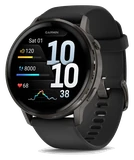
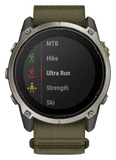
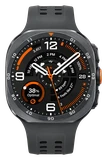
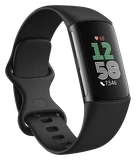






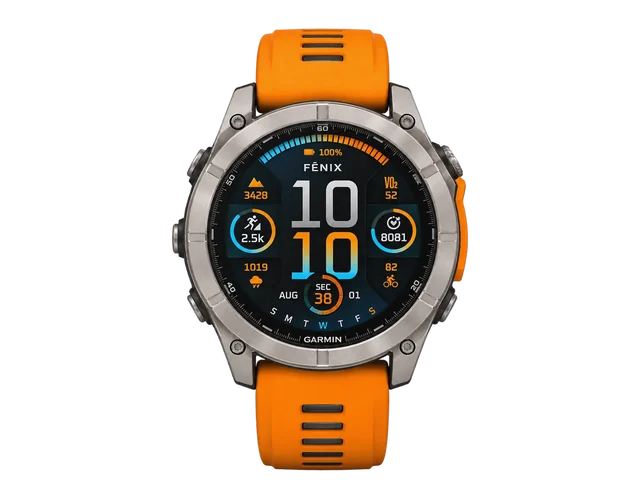
Garmin's newest Fenix 8 software fixes a restart at half-marathon timing gates. Software 24.20 is out now for the Fenix 8, Fenix 8 Pro, Enduro 3 and Tactix 8, and Notebookcheck reported that Garmin has offered it to about 50% of Fenix 8 family watches running its regular, non-beta software.
This is the same release that added dog profiles a few days ago. Those are all here: a profile for your dog, dog badges, and walks or runs logged as ones you did together. What's new is the list of repairs that came with them and how far the rollout has gone.
According to Garmin, the bug could reset the watch after it passed a half-marathon timing gate. That's a restart in the middle of a race.
The watch could also freeze during a golf activity, and 24.20 stops that.
Notification tones and timers could sound with Do Not Disturb or sleep mode switched on, and that's fixed. The Expedition activity now turns off the Bluetooth connection, which it wasn't doing before. A watch that sat on "Searching" after navigation failed no longer gets stuck there. In the pause menu, scrolling past the end of the list now wraps around, so you can reach Resume that way.
Garmin counts 15 changes since its last finished 23-series software.
Notifications that arrive during a high-intensity interval are now held back until later instead of popping up while you're working hardest. Move alerts gain a manual snooze and conditions where the watch silences them by itself. Garmin has also changed what happens when you discard an activity longer than 30 seconds. Auto Lap prompts announce the lap number during workouts, walks get a cleaner map view, and Garmin Coach adds workouts for beginner and recreational cyclists. The list ends with updated translations and other minor fixes that Garmin doesn't name.
Garmin tested its 24 series in beta, meaning early test builds, for just over a month. Those builds ran from 24.12 to 24.16, and the finished release skips straight to 24.20. It replaces 21.39, 23.40 or 23.41, depending on the model, because the Fenix 8 Pro had been running different software from the regular Fenix 8. With 24.20 they're back on one version.
You don't have to wait for the other half of the rollout. On the watch, open the main menu, then Settings, then System, then Software Update, and tap Check for Updates. If you have a race or a round of golf coming up, do that first.