


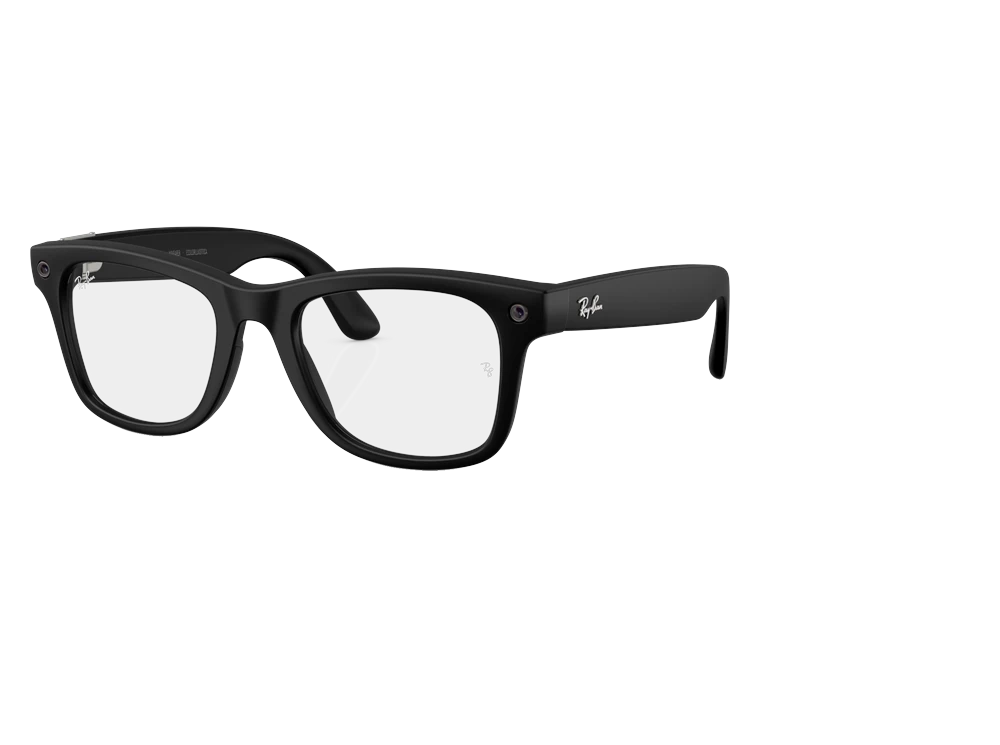
Runner-up: Best budget smart glasses
Runner-up: Best budget smart glasses
Do Ray-Ban Meta Gen 2 work with iPhone and Android?


Works with
USB-C iPhone (video), Android phone (video)They have no display.
Limits: Meta lists this model as having no display. Without a screen, the glasses cannot act as an external monitor, and no adapter changes that.
Samsung Galaxy phonesIt needs a Galaxy model on Ray-Ban's supported list.
What you need: A phone on Ray-Ban's current supported list, on Android 10 or later, with the Meta AI app.
Limits: There are no Galaxy-only features.
Google Pixel phonesOnly Pixel 5 to Pixel 9, the models on Ray-Ban's supported list.
What you need: A phone on Ray-Ban's current supported list, on Android 10 or later, with the Meta AI app.
Limits: There are no Pixel-only features.
Show allShow less
iPhoneUse the Meta AI app on iOS 18.4 or later, with a Meta account.
What you need: Supported iPhone; Meta AI app; Meta account; internet for Meta AI/imports/updates. Current App Store: iOS 18.4+.
Limits: Ray-Ban’s product FAQ still says iOS 14.4+, while the current required app listing says iOS 18.4+; use the stricter current app requirement.
AndroidUse the Meta AI app on Android 10 or later, with location on.
What you need: Android 10+ with location services; supported phone; Meta AI app; Meta account; internet for Meta AI/imports/updates.
Limits: Google Play did not expose a separate current store-level Android minimum in the fetched listing.
Mac (video), Handheld PCs (video)They have no display.
Limits: Meta lists this model as having no display. Without a screen, the glasses cannot act as an external monitor, and no adapter changes that.
Windows PC (video)They only handle audio, calls and meetings over Bluetooth. They can't show video.
Limits: Audio, calls and meetings over Bluetooth only. They can't show video.
Bluetooth audio with Mac, Bluetooth audio with Windows PCThey only handle audio, calls and meetings. Meta AI and the camera need the phone app.
What you need: Put the glasses in pairing mode (hold the capture button 5 s with arms folded), then pair from the Mac's Bluetooth settings.
Limits: Audio only. Meta AI, camera and media import still need the phone app. Meta's page does not name macOS or this model specifically.
Companion app, account and subscriptionsInstall the Meta AI app, sign in with a Meta account and pair the glasses.
What you need: Meta AI app; valid Meta account; smartphone; internet for Meta AI, imports and updates.
Limits: Some third-party services have their own restrictions; Amazon Music library access requires Prime and Spotify Tap is limited on Free.
Cross-generation compatibilityAny Ray-Ban Meta case fits.
What you need: Stay within the Ray-Ban Meta line; do not assume Ray-Ban Stories or other Meta/Oakley cases are compatible.
Limits: The FAQ says the case is only compatible with Ray-Ban Meta glasses; fit with Oakley Meta, Meta Glasses, Display or Ray-Ban Stories is not confirmed.
Bluetooth audio with PlayStation 5The PS5 doesn't support Bluetooth audio.
Limits: Sony's rule covers all Bluetooth audio devices. Third-party USB transmitters are not validated here.
PlayStation 5 (video), Xbox (video), Nintendo Switch (video), Nintendo Switch 2 (video)They have no display.
Limits: Meta lists this model as having no display. Without a screen, the glasses cannot act as an external monitor, and no adapter changes that.
Live translation / captionsSix languages: English, French, German, Italian, Portuguese and Spanish.
What you need: Meta AI setup; supported country/language; language data as required by the app.
Limits: Language/region availability is limited, and Meta’s 2026 launch material for the newer Meta Glasses says 14 new translation languages are being added, creating a broader documentation-version conflict.
Show allShow less
Bluetooth audio with Nintendo SwitchThe Switch plays game audio only. It can't use the microphone.
What you need: Pair from the Switch Bluetooth Audio settings; glasses in pairing mode.
Limits: No Bluetooth microphone, so no voice chat through the glasses; up to two wireless controllers while using Bluetooth audio; possible audio delay. Nintendo does not name these glasses.
Prescription lensesPrescriptions from -12.00 to +6.00 are available.
What you need: Rx Lens orders cover -6.00 to +6.00 total power.
Limits: Prescriptions outside the listed range are not confirmed.
Ask about anything else
Does it work with…?