
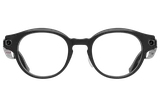





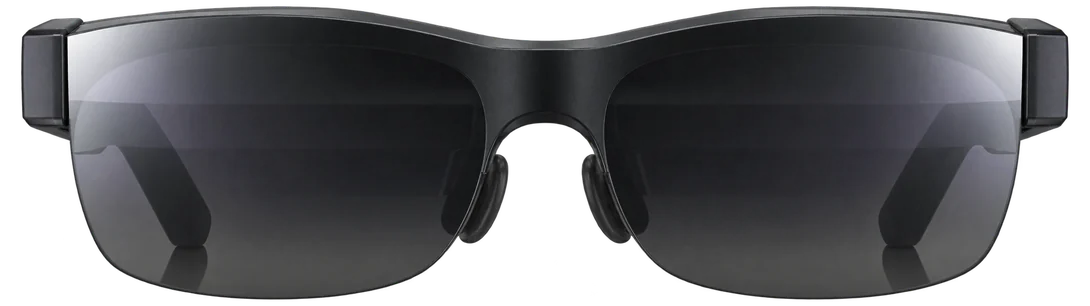
Best budget display glasses
Best budget display glasses
Do RayNeo Air 4 Pro work with iPhone and Android?
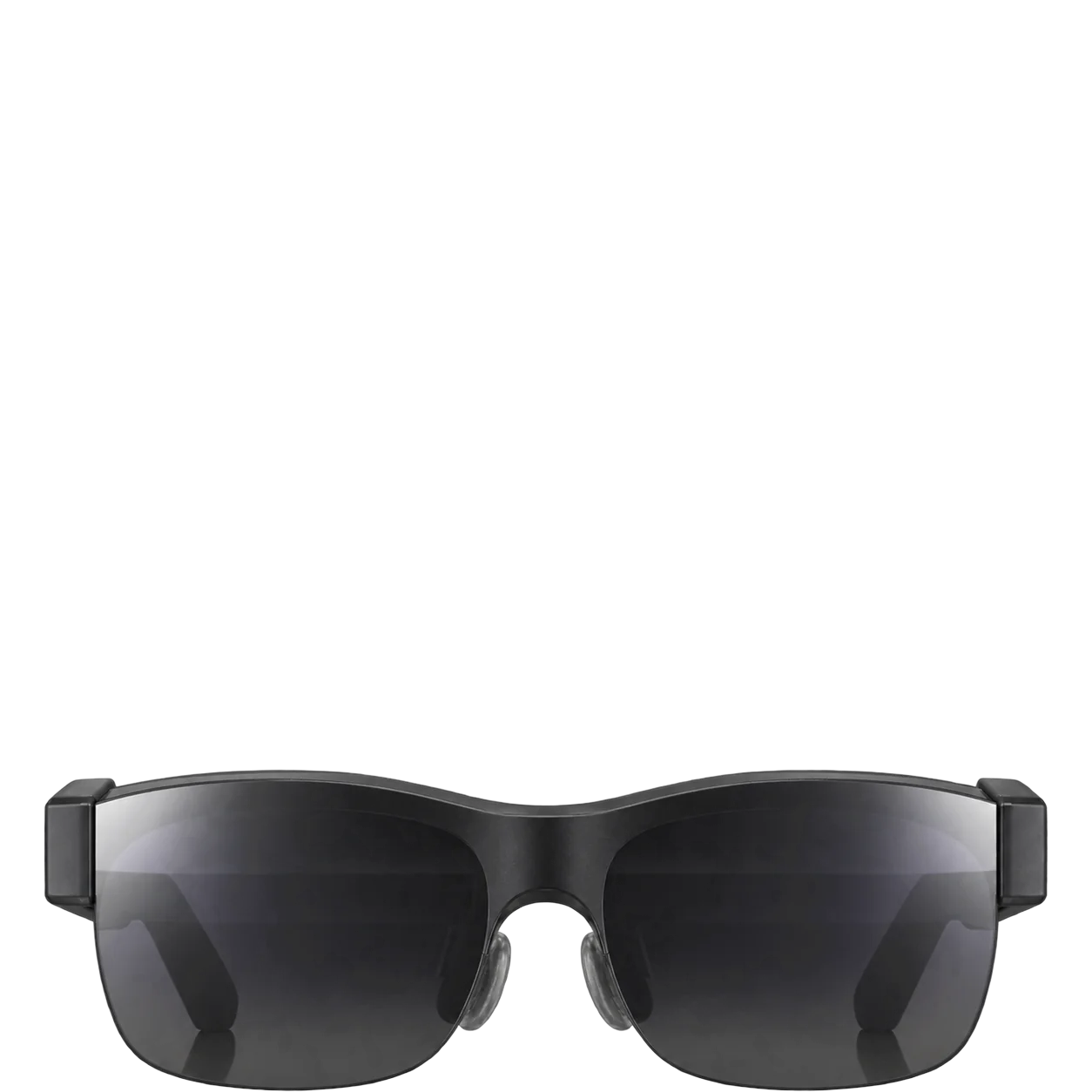

Works with
AndroidIt needs a phone that sends video over USB-C.
What you need: Android 8.0 or later, on a phone that sends DisplayPort video over USB-C.
Limits: RayNeo XR requires Android 8.0+ plus 3D and DisplayPort functions.
iPhoneWorks directly with iPhone 15 or later.
What you need: IPhone 15 or later with DisplayPort over USB-C; iOS 17.2 or later for RayNeo XR.
Limits: RayNeo says its glasses need DisplayPort over USB-C (DP Alt Mode), and the iPhone 16e is not included.
Samsung GalaxyIt needs a Galaxy phone on RayNeo's list.
What you need: Use a listed Galaxy model with USB-C DisplayPort output.
Limits: Only the Galaxy models on RayNeo's current lists.
Show allShow less
Google PixelPixel 8 and 9 show video, but the RayNeo XR app doesn't work.
What you need: Listed Pixel 8/9-family model.
Limits: RayNeo XR app features are unavailable on the listed Pixel series.
Lightning iPhone videoApple's Lightning Digital AV Adapter and a charged HDMI-to-USB-C adapter.
What you need: Apple Lightning Digital AV Adapter + charged HDMI-to-USB-C adapter.
Limits: Adds two adapters and external power/charging to the connection chain.
Android phone videoIt needs a phone with video over USB-C. Check RayNeo's list.
What you need: An Android phone with DisplayPort video output over USB-C.
Limits: USB-C alone is not enough; many Android models do not expose video output.
MacA Mac with USB-C or Thunderbolt video.
What you need: USB-C/Thunderbolt port with DisplayPort video output.
Windows PCA PC that sends video over USB-C.
What you need: USB-C port with DP Alt Mode/DisplayPort output.
Companion app / account / subscriptionVideo works without the app. The app adds 3D and spatial media.
What you need: The RayNeo XR app, only for app features.
Limits: RayNeo does not say whether every optional app feature needs an account or subscription.
Display features / appsOn supported phones, through RayNeo XR.
What you need: Compatible DisplayPort video source; RayNeo XR for app features.
Charging / cable / battery accessoriesIt draws power from the device it is plugged into. There is no battery.
What you need: The connected device powers it. Use a powered adapter where your setup needs one.
Cross-generation compatibilityRayNeo doesn't confirm every older accessory. JoyDock and the XR app work.
What you need: The current app and firmware for the accessory.
Limits: RayNeo does not say whether every older cable, case or accessory works.
Prescription lensesPrescription lenses come as custom inserts from Lensology.
What you need: Order a compatible custom lens insert from Lensology.
Limits: RayNeo does not publish a prescription range for the Air 4 Pro.
Nintendo SwitchThe RayNeo JoyDock.
What you need: RayNeo JoyDock.
Limits: Requires the dock rather than direct Switch-to-glasses USB-C.
PlayStation 5RayNeo's HDMI to Glasses and Charging Adapter.
What you need: RayNeo HDMI to Glasses and Charging Adapter.
Limits: It needs the adapter for power and video. A PS5 does not connect directly by USB-C video.
Show allShow less
Nintendo Switch 2A JoyDock updated for Switch 2.
What you need: RayNeo JoyDock updated to current Switch 2 firmware.
Limits: JoyDock firmware update is required.
XboxA supported HDMI-to-USB-C glasses adapter.
What you need: RayNeo HDMI to Glasses and Charging Adapter or equivalent supported HDMI-to-USB-C glasses adapter.
Limits: RayNeo’s cited FAQ names PS4/5 and generic HDMI sources rather than Xbox by model.
AccessibilityRayNeo has not published a full accessibility feature list for Air 4 Pro.
What you need: A prescription lens insert made for the RayNeo Air 4 Pro / its insert frame; the lens prescription must be supplied to the lens vendor.
Limits: Evidence covers prescription-lens vision correction only.
Steam DeckBoth Steam Deck models, with the included cable.
What you need: Use the included full-featured USB-C cable.
Ask about anything else
Does it work with…?