




Love it
Not so much
- Sharp, smooth 1200p picture at 120Hz
- Lenses that tint on command
- Two frame sizes, Regular and Large
- Built-in correction for nearsighted eyes
- Quiet, thin speakers
- Dimmer than the Viture Pro 2, Viture Beast and Viture Luma Ultra
- iPhone multi-screen needs an adapter
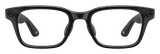
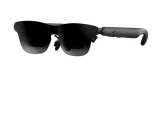
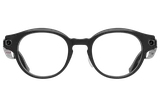
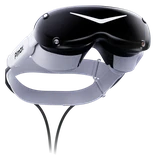
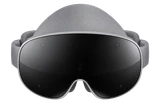
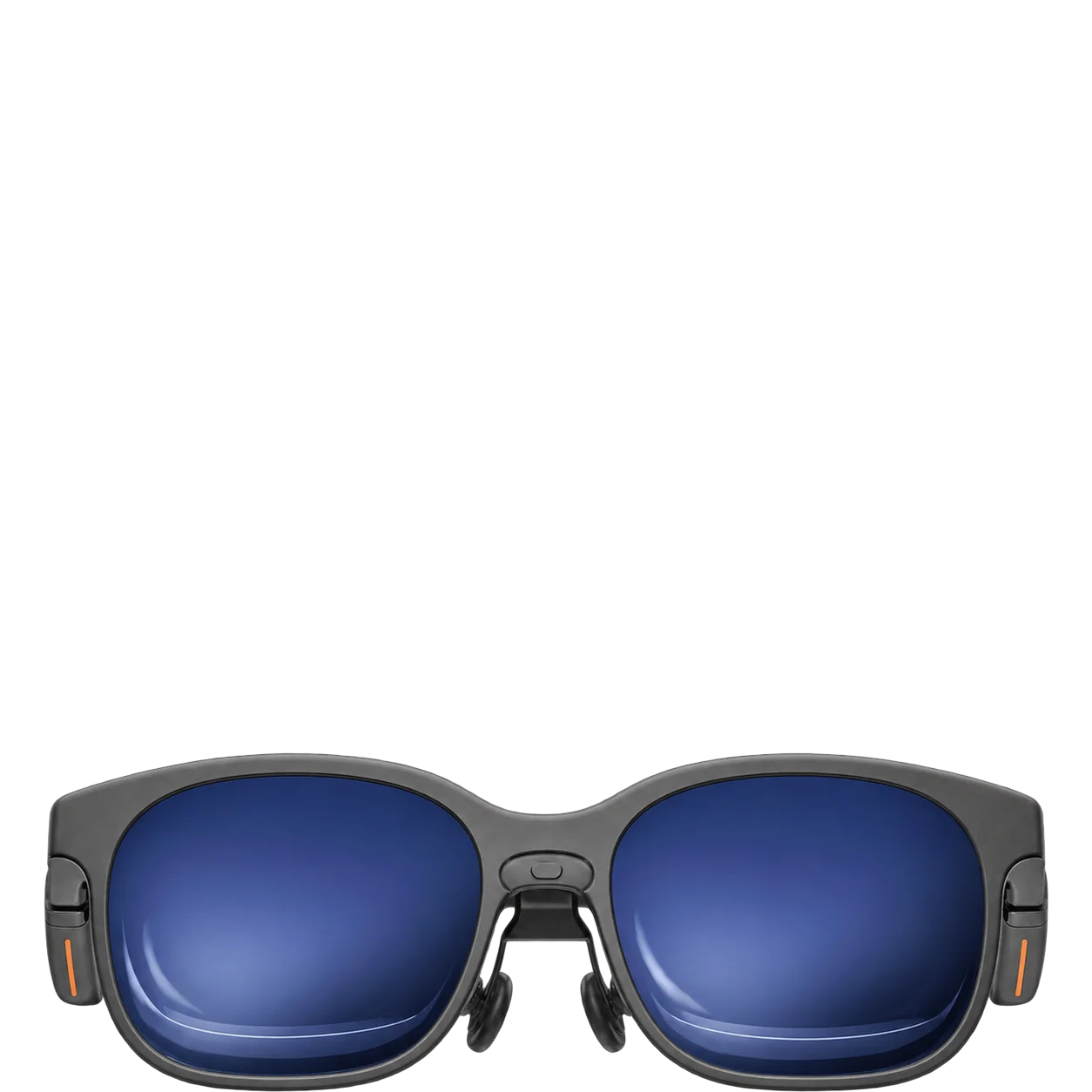
The Luma Pro turns your phone, laptop or handheld into a big private screen that nobody next to you can see. The picture is the reason to buy it: Sony Micro-OLED panels at 1200p and 120Hz make text crisp and motion smooth, so it works as well for a spreadsheet as for a movie on a flight.
Comfort and fit
The Regular frame weighs 79 grams, light enough for a movie or two on a train or plane. Viture makes it in two sizes, Regular and Large, set by the distance between your eyes, so measure yours before you order. If you're nearsighted up to -4.0, the focus adjustment is built in and many glasses wearers can leave their own pair in the bag.
Tint
The lenses darken electronically. Turn them nearly black for a movie, or let more of the room through when you need to see your coffee and your keyboard.
Sound
The speakers let you down. They leak very little sound, which is good on a plane, but they're thin and quiet, and background noise drowns them out at full volume. Plan on earbuds connected to your phone or laptop for anything louder than a quiet room.
What it plugs into
There's no battery. The glasses run off whatever you plug them into, through a magnetic USB-C cable.
On Android, you need a phone whose USB-C port sends out video. Viture lists Galaxy S, Note and Fold models, the Pixel 8 and 9, and OnePlus phones. An iPhone 15 or later works, except the iPhone 16e, iPhone 17e and iPhone Air. On an iPhone, Multi-Screen and Immersive 3D need a Viture adapter or the Mobile Dock Mini, sold separately. On a Mac, the current SpaceWalker app needs macOS Ventura or later and no longer supports Intel-based Macs. A Switch needs a Viture adapter or dock.
How it compares
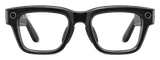
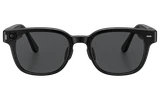
The Viture Pro 2 does the same job with a brighter picture, and its focus dials cover more nearsighted eyes, so it's the better buy for most people. Pick the Luma Pro over it for the sharper picture, the tinting lenses and the choice of frame sizes. The Viture Beast puts a bigger, brighter picture in front of you, so get it if screen size comes first; get the Luma Pro instead if you want nearsighted correction built into the frame. The Viture Luma Ultra adds depth cameras, so on a computer your screens stay pinned in the room as you move. If a big private screen is all you want, the Luma Pro covers it.
What's in the box
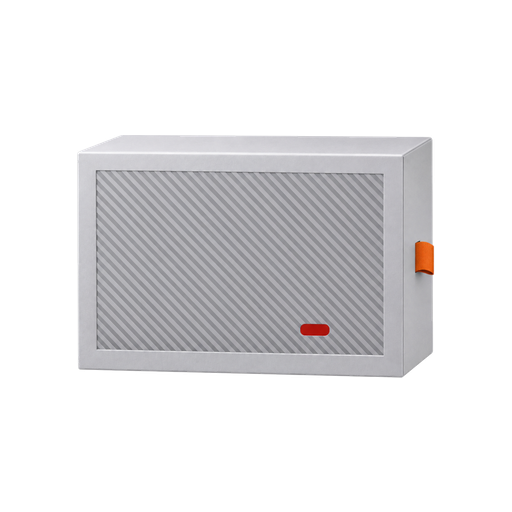
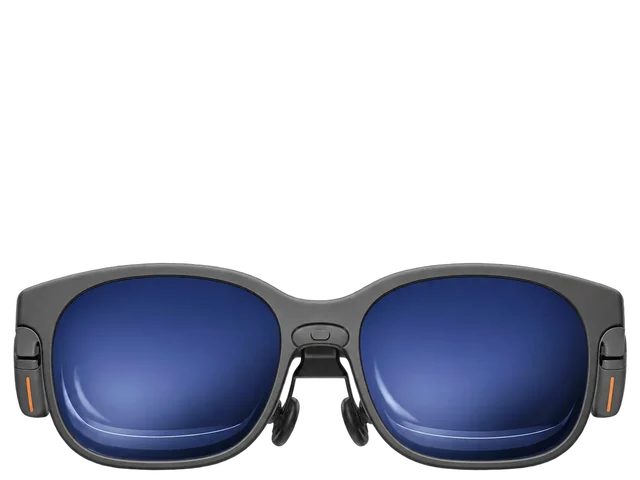 VITURE Luma Pro XR Glasses
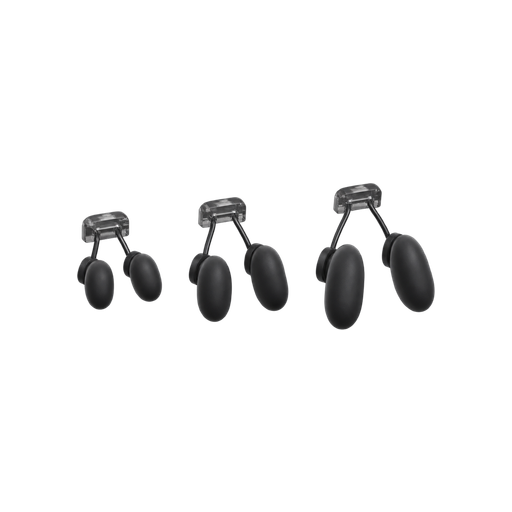 Swappable nose pads, three sizes
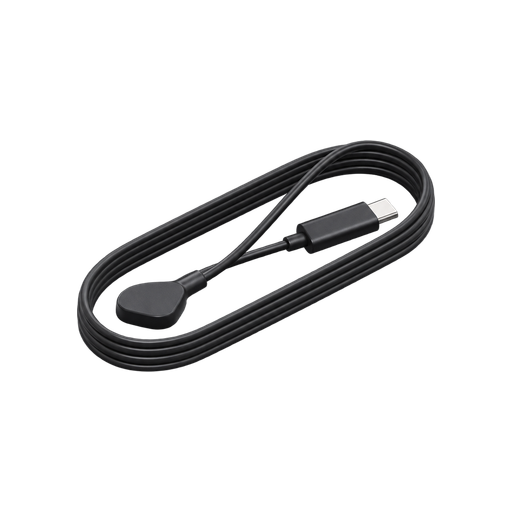 USB-C to Magnetic Connector cable
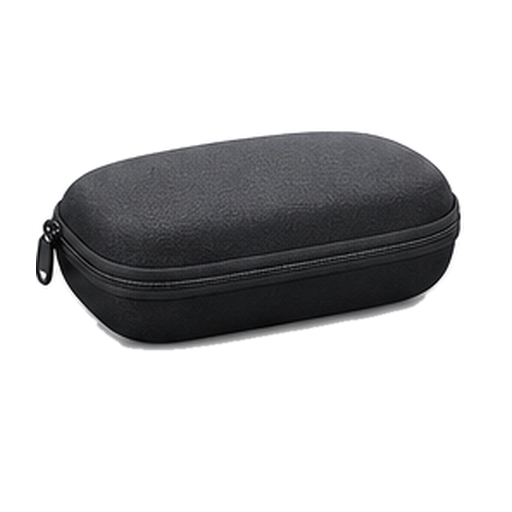
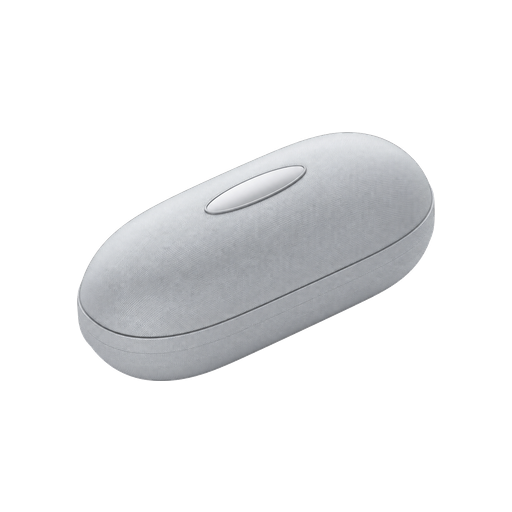 Glasses case
 Hair-friendly cover
 Camera privacy sticker
 Glasses cloth
 Quick start guide and safety guideline
Bottom line
The Luma Pro is a sharp private screen with nearsighted correction built in, but the Viture Pro 2 is brighter and its focus dials correct stronger nearsightedness, so most people should buy that. Pick the Luma Pro over the Pro 2 for its sharper picture, tinting lenses and two frame sizes, get the Viture Beast for the biggest picture, and get the Viture Luma Ultra if you want screens that hold their place as you move at a computer.
Buy it if
Skip it if
- You want lenses that tint on command and a frame sized to your eyes, over the Viture Pro 2.
- You're nearsighted up to -4.0 and want the correction built in rather than the Beast's inserts.
- You want the brightest picture. Get the Viture Pro 2.
- You want screens that stay pinned in the room as you move at a computer. Get the Viture Luma Ultra.
- You have an iPhone 16e, iPhone 17e or iPhone Air.