









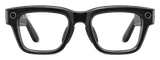
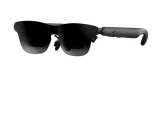
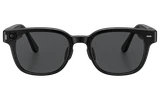

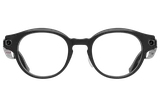












Viture Luma Pro Price, Specs, Compatibility & How It Compares

Viture Luma Pro review
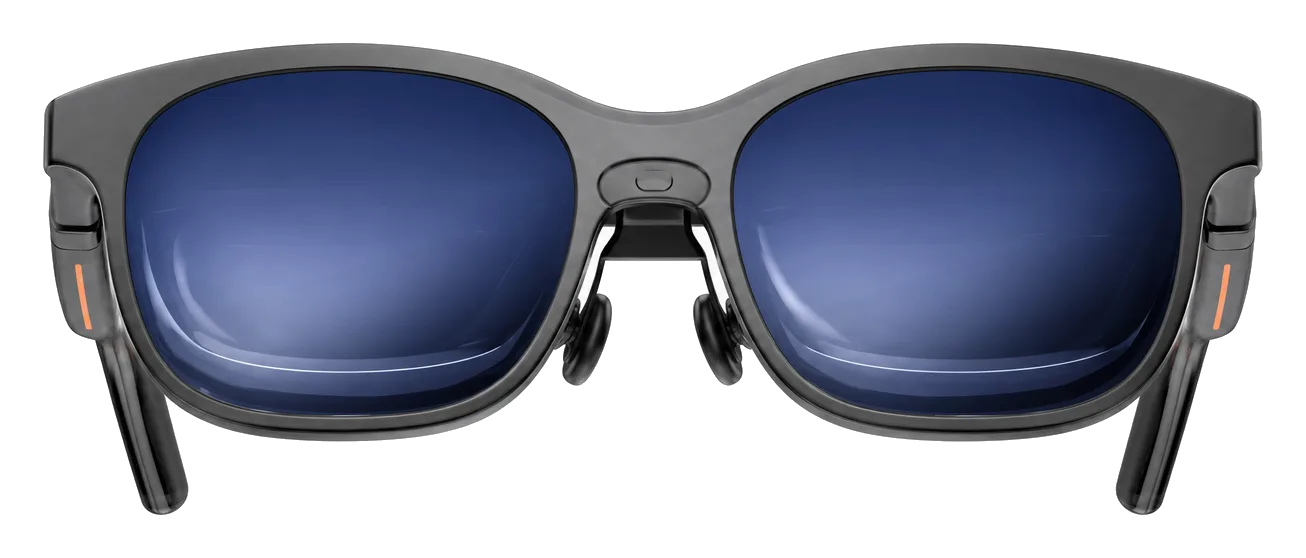
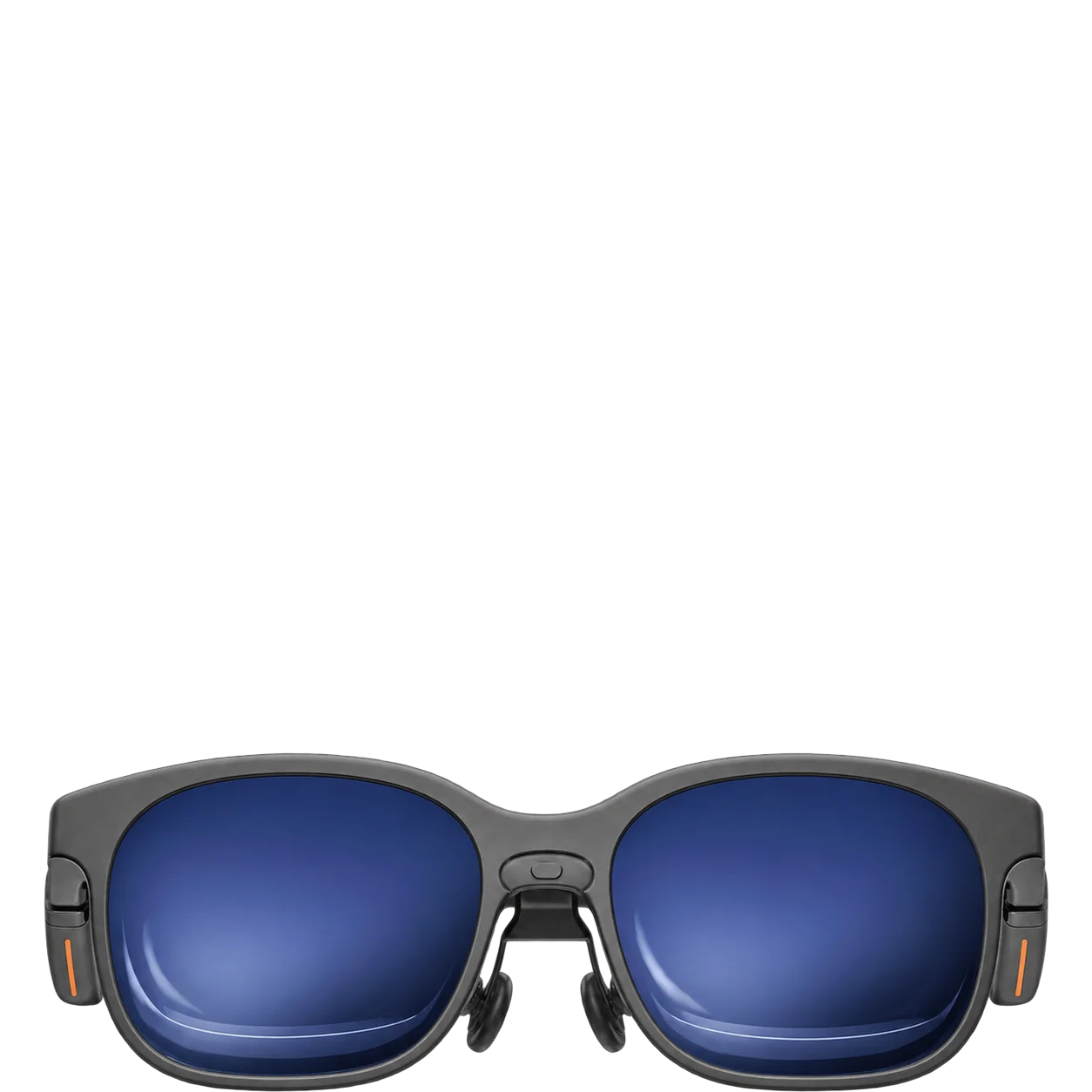
Read the full reviewThe Luma Pro gives you a sharp, smooth private screen with nearsighted correction built in.
Love it
Not so much
- Sharp, smooth 1200p picture at 120Hz
- Lenses that tint on command
- Two frame sizes, Regular and Large
- Built-in correction for nearsighted eyes
- Quiet, thin speakers
- Dimmer than the Viture Pro 2, Viture Beast and Viture Luma Ultra
- iPhone multi-screen needs an adapter
Where it shines
How it compares
See all comparisons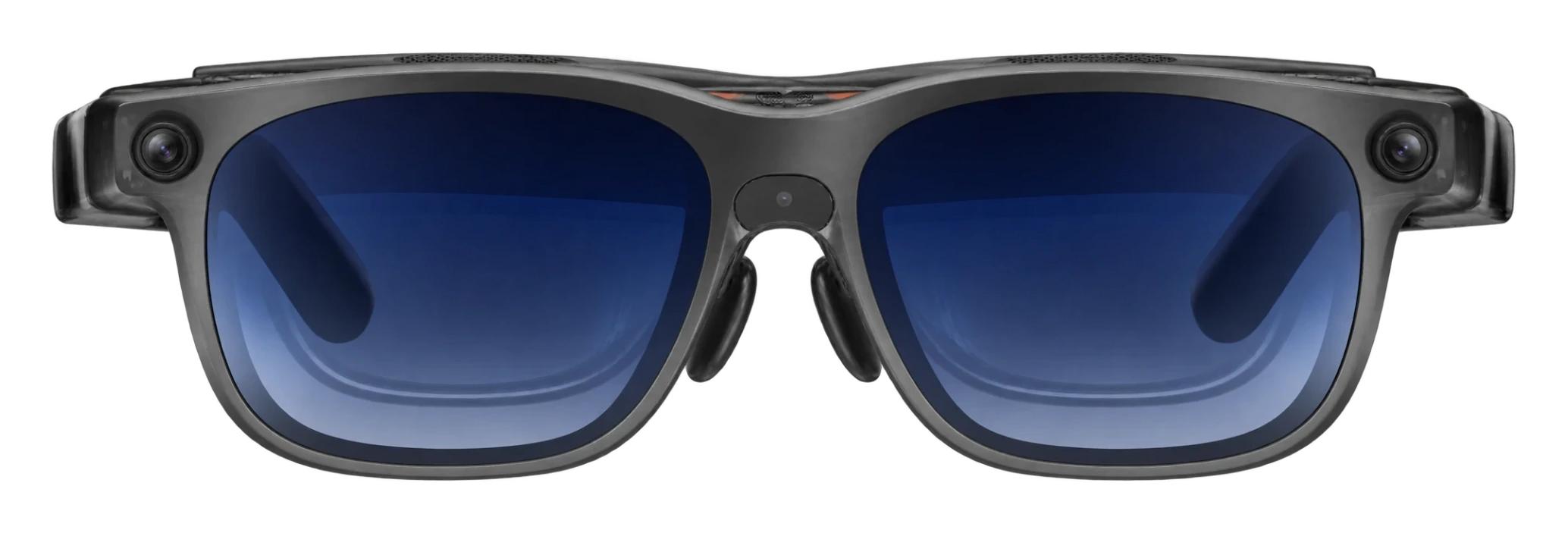
Comparison
Compare smart glassesHow it compares
Battery life
None (USB-C powered)
How it is powered.
Price
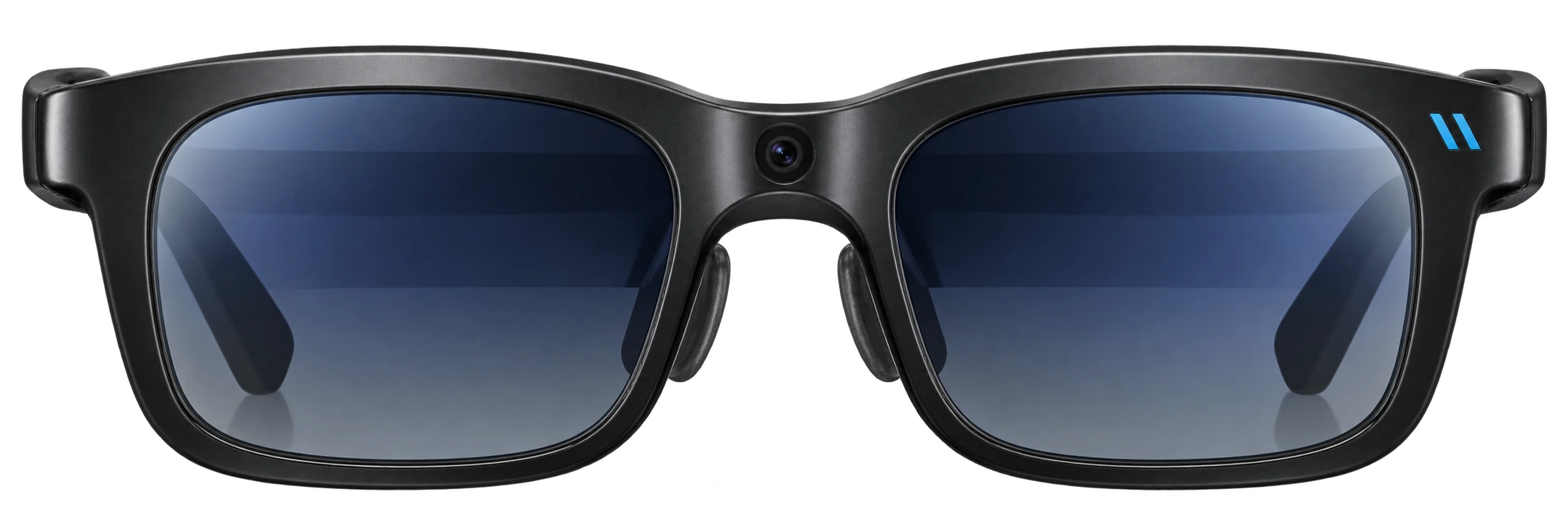
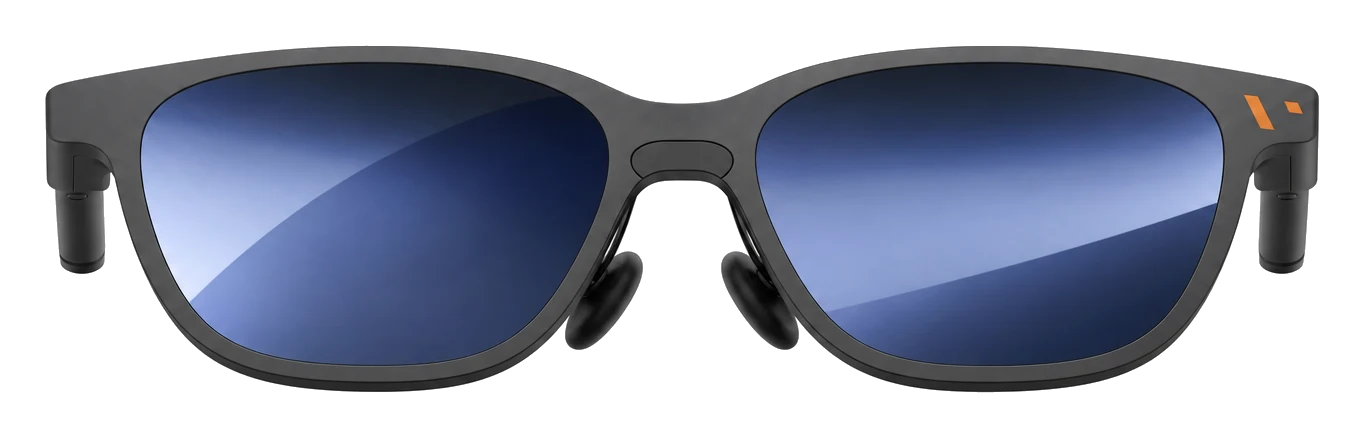
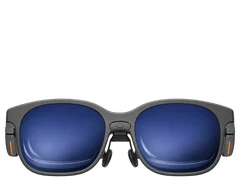 Viture Luma Pro$499
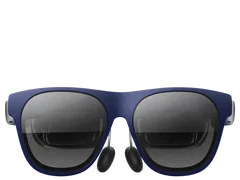 XREAL 1S$449
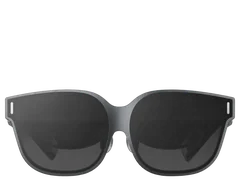 INAIR 2 Pro$469.99
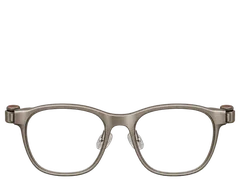 RayNeo iO$499
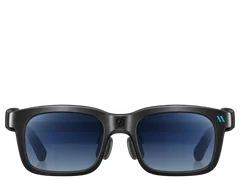 Viture Beast$549
Current list prices.
Weights are for the frame as sold, without a case or a charger.
The basics
What it works withViture Luma Pro: what's in the box, works with
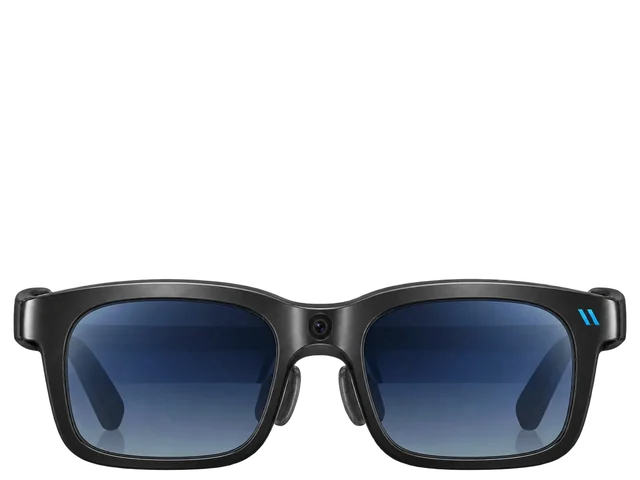
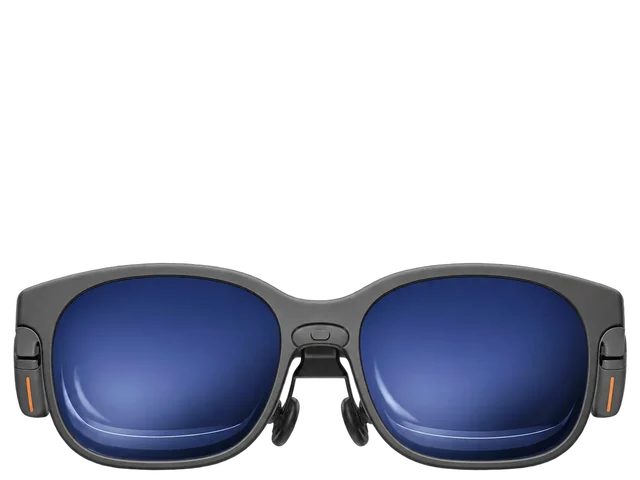 VITURE Luma Pro XR Glasses
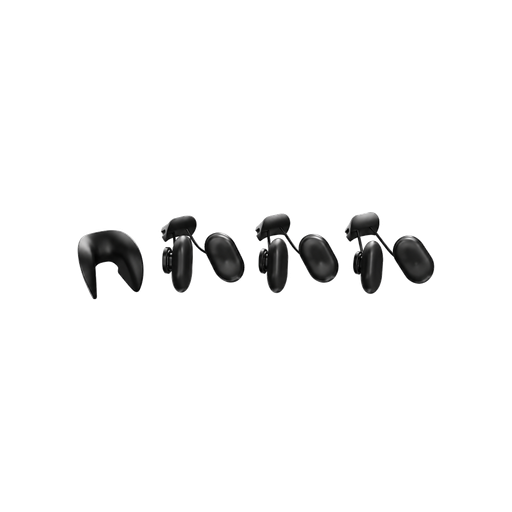
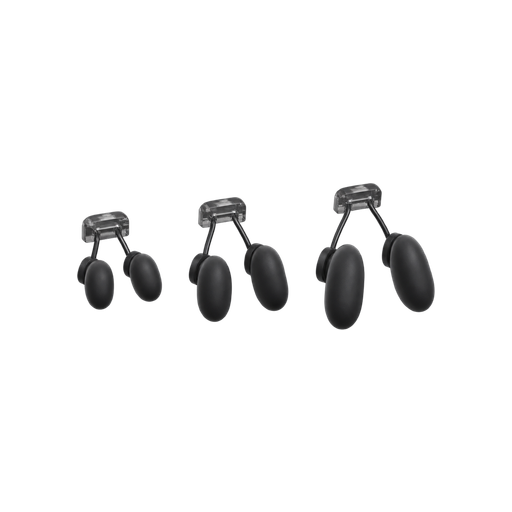 Swappable nose pads, three sizes
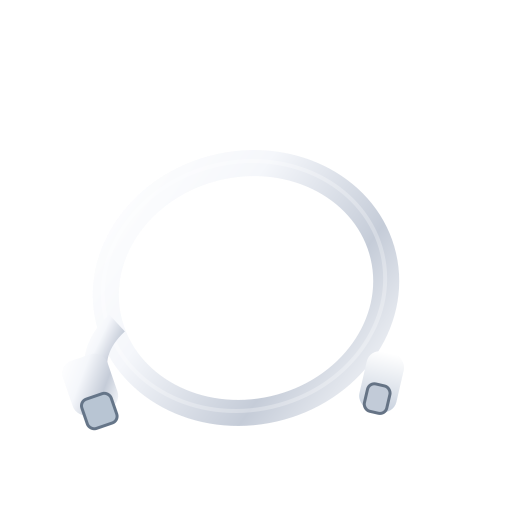
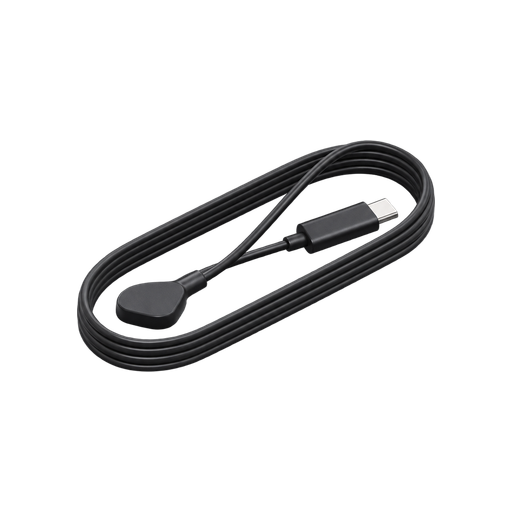 USB-C to Magnetic Connector cable
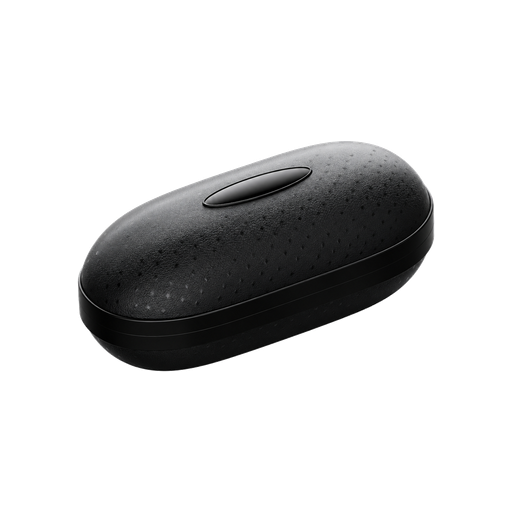
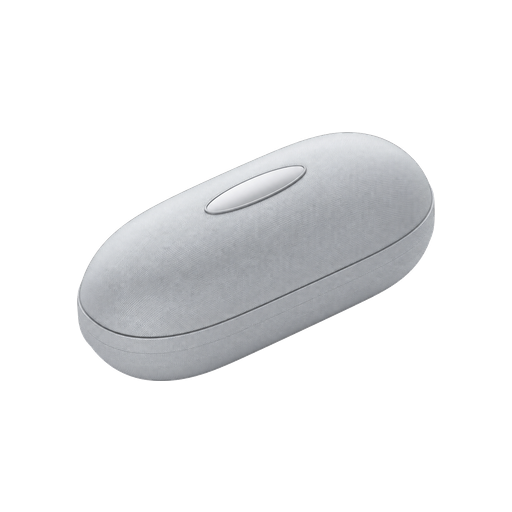 Glasses case
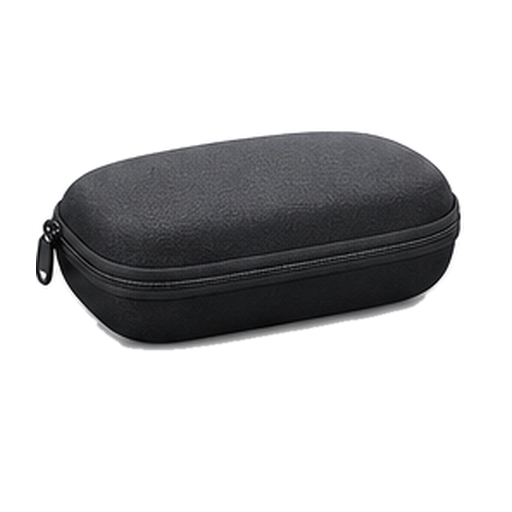 Hair-friendly cover
 Camera privacy sticker
 Glasses cloth
 Quick start guide and safety guideline



Returns and warranty
Returns and warranty
Returns and warranty details
Returns
Warranty
Covered
Not covered
Good to know
Quick answers
All questionsQuick answers
Show allShow less
Top questions
How is the Luma Pro different from the other Luma models?
Using it
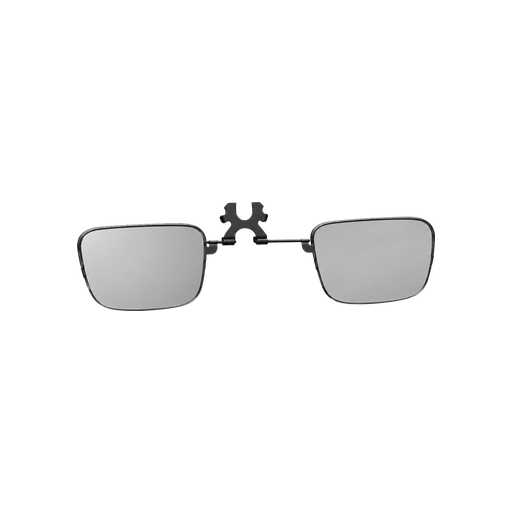
Can I get prescription lenses?
What does it cost?
Does it have a 120Hz screen?
What colours does it come in?
How sharp and bright is the screen?
Does it have a screen?
Price and models
What colors does it come in?
Returns and warranty
In the box
Works with
Ask iDevice
Ask about the Viture Luma Pro
Your Shelf
Put Viture Luma Pro on your shelf
- Get an email when there is big news about it.
- See our newest stories about it right on your shelf.
- Keep what you own and what you want in one place.
Free. No registration required.
Works with
AndroidYes, on Android phones with USB-C DisplayPort output, such as Galaxy S, Note and Fold, Pixel 8 and 9, and OnePlus.
What you need: A phone whose USB-C port outputs DisplayPort video.
Limits: Smartphones with USB-C DisplayPort output
iPhoneYes, on iPhone 15 and later, with gaps. IPhone 16e, 17e and Air are excluded, and Multi-Screen and Immersive 3D need an adapter sold separately.
What you need: An iPhone 15 or later with USB-C (not 16e, 17e or Air).
Limits: On iOS, Multi-Screen and Immersive 3D require the USB-C XR Charging Adapter Ultra, Adapter Pro, or Mobile Dock Mini (sold separately).
MacYes, with limits. It works with supported MacBook and iMac models. The SpaceWalker app needs macOS Ventura 13.0 or later.
What you need: USB-C video output; macOS Ventura 13.0+ for current SpaceWalker
Limits: SpaceWalker needs macOS 13.0 or later
Windows PCYes, with limits. It works with Windows PCs that have USB-C video output. Some VITURE adapters are not supported with SpaceWalker on Windows.
What you need: Video-capable USB-C; Windows 10 x64 version 1903+ or Windows 11
Limits: Some VITURE adapters do not work with SpaceWalker
Companion appYes, with limits. Spatial features need the SpaceWalker app on a computer or phone.
What you need: SpaceWalker for macOS or Windows; Compatible phone
Limits: Spatial features need SpaceWalker
Ask about anything else
Does it work with…?