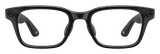
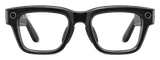
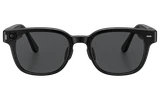






Love it
Not so much
- Bright, vivid screen that stays clear outdoors
- Lenses darken to nearly black with one click
- Comfortable for a couple of hours
- Built-in nearsighted adjustment
- Screens stay anchored in the room on a computer
- Hand gestures need the Pro Neckband, and don't always register
- No room tracking or hand gestures on a phone
- Not every recent iPhone works
- No battery, so it drains your phone
- Consoles need a dock
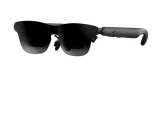
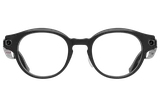
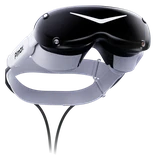
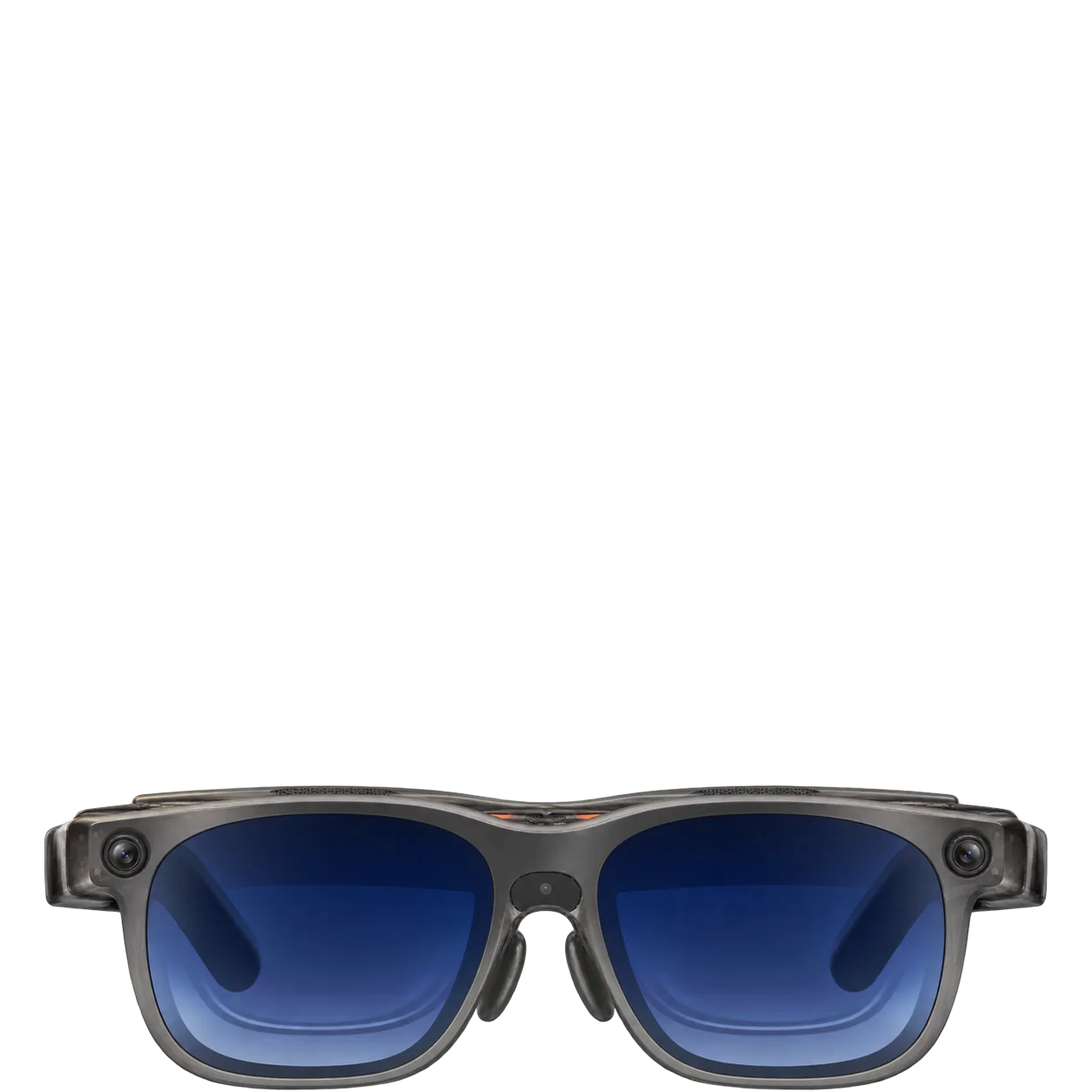
The Viture Luma Ultra is a big private screen first and a spatial computer second. It's bright enough to stay clear with no glare in a park, a cafe or a train station, and so bright that you'll turn it down a few notches for a movie.
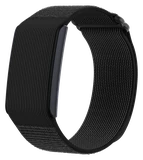
The spatial part is real, but it's narrow. A front RGB camera and two depth cameras handle 6DoF tracking and hand gestures. On a Mac or a Windows PC, that means screens that stay anchored in the space around you, but no hand gestures. Gestures only work with Viture's Pro Neckband, which is sold separately. Even then, gestures don't always register, and some days you'll be pinching the air before the glasses notice.
The screen
The Micro-OLED picture is vivid and detailed across a 52-degree view. One click turns the electrochromic lenses from clear to nearly black, which shuts out the bus or the plane around you and leaves just the movie.
Comfort and fit
At 83 grams, they stay comfortable for a couple of hours at a stretch, indoors or out. Three sizes of nose pads come in the box, so swap them before you decide the fit is wrong. Built-in adjustment covers nearsightedness down to -4.0, and a custom prescription insert handles the rest, but the insert is single-vision only, so progressive and bifocal lenses won't work.
On a phone
The Luma Ultra works with Android phones that send video over USB-C and with many USB-C iPhones, but not every recent iPhone. Check Viture's list for yours before you buy; it excludes the iPhone 16e and iPhone Air. An Android phone that only charges over USB-C won't show a picture, so check that too. On a USB-C iPhone, Viture's Adapter Ultra adds 3DoF pinning, so the screen stays put as you turn your head. On Android, that adapter only mirrors the screen and charges, with no head tracking or Pin Mode. To keep SpaceWalker's full features while you charge on Android, Viture points you to its Mobile Dock Mini or its USB-C to Glasses and Charging Adapter. Neither phone gets 6DoF or gestures.
The glasses have no battery, so they run on your phone's. Gaming drains your phone quickly. The Adapter Ultra also passes charging through to your phone, so get one if you plan to play for long.
Computers and consoles
Plug in a Mac with Apple silicon or a Windows PC and SpaceWalker gives you 6DoF, so your screens stay put as you move your head. On Windows, check Viture's requirements first: the computer's USB-C port has to carry DisplayPort video, and the processor and graphics have to meet Viture's list. Intel Macs aren't supported. The Steam Deck and the ROG Ally connect directly. PlayStation and Xbox need Viture's Pro Mobile Dock, and the Switch needs one of Viture's docks or adapters.
How it compares
Against the XREAL 1 Pro+, price doesn't split them, so it comes down to what you want. The Luma Ultra has the brighter, sharper screen, built-in nearsighted adjustment and the cameras that see the room. Pick the XREAL if you want 3DoF head tracking built in, so the screen stays in place on any device with no add-on, a frame sized to your eye spacing and Bose-tuned speakers.
Within Viture's own lineup, the Luma Ultra's screen is brighter than the Viture Luma Pro's and the Viture Beast's, and it's the one with cameras that see the room. The Beast has the wider view and keeps the screen in place with no extra hardware. The Viture Pro 2 is the lighter pair, with a wider nearsighted range, so get it if you don't need the electronic tint or the cameras. If you'll only ever use a phone, the XREAL One Pro is also a better buy than the Luma Ultra, because a phone leaves the Luma Ultra's cameras with nothing to do.
What's in the box
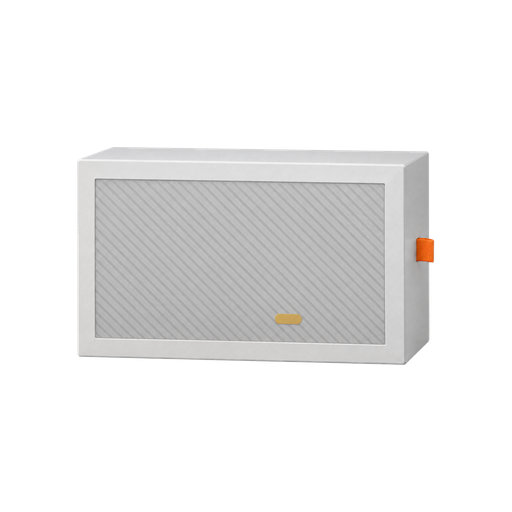
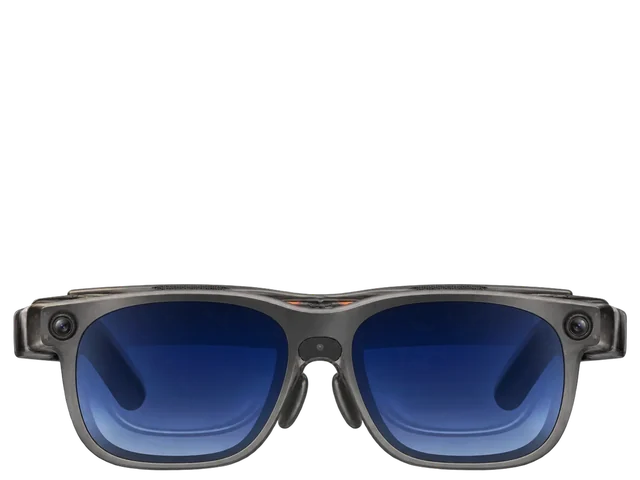 VITURE Luma Ultra XR Glasses
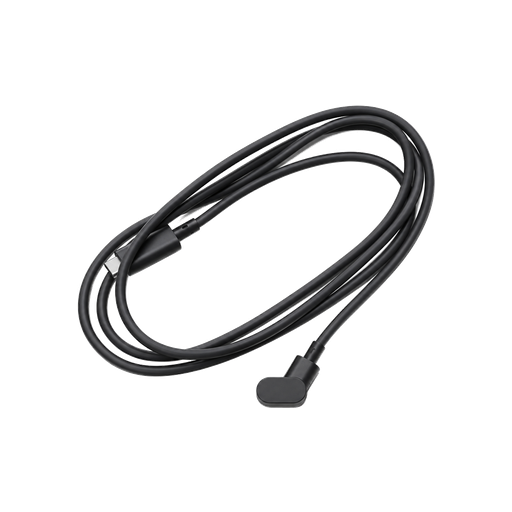 USB-C to magnetic connector cable
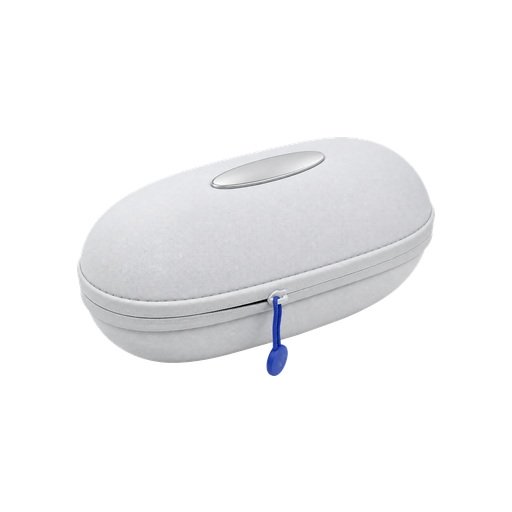 Glasses case
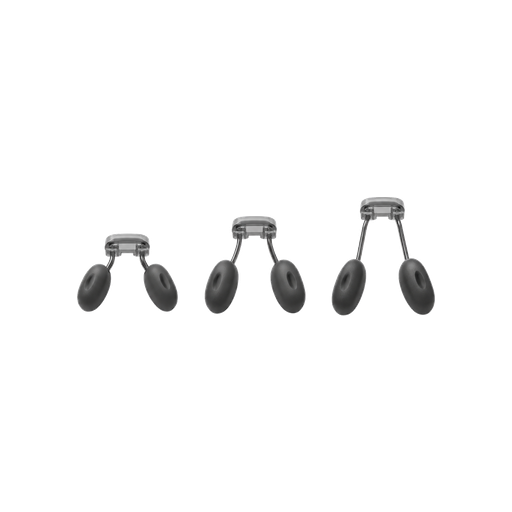 Nose pads
 Camera privacy sticker
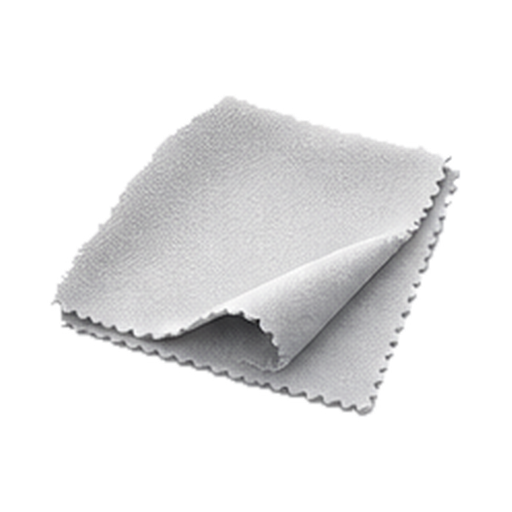 Cleaning cloth
 Quick Start GuideSafety Guidelines
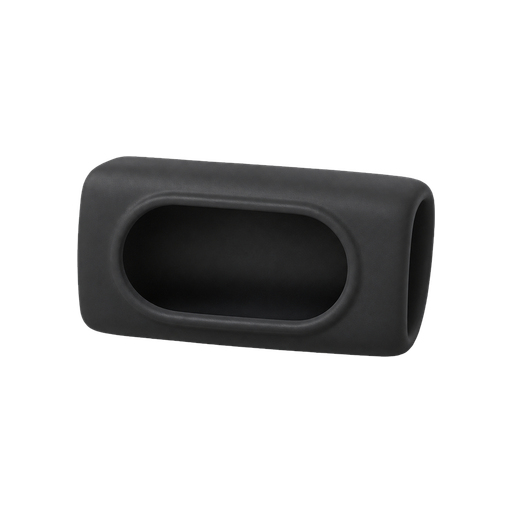 Hair-friendly cover
Bottom line
If you want a bright screen whose apps stay put in the room on a Mac or a Windows PC, the Viture Luma Ultra is the pair to get, and next to the XREAL 1 Pro+ it's the one for a brighter screen, built-in nearsighted adjustment and cameras that see the room. If you only plan to watch on a phone, those tracking features go unused, so get the cheaper and much lighter Viture Pro 2 instead.
Buy it if
Skip it if
- You want screens anchored around you on a Mac or a Windows PC.
- You're nearsighted down to -4.0 and don't want to wear glasses underneath.
- You'll only use it with a phone. Get the Viture Pro 2.
- You want to use it with an iPhone 16e or iPhone Air.
- You need progressive or bifocal lenses.