





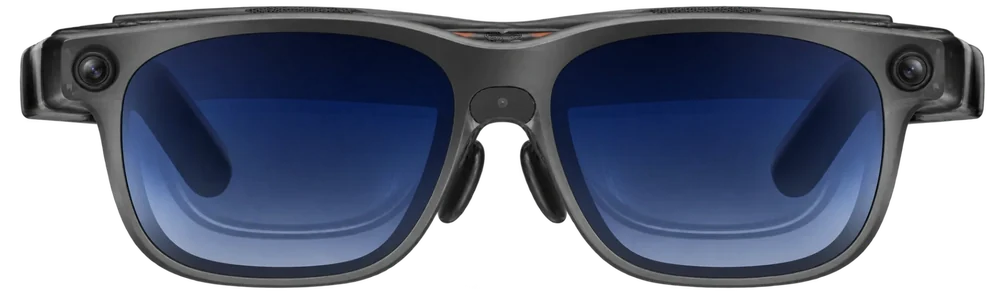
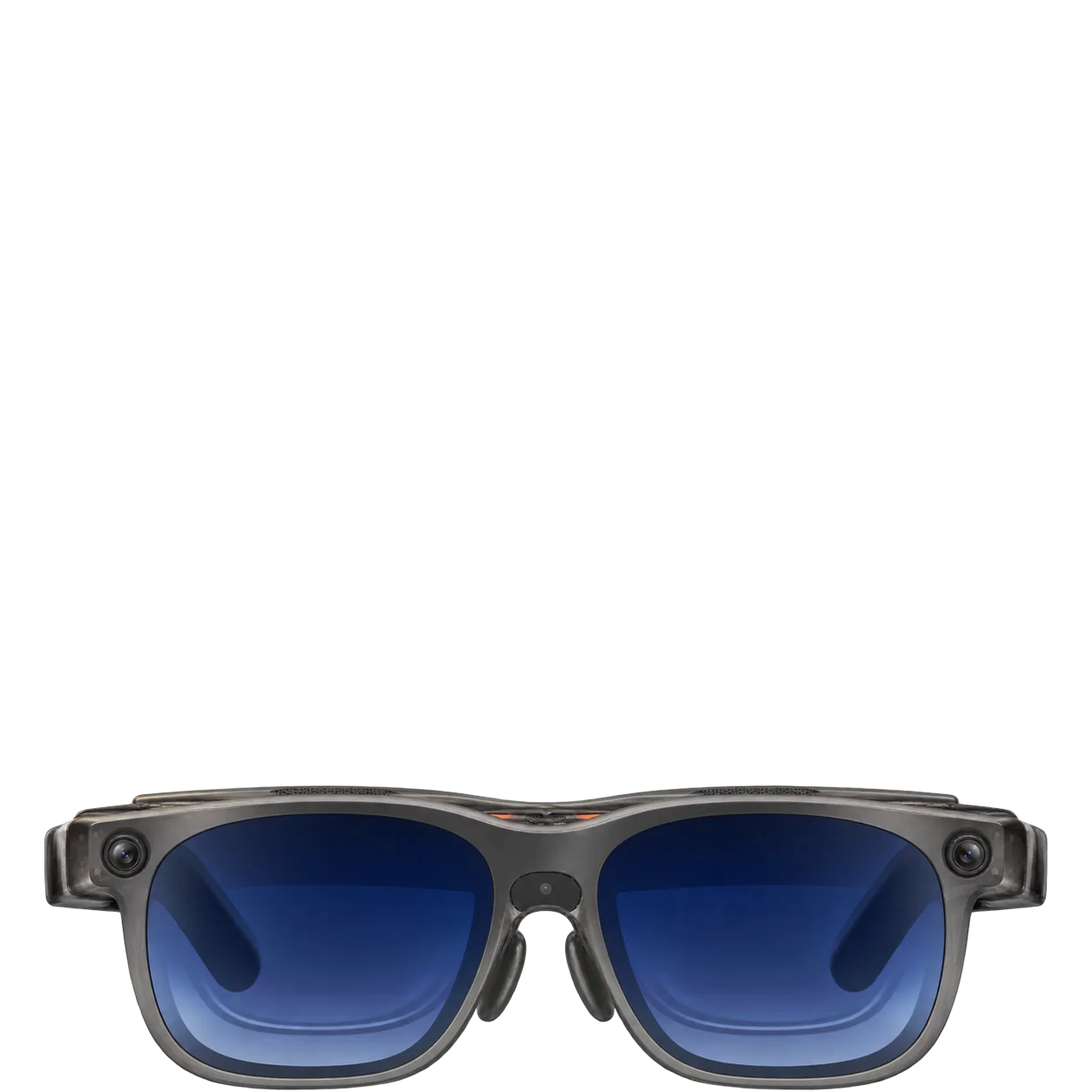
Do Viture Luma Ultra work with iPhone and Android?

Works with
AndroidWorks on Android phones that send DisplayPort video over USB-C, with limits.
What you need: DP Alt Mode; Android 14+ for Immersive 3D; a USB-C XR Charging Adapter or Mobile Dock Mini for 3DoF.
Limits: 6DoF and gesture tracking are not supported on Android. Feature support also varies by phone and its display output.
iPhoneWorks with supported USB-C iPhones, but not iPhone 16e or iPhone Air.
What you need: IOS 17+ for SpaceWalker; compatible USB-C iPhone; Adapter Ultra or Mobile Dock Mini for 3DoF Pin Mode.
Limits: IPhone 16e and iPhone Air are not compatible. 6DoF and gesture tracking are not supported on iOS.
Samsung GalaxyThe phone must send video over USB-C. Immersive 3D needs a Galaxy S23 or newer.
What you need: Compatible Galaxy with DP output; S23+ recommended for Immersive 3D.
Limits: Immersive 3D is not currently supported on Exynos Samsung devices.
Show allShow less
Google PixelPixel phones show basic video only. Pixel 8 and 9 can't run full resolution.
What you need: Pixel with DP output.
Limits: Immersive 3D unavailable on Pixel 8/9 series at the required resolution.
iPhone 15+/USB-C iPhone videoPlug in directly. Adapter Ultra adds the enhanced iOS spatial features.
What you need: Supported USB-C iPhone; Adapter Ultra for 3DoF/enhanced iOS use.
Limits: IPhone 16e and iPhone Air are not compatible.
Lightning iPhone videoUse HDMI conversion through VITURE's HDMI XR Adapter or Pro Mobile Dock.
What you need: An HDMI route such as the VITURE Pro Mobile Dock
Limits: The HDMI XR Adapter excludes Luma Ultra.
MacIt needs an Apple silicon Mac. Intel Macs aren't supported.
What you need: An Apple silicon Mac with a supported USB-C or Thunderbolt port, for the current SpaceWalker.
Limits: Luma Ultra is not supported on Intel Macs by current SpaceWalker versions.
Windows PCA Windows 10 or 11 PC that sends video over USB-C.
What you need: Windows 10 x64 1903+ or Windows 11; compatible GPU/CPU; USB-C DP Alt Mode.
Companion app / account / subscriptionSpaceWalker is free. Some content and services cost extra.
What you need: SpaceWalker for software features; service subscriptions where applicable.
Limits: Some app/service features involve purchases or external subscriptions.
Display features / appsMulti-screen, 3DoF and 6DoF, in SpaceWalker.
What you need: Compatible host; SpaceWalker/adapter/Pro Neckband depending mode.
Charging / cable / battery accessoriesThey have no battery and run from the device they are plugged into.
What you need: Use included cable; optional Adapter Ultra/dock for passthrough charging.
Cross-generation compatibilityIt needs accessories Viture lists for Luma Ultra.
What you need: Check exact accessory/model compatibility before reuse.
Limits: The HDMI XR Adapter only partly works with Luma Ultra, so older accessories don't all fit.
Prescription lensesBuilt-in dials go to -4.0. Beyond that, add Viture's prescription insert.
What you need: Built-in adjustment up to -4.0D; use Regular Luma insert for prescriptions beyond/other correction.
Limits: Progressive, bifocal and ADD lenses are not supported by VITURE’s custom insert service.
PlayStation 5, XboxThe Viture Pro Mobile Dock and an HDMI cable.
What you need: VITURE Pro Mobile Dock + HDMI.
Limits: External dock required.
Nintendo SwitchA Mobile Dock Mini, Pro Mobile Dock or Adapter Ultra.
What you need: One of VITURE’s supported Switch dock/adapter paths.
Limits: External hardware required.
Show allShow less
Nintendo Switch 2The Mobile Dock Mini, or the Pro Mobile Dock on current firmware.
What you need: A supported VITURE dock or adapter, with current Pro Mobile Dock firmware.
Limits: It needs extra hardware. VITURE's pages disagree on Adapter Ultra: its own page says it supports Switch 2 (with a 45W+ PD power bank for high frame rates), but the compatibility table says it does not. Both list the Pro Mobile Dock as supported.
Ask about anything else
Does it work with…?