




Best smartwatch for iPhone
Best smartwatch for iPhone
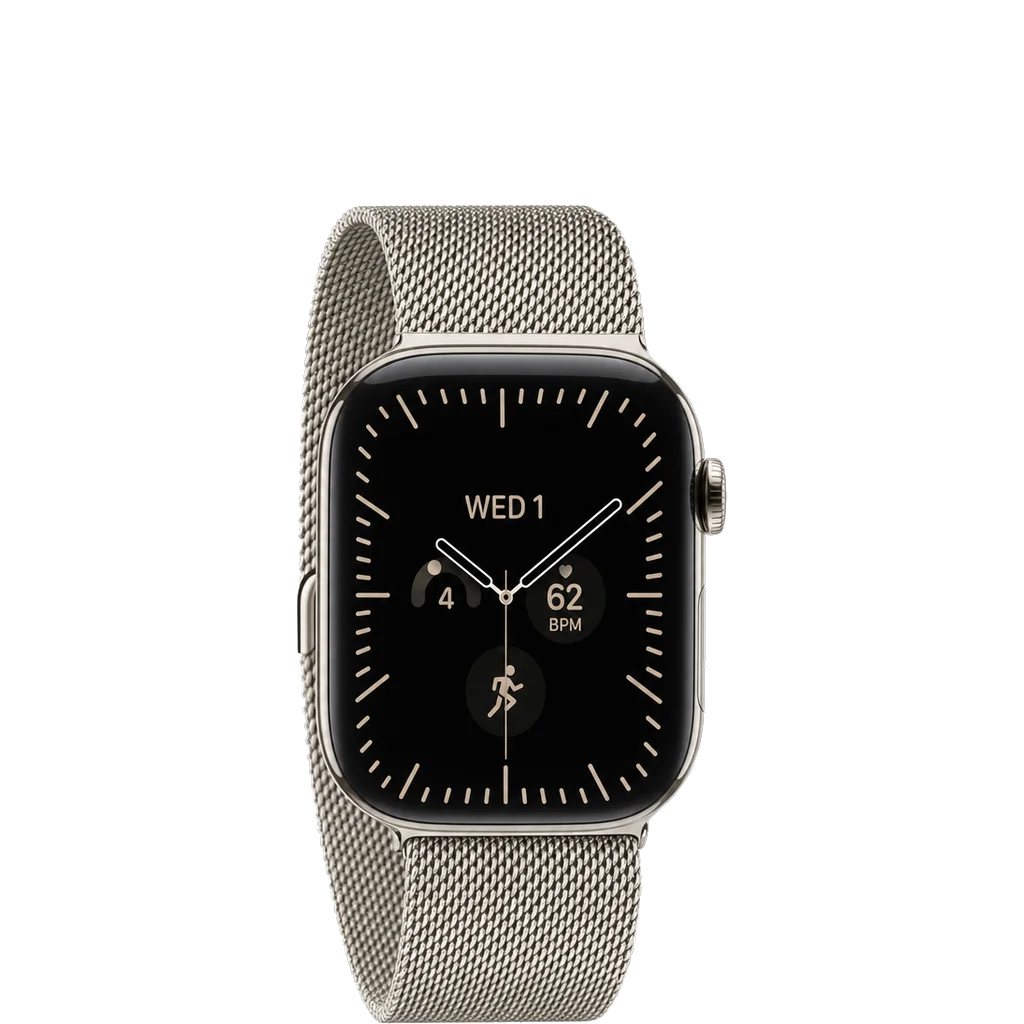
Does the Apple Watch Series 12 work with iPhone and Android?
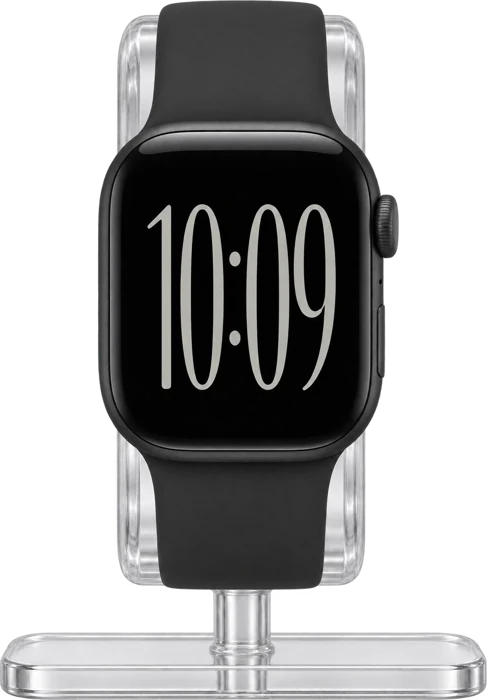

Works with
Android phones (Galaxy, Pixel and others)It needs an iPhone to set up and use.
What you need: An iPhone is required for normal setup.
Limits: An Android phone cannot stand in for the iPhone.
iPhoneNeeds an iPhone 11 or later on iOS 27 or later.
What you need: IPhone 11 or later; iOS 27 or later; Bluetooth on; Wi‑Fi or mobile network during setup.
MacIt can unlock a Mac and approve passwords, but it still needs an iPhone.
What you need: Same Apple Account on Mac and Apple Watch; two-factor authentication; Wi‑Fi and Bluetooth; watch passcode. Normal watch setup still requires iPhone 11+ on iOS 27+.
Limits: A Mac cannot set up the watch or manage Health data in place of an iPhone.
SpotifyPlaying music on the watch needs Spotify Premium.
What you need: Spotify app on iPhone.
Limits: Free users can only use the watch as a remote; streaming and offline listening on the watch need Premium.
WhatsAppChats sync from your iPhone, so keep it nearby.
What you need: Apple Watch Series 4 or newer; watchOS 10 or newer; WhatsApp on a nearby iPhone for setup and sync.
Limits: Chats sync from your iPhone, which must be nearby with Bluetooth on to load them.
Third-party appsWhat each app can do on the watch varies.
What you need: Each app has its own account and software needs. Some need their iPhone app for setup or certain features.
Limits: Features vary by app: Spotify playback on the watch needs Premium, Google Maps starts new routes on the phone, and WhatsApp setup depends on the iPhone app. Not every app says how it works with Family Setup.
Show allShow less
PaymentsYour bank, card and country must support Apple Pay.
What you need: A supported card from a participating card issuer; Apple Pay available in the market.
Limits: Apple Pay is not in every country, and bank and card support varies. Apple does not list Google Wallet, Samsung Wallet or Garmin Pay for the watch.
Companion app, account and subscriptionSet it up in the Apple Watch app with your Apple Account. Fitness+ is optional.
What you need: Paired compatible iPhone; Apple Watch app; Apple Account for account-backed services.
Limits: Apple Fitness+ availability varies by country or region.
Health features and restrictionsEach feature has its own age, country and approval rules.
What you need: A compatible iPhone on current software. Each feature has its own rules: hypertension needs iPhone 11 or later and age 22 or older, sleep apnea notifications are for age 18 or older without a diagnosis, and ECG and irregular rhythm have age and regional limits.
Limits: Hypertension notifications may not be cleared for Series 12 or Ultra 4 everywhere. ECG and irregular rhythm availability varies by region. Blood Oxygen has regional and US model limits. Hypertension checks ask you to use a separate blood pressure cuff.
Voice assistantSiri AI needs an Apple Intelligence iPhone nearby.
What you need: For Siri AI: watchOS 27, Apple Intelligence-enabled iPhone nearby, and supported Siri/device language.
Limits: Siri is not available in all countries/regions/languages. At the checked date, Siri AI was English-first, unavailable on watchOS in the EU, and unavailable when the Apple Account region is China mainland.
StravaRecord runs and rides on the watch.
What you need: Strava app on iPhone; watchOS 10 or later, iOS 17 or later.
MyFitnessPalIt has an Apple Watch app.
What you need: MyFitnessPal on iPhone; watchOS 10 or later.
CarPlay / carIt only works as a car key, in cars that support Apple Wallet car keys.
What you need: A compatible car; car key added in Apple Wallet.
Limits: Only works with cars that support Apple Wallet car keys. Apple does not describe the watch running CarPlay itself.
ChargingIt charges on the Apple Watch Magnetic Fast Charger. The one in the box is faster than older chargers.
What you need: For fastest charging, use the current included Apple Watch charger (A3277) with suitable USB‑C power.
Limits: Actual charge time varies with adapter, conditions, battery state, and use.
BandsThe band must match your case size family.
What you need: Match the band’s compatibility list to the 42mm or 46mm Series 12 case.
Limits: Band sizes changed over time: an older large-case 42mm band is not today's small-family 42mm band. Check the exact band model, not just the printed size.
Show allShow less
Fitness equipment and sensorsIt works with Bluetooth sensors, power meters and GymKit equipment.
What you need: A Bluetooth sensor or accessory, or GymKit equipment labeled Connects to Apple Watch.
Limits: Apple has not said whether ANT+ sensors work.
Cellular / LTEYou need a cellular model and a carrier plan.
What you need: A cellular Series 12 model and an eligible plan from a supported carrier. Normal setup uses the same carrier as your iPhone; Apple Watch For Your Kids can use a different one.
Limits: Carrier eligibility, regional models, 5G and roaming support vary. No single cellular Apple Watch model works worldwide.
Notifications and repliesSome messages still need the iPhone switched on.
What you need: Wi‑Fi or cellular for use away from iPhone; paired iPhone remains required for normal setup.
Limits: For SMS, MMS, and third-party push notifications on a cellular Apple Watch, the paired iPhone must remain powered on and connected to Wi‑Fi or cellular, though it does not need to be nearby.
Family setup / kids modeYes, on a GPS + Cellular model, set up from a parent's iPhone. Some features are not available on a watch set up this way.
What you need: GPS + Cellular model; a parent's iPhone
Limits: Needs a GPS + Cellular model; not every feature is available through Apple Watch For Your Kids.
Satellite / emergency SOSSatellite messages go through a paired iPhone 14 or later. Only the Ultra has its own.
What you need: For normal emergency calls: the watch or a nearby iPhone with cellular or Wi-Fi calling. For satellite messages off the grid: a paired iPhone 14 or later.
Limits: Series 12 has no satellite radio of its own. Satellite availability depends on region.
Ask about anything else
Does it work with…?