






Love it
Not so much
- Small, light and comfortable all day
- Secure fit that holds through a workout
- Full Google features on a recent Android phone
- Connects to two devices at once
- Mild noise canceling
- Sound can feel uneven
- No wireless charging
- No iPhone app
- Average calls
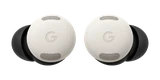
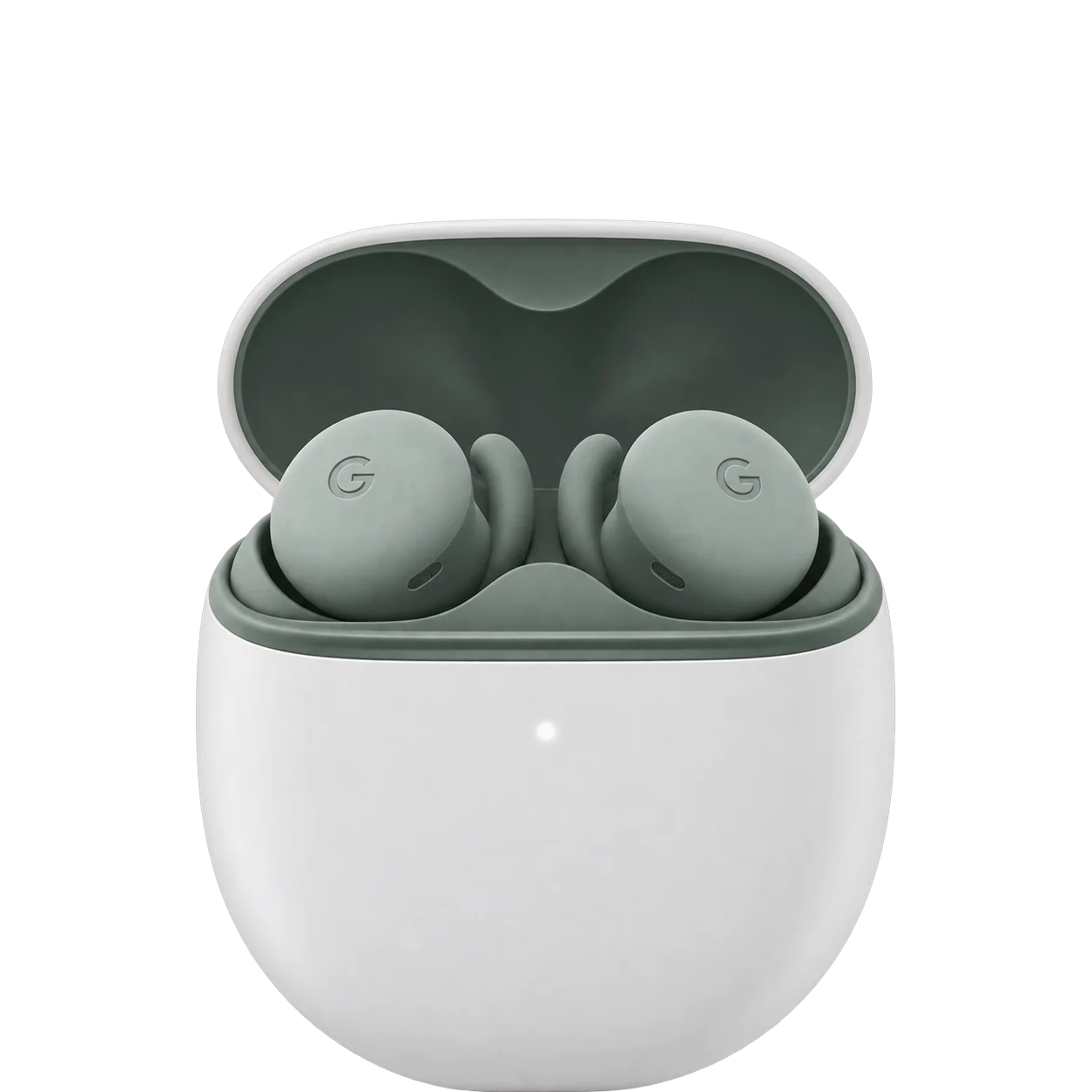
If most earbuds feel too big for you, the Pixel Buds 2a are a relief. They're small and light, and once they twist into place they stay there, through a workout and through a full workday. That comfort is what you're paying for.
The rest is solid rather than special. The sound is pleasant, the noise canceling is mild, and calls are middle of the pack. On an Android phone you get the 2a's full feature set, including the Pixel Buds app, Gemini and Find Hub, which makes them easy to live with.
Fit
Each bud weighs 4.7 grams with the medium tips, and Google includes four tip sizes, from extra small to large. Big movements can shift them slightly, but they don't fall out. If the fit works for you, they're good workout earbuds, and the IP54 rating covers sweat and dust. The case is rated IPX4, so it handles splashes but not much more.
Sound
The sound is easy to like, with a small lift in the bass and treble that leaves the mids a step behind. On busier tracks the parts don't always blend, and once you hear that unevenness, it's hard to ignore. You get spatial audio, but without head tracking.
Noise canceling
Google's Tensor A1 chip runs a lighter version of Silent Seal than the Pro 2 gets, and you can hear the difference. It takes the edge off a commute, but it does less with higher-pitched sounds like voices nearby. Transparency mode is there when you need to hear the room.
Battery
Google's figures are up to seven hours per charge with noise canceling on and up to 20 hours in total with the case, or ten and 27 hours in total with it off. Plan around the noise-canceling numbers. Google's ten hours is an up-to figure with noise canceling off. The case charges over USB-C only, with no wireless charging.
Calls and phones
Calls are fine. Your voice comes through clearly enough, but it won't sound polished. On Android you get the Pixel Buds app, Gemini, live translation on a Pixel or compatible Android phone, and Find Hub to ring a lost bud or the case. Gemini needs Android 10 or later and Find Hub needs Android 9 or later. They stay connected to two devices at once. On an iPhone they work for music and calls, but there's no Pixel Buds app, so you lose the app's settings and the Google features. There's no low-latency gaming mode.
How it compares
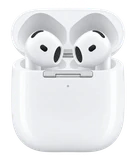
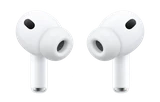
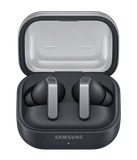
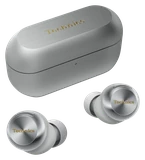
Against the Samsung Galaxy Buds4, the 2a seal in your ears with tips and last longer per charge, and any recent Android phone gets their full feature set. The Buds4 have an open fit with no ear tips, a case that charges wirelessly and more total listening time with the case, so get them if you dislike ear tips. The Pixel Buds Pro 2 are the better pair: they block noticeably more noise, add head tracking and a case that charges wirelessly, and last longer. The 2a are the comfortable bargain, with a smaller shape that suits small ears. On an iPhone, the AirPods 5 are the clear pick, since they work fully there and the 2a don't.
What's in the box

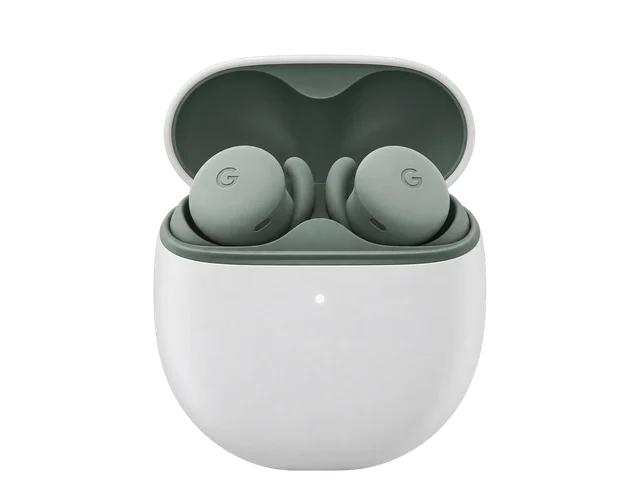 Pixel Buds 2a earbuds
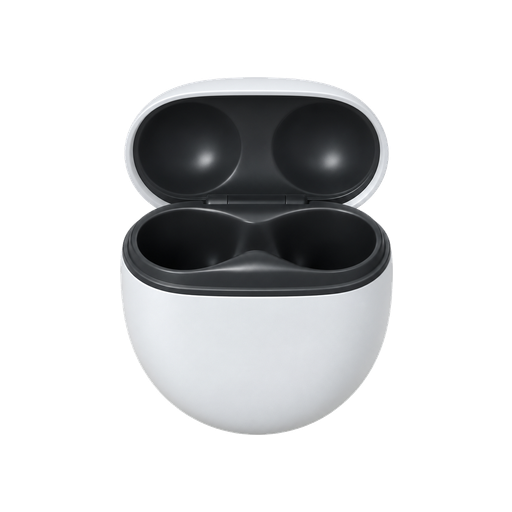 Charging case with USB-C charging port
 Ear tips in XS, S, M and L; M preloaded
 Quick Start Guide
Not in the box
 USB-C charging cableAustralia only
Bottom line
On an Android phone, the Pixel Buds 2a are the comfortable, low-cost earbuds to get; pick them over the Samsung Galaxy Buds4 if you want a sealed fit with ear tips and longer listening per charge, and the Buds4 if you'd rather have an open fit and a case that charges wirelessly. If blocking noise on a plane or train matters most, spend more on the Pixel Buds Pro 2. On an iPhone, get the AirPods 5 instead.
Buy it if
Skip it if
- You have smaller ears and most earbuds feel too big.
- You want buds that stay put at the gym.
- You use an Android phone and want Gemini, live translation and Find Hub in your earbuds.
- You want strong noise canceling. Get the Pixel Buds Pro 2.
- You use an iPhone. Get the AirPods 5.
- You want a case that charges wirelessly.