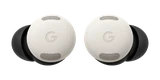




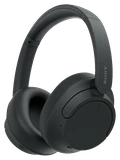

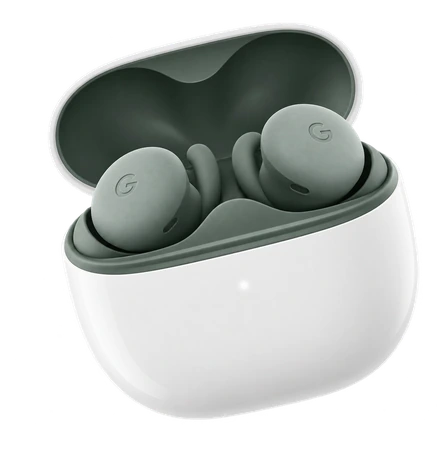
Do Pixel Buds 2a work with iPhone and Android?
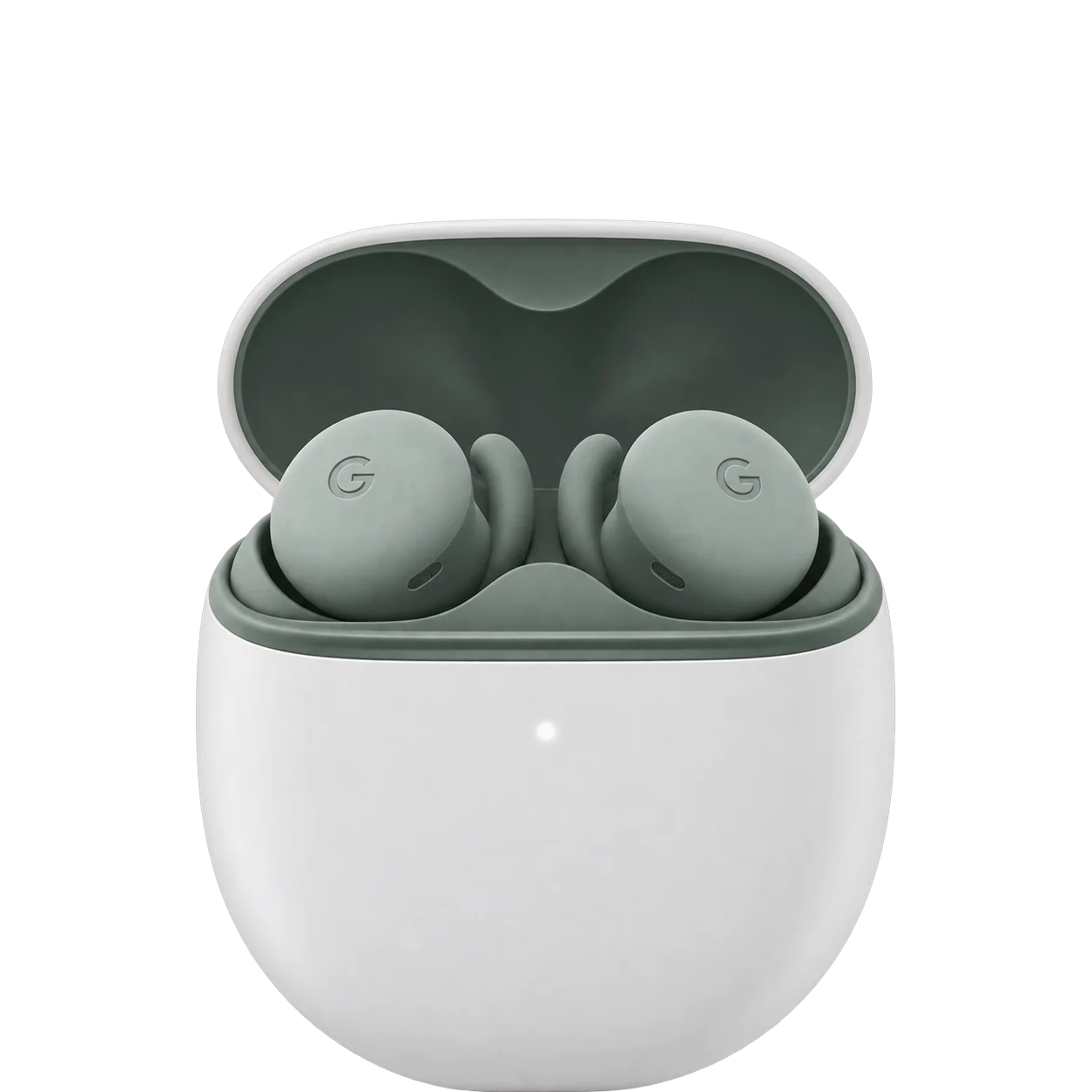

Works with
iPhoneThey only play audio and take calls. There is no Pixel Buds app on iPhone.
What you need: Bluetooth 4.0+.
Limits: There is no Pixel Buds app for iPhone, so the full feature set needs an Android phone.
Samsung Galaxy phonesThey pair through the Pixel Buds app on Android 6.0 or later.
What you need: Android 6.0+; Pixel Buds app.
AndroidEvery feature works on Android 6.0 or later with the Pixel Buds app.
What you need: Android 6.0+; Pixel Buds app.
Windows PCThey only play audio. Settings and updates run in Chrome or Edge on Windows 11.
What you need: Windows 11+; Chrome or Edge.
Limits: Full app features require Android.
iPadThey work only as basic Bluetooth earbuds.
What you need: Bluetooth 4.0+
Limits: Full feature access needs an Android 6.0+ phone and a Google Account
MacThey only play audio. Settings and updates run in Chrome or Edge on macOS 14 or later.
What you need: MacOS 14 or later, with Chrome or Edge for the web app.
Limits: Full app features require Android.
Companion app / settingsBuilt into Pixel phones, in the Pixel Buds app on Android, or in Chrome or Edge on a computer.
What you need: Android 6.0+; or ChromeOS 128+, macOS 14+, Windows 11+ in a browser.
Limits: No iOS app; full features need Android.
Firmware updatesUpdate them from Android, or from Chrome or Edge on a Mac, Windows or ChromeOS computer.
What you need: Android, or a supported desktop browser.
Voice assistant / AIOn Android 10 or later.
What you need: Android 10+ and the latest Gemini app.
Limits: Not documented for iOS.
Charging standardsThe case charges by USB-C only. There is no wireless charging.
What you need: USB-C cable.
Limits: No wireless charging.
Replacement earbud / caseBuy the part from Google, then sync it with your set.
What you need: Sync the new part with your set.
Limits: Not available at all times or in all areas.
Find network (earbuds and case)Locate and ring each earbud and the case. Needs Android 9 or later.
What you need: Android 9+, location enabled.
Xbox consolesXbox consoles have no Bluetooth audio.
What you need: Not supported on the console
Limits: Xbox Series X|S and Xbox One have no Bluetooth audio; needs an Xbox Wireless or wired headset instead
Show allShow less
Nintendo Switch familyThe Switch plays game audio only. It can't use the earbud microphone.
What you need: Bluetooth pairing from the Switch System Settings.
Limits: Bluetooth microphones cannot be used, so no voice chat through the earbuds.
TV (Apple TV, Roku, Fire TV, smart TVs)They need a TV that supports Bluetooth headphones.
What you need: A TV or streamer with Bluetooth headphone support
Limits: Full features need an Android phone; only one Bluetooth audio device plays at a time on Google TV; lip-sync errors can happen.
Spatial audio / head trackingThere is no head tracking.
Limits: No head tracking on Pixel Buds 2a.
Live translationIt needs a Pixel or compatible Android phone. It doesn't work on iPhone.
What you need: Pixel or compatible Android phone.
Limits: Not on iOS.
Garmin watchPartly. Garmin music watches pair with Bluetooth headphones like the Pixel Buds 2a to play music stored on the watch. Garmin watches without music do not.
What you need: A Garmin watch with music storage
Limits: Only Garmin music models support headphones; Pixel Buds app features do not work on Garmin
Ask about anything else
Does it work with…?