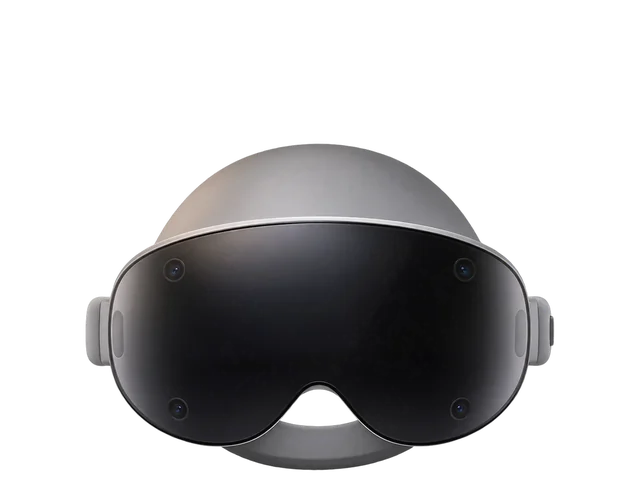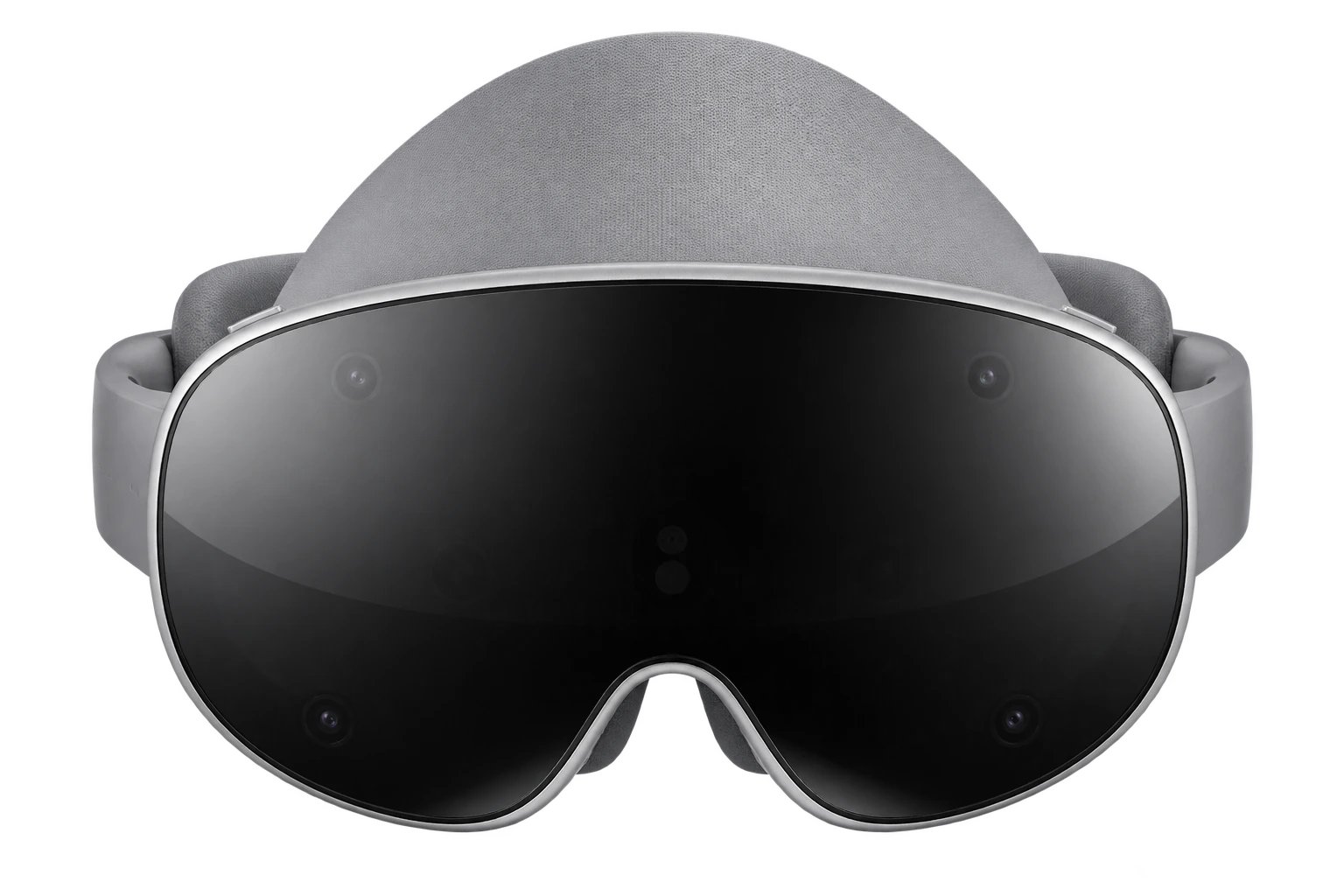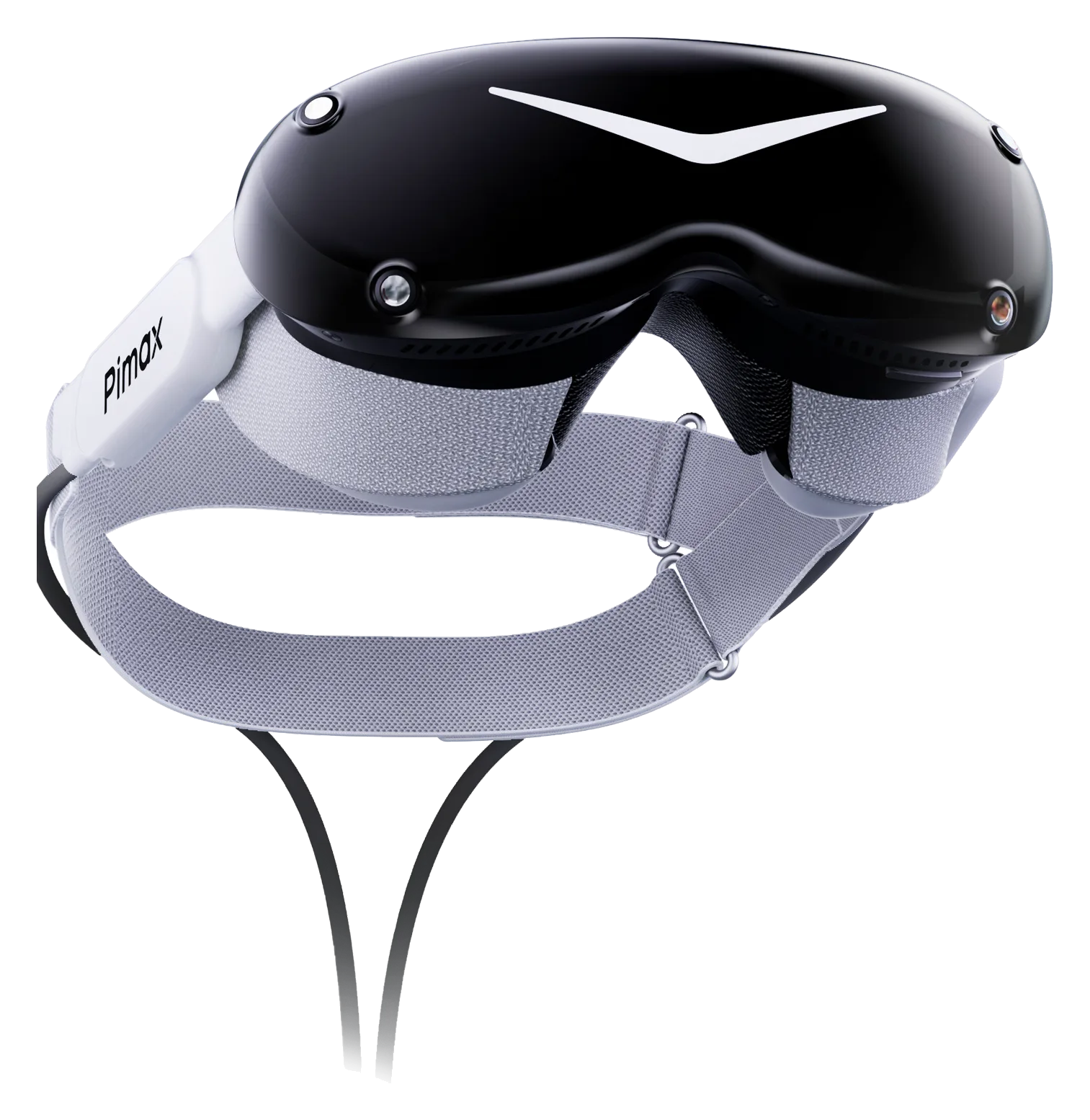
Pimax Dream Air Price, Specs, Weight & PC Requirements
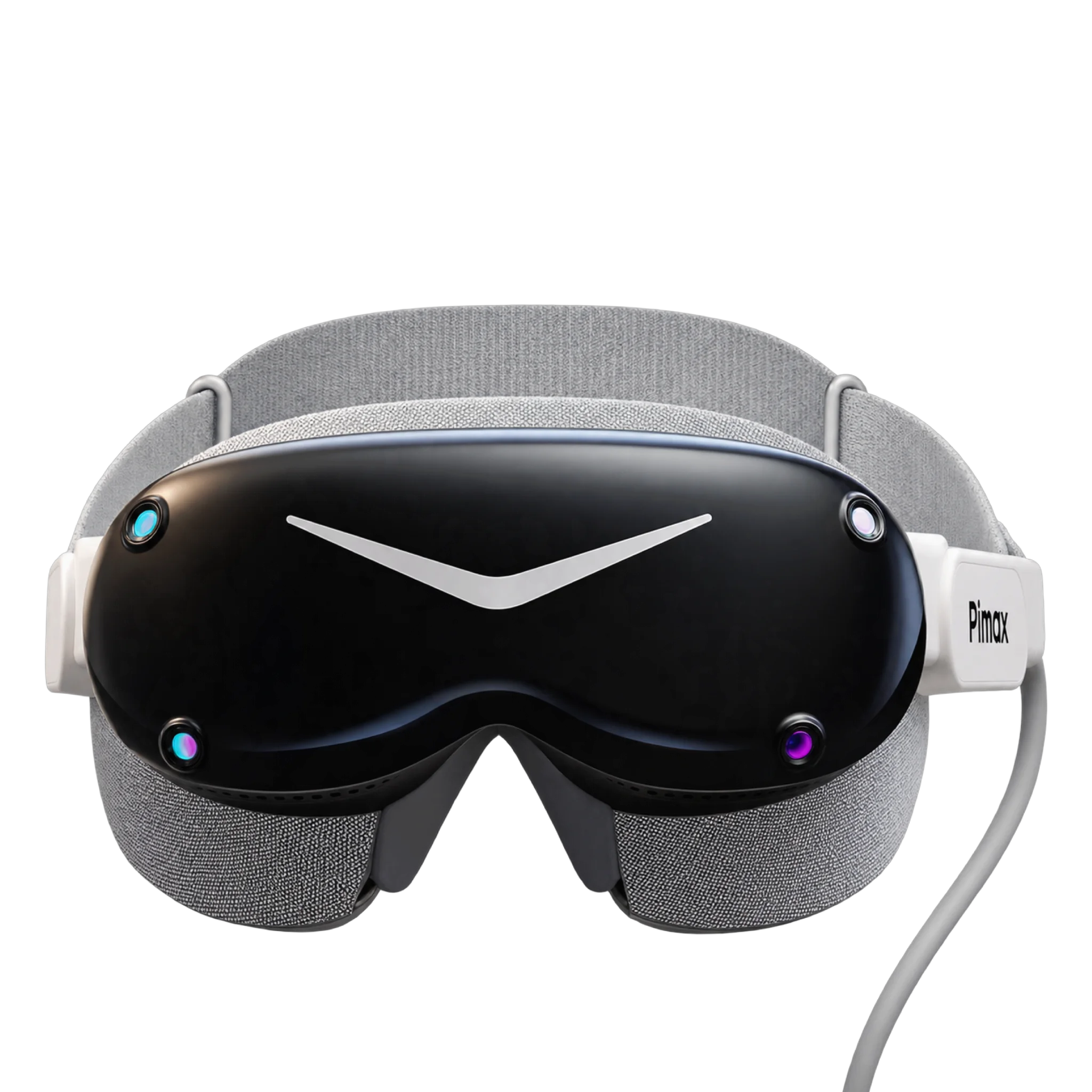
Pimax Dream Air review
Read the full reviewIf you have a powerful Windows PC and spend your VR time in seated sims, the Dream Air gives you a stunning picture in a headset you'll barely feel.
Love it
Not so much
- Extraordinarily clear picture with deep blacks
- Headset alone weighs under 170 grams
- Eye-tracked foveated rendering
- Lighthouse version works with SteamVR controllers you already own
- Frustrating software and crashes
- Picture depends on how the face foam fits
- Inconsistent controller tracking on the SLAM version
- Weak passthrough
- Wired to a powerful PC
Where it shines
How it compares
See all comparisons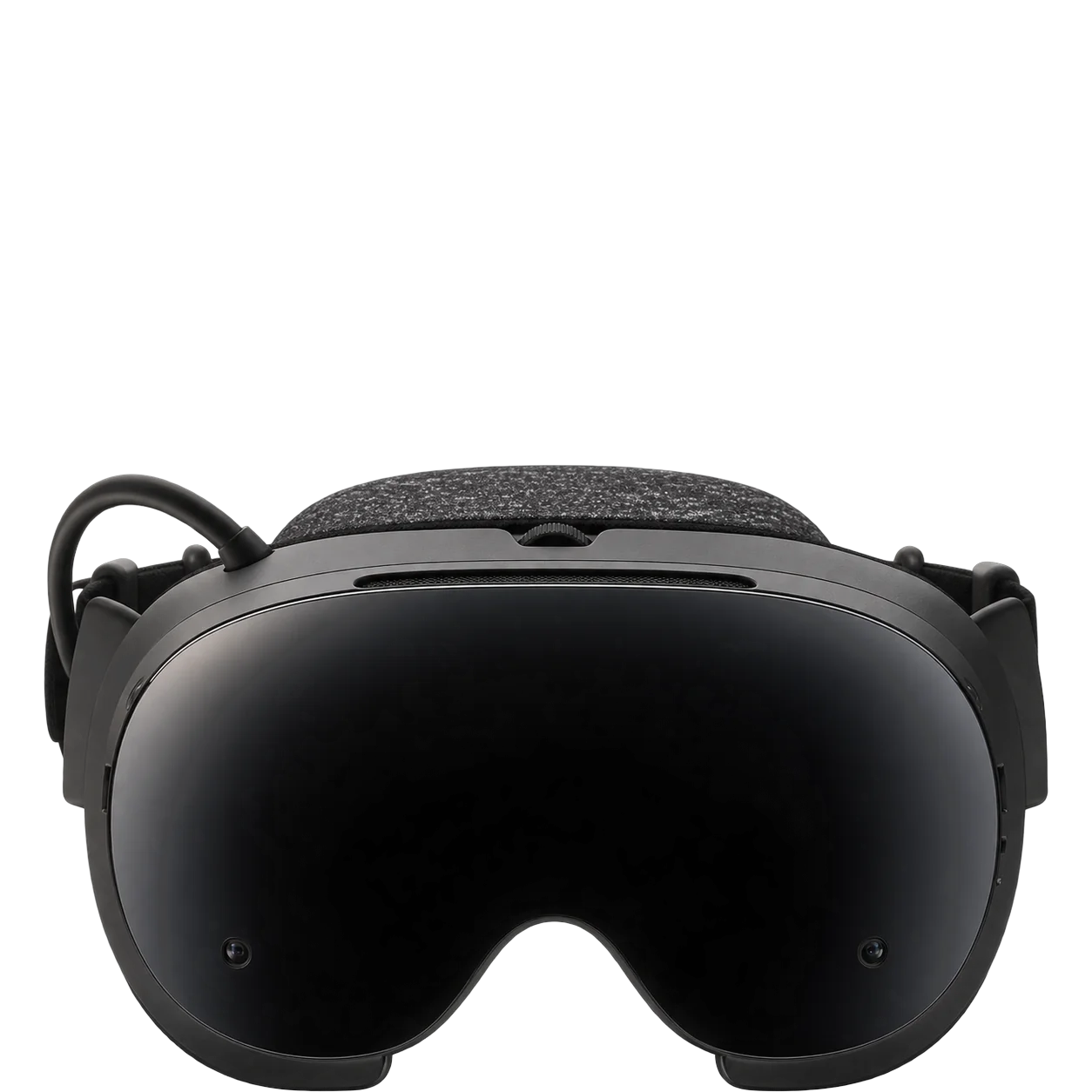
Comparison
Compare headsetsHow it compares
Battery life
None (PC powered)
How it is powered.
Price
 Pimax Dream Air$1,999
 Steam Frame$1,059
 Meta VR Glasses$1,299.99
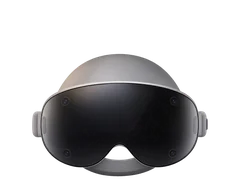 Galaxy XR$1,799.99
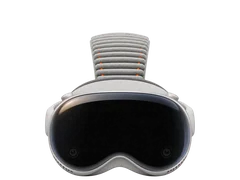 Apple Vision Pro M5$3,699
Current list prices.
The headset as worn. The lighter segment is the puck, reported by Road to VR; Meta has not published its weight.On your headIn your pocket (reported)
The basics
What it works withPimax Dream Air: what's in the box, works with
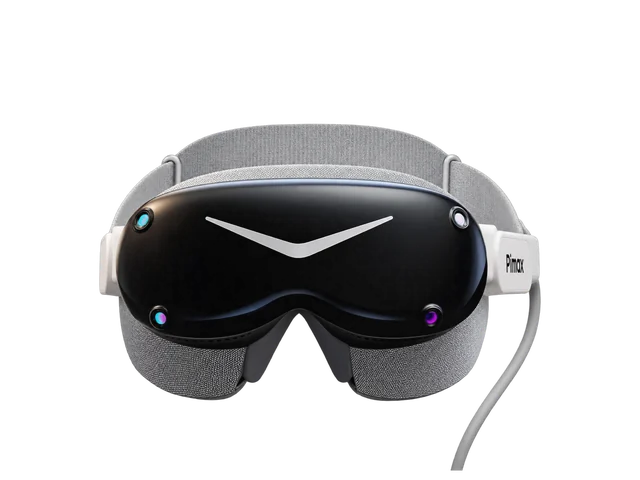 Pimax Dream Air headset
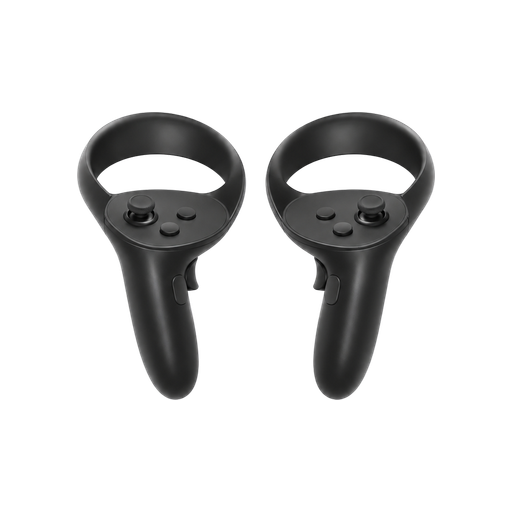 Two 6DoF controllersSLAM version only
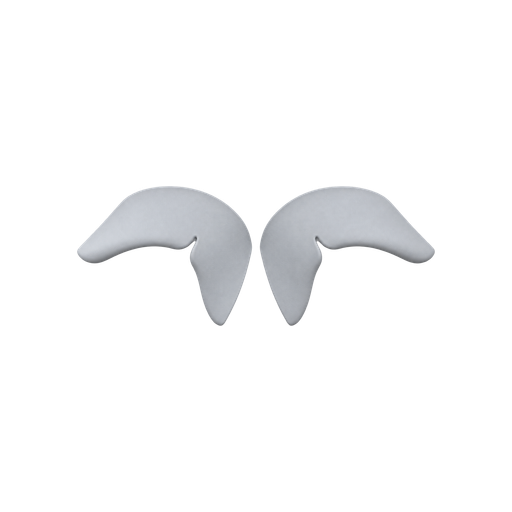
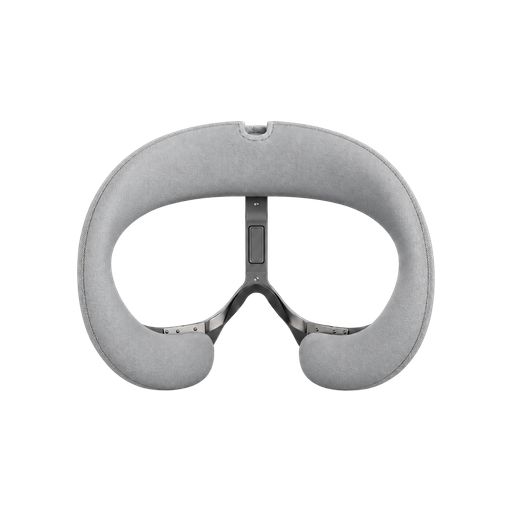 Revised face mask
Popular devices that work with it
 Windows PCWorks
Quick answers
All questionsQuick answers
What is the difference between the Lighthouse and SLAM versions?
Show allShow less
Top questions
Price and models
When did the Pimax Dream Air come out?
In the box
Ask iDevice
Ask about the Pimax Dream Air
Your Shelf
Put Pimax Dream Air on your shelf
- Get an email when there is big news about it.
- See our newest stories about it right on your shelf.
- Keep what you own and what you want in one place.
Free. No registration required.
Works with
Windows laptopYes. It works if the laptop's GPU drives a Mini DisplayPort or USB-C port, with a DisplayPort 1.4a adapter for 8K at 60 Hz.
What you need: A laptop with a direct GPU output to Mini DisplayPort or USB-C, plus an adapter that supports DisplayPort 1.4a at 8K and 60 Hz.
Limits: Laptops without a direct GPU output to Mini DisplayPort or USB-C, and adapters that do not support DisplayPort 1.4a at 8K and 60 Hz.
Windows PCYes. The Dream Air connects to a Windows 10 or 11 PC with a split DisplayPort cable.
What you need: A Windows 10 or 11 (x64) PC with a DisplayPort 1.4a output, a USB 3.0 or above port, and a graphics card that meets one of Pimax's performance tiers.
SteamVR and OpenXR gamesYes. It plays VR games in Steam and runs OpenXR and OpenVR applications through Pimax Play on your PC.
What you need: Pimax Play on your Windows PC.
SteamVR base stationsOnly the Lighthouse version uses them, with one or two SteamVR 1.0 or 2.0 base stations, sold separately.
What you need: Lighthouse version, plus SteamVR 1.0 or 2.0 base stations bought separately.
Limits: The SLAM version does not use base stations.
SteamVR controllersThe Lighthouse version works with Valve Index, HTC Vive and other listed controllers. The SLAM version has its own two.
What you need: Lighthouse version; the controllers are bought separately.
Limits: Lighthouse version only. UDCAP gloves need additional trackers.
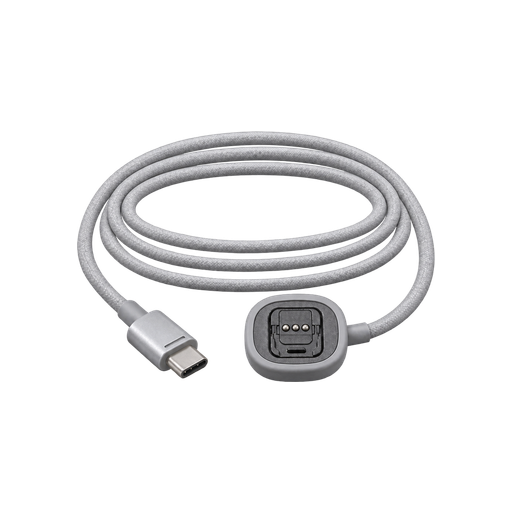
USB-C headphonesCompatible USB-C audio devices plug into the headset's USB Type-C port. The headset also has integrated spatial audio.
What you need: A compatible USB-C audio device.
Limits: Which accessories work depends on their power and data requirements.
Prescription lensesPimax's standard prescription insert corrects myopia from -1.0D to -6.0D. It does not correct astigmatism, hyperopia or other vision problems.
What you need: Pimax's prescription lens insert.
Limits: Astigmatism, hyperopia and other vision corrections are not supported by the standard insert.
Ask about anything else
Does it work with…?