


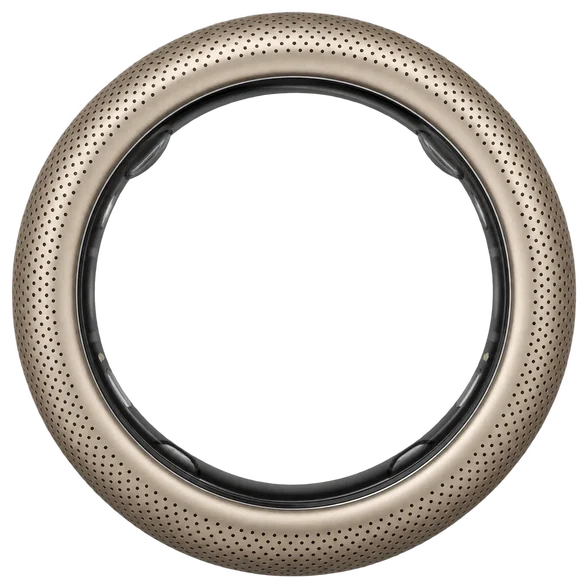
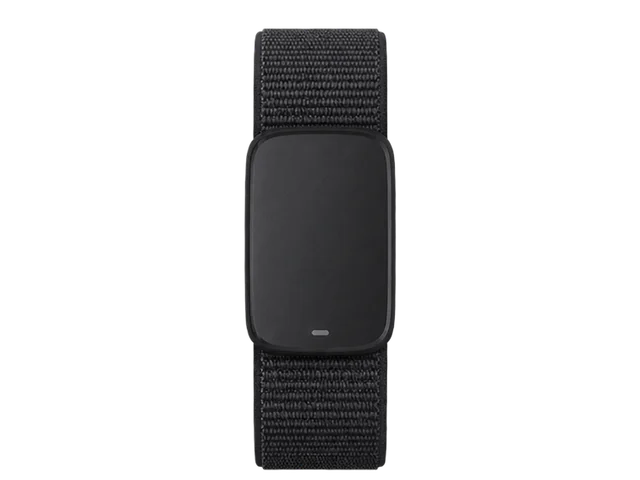
Amazfit owners can now invent their own things to log in LifeLoad. Zepp App 10.11.0 adds custom tags to the feature, which tracks the physical and mental strain of your day alongside recovery. Chinese Smartwatches reported the full list of changes on November 25, as Amazfit started sending the update out.
A custom tag starts with a name you type under a new Add My Tags option, and then you choose how it gets recorded. One style is a yes or no toggle paired with a timeline slider, so you can set the exact time the thing happened. The other is a Low, Medium or High scale for rating how hard it hit you.
A Manage button opens your tags so you can edit them, delete them or pin the ones you use most. Pinned tags sit at the top of the list when you tap to add an event. Scroll to the bottom and you get every LifeLoad tag there is, with the option to pin more from there.
Tap an energy log from 7:00 PM and the app now tells you how many hours and minutes have gone by since. And if you skipped the welcome guide that pops up after updating, a Replay Tour option in LifeLoad settings runs it again, custom tags and pinning included.
Zepp Coach now marks the days your coach has scheduled a task, under the Workout tab. You can see when the next session falls without opening the plan and digging for it.
The race center has a new switch for automatic race finding, where the app searches for races on your behalf. A second one turns on notifications for official races and event updates, which covers sign-ups you'd otherwise have to go looking for.
Settings has a new background activity section. Its permission toggle, Display over other windows, lets Zepp appear on top of whatever else is on screen when it needs to. Next to it is a battery saver mode status line that shows if power saving is switched on. That's useful when syncing or alerts have gone quiet, because power saving can limit both.
Under Security and Data Privacy, a new switch puts you in or out of a heatmap improvement program without leaving the settings menu.
None of this changes how the app looks.
Version 10.11.0 is going out gradually, and timing varies by region, by phone platform and by account. If your app store doesn't list it yet, check again later. Once it's installed, open Security and Data Privacy first if you care about what you share, then LifeLoad, where the tour walks you through tags and pinning.