





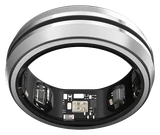
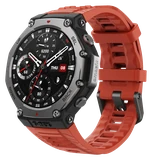
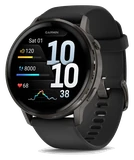
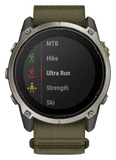
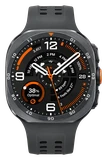
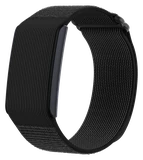
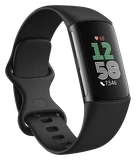

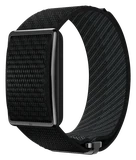


Firmware 6.6.14.3 gives the Amazfit Cheetah 2 Ultra clearer maps and a screen that locks itself again.
The download is small at 20.22 MB, and Notebookcheck reports that it is going out now, though it may not have reached every watch yet. Amazfit's changelog lists new functions alongside fixes for known bugs, and it does not say which bugs those are. So if something on your watch has been misbehaving, this release might cure it, but Amazfit has not promised that it will.
Navigation changes come first. Roads are now drawn more clearly on the map, so a quick look at your wrist tells you more about where the route goes next. There is also a new option to show direction indicators on the map, and you have to switch that one on yourself. Amazfit adds that pace is now more accurate in GPS Automatic mode. The changelog gives no figure for how much, so your next run on a route you know is the real test.
The accidental-touch protection is the change owners will feel every day.
After you unlock the Cheetah 2 Ultra, it can now lock itself again automatically. That keeps a jacket sleeve or your other arm from brushing the display and registering as a tap.
You can lock the watch by hand too, with a long press, but you have to set it up first. Assign Lock Device Once under Settings > Preferences > Shortcut Keys > Long Press SEL/DOWN. Until you do, a long press won't lock the watch, so don't assume it is broken.
Two smaller additions fill out the list. Double-pressing a button now opens the control center, which gives you a way in that does not depend on the touchscreen. And workout settings you have changed can be reset to their defaults. If you have adjusted a workout over time and no longer remember what you altered, that is the quick way back to a clean start.
The update is free.
If you own a Cheetah 2 Ultra, check for version 6.6.14.3 and install it when it is offered. If it is not there yet, try again in a few days, because it may not have reached every watch. Once it is on the watch, turn on the direction indicators and assign Lock Device Once under Settings > Preferences > Shortcut Keys > Long Press SEL/DOWN if you want the long-press lock. Then run a route you know well in GPS Automatic mode and compare the pace with what you had before.