













































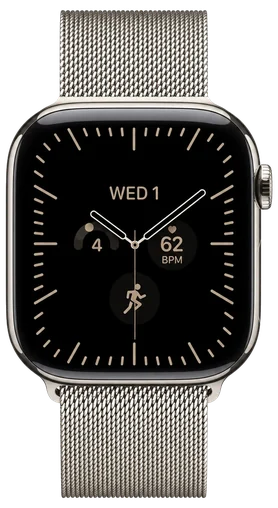
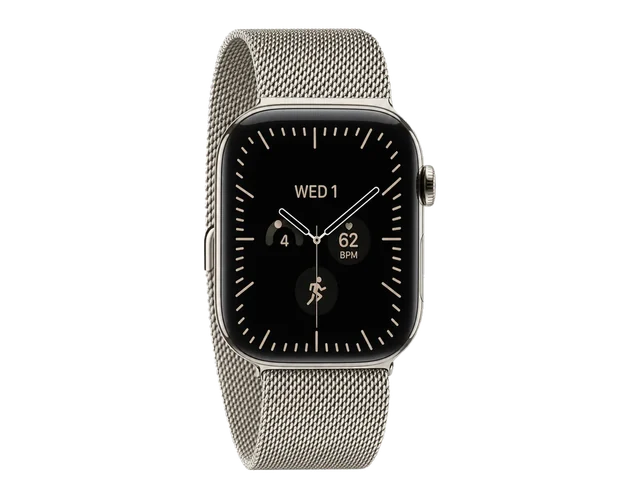
The second developer beta of watchOS 27.2, released on September 21, restores the App Switcher that watchOS 27 took away. It opens differently now. As 9to5Mac reports, you press and hold the bottom of the screen while inside an app, instead of double-clicking the Digital Crown. The change was spotted by the Apple Den Discord server and shared by a user named Bones on X.
AppleRelease notes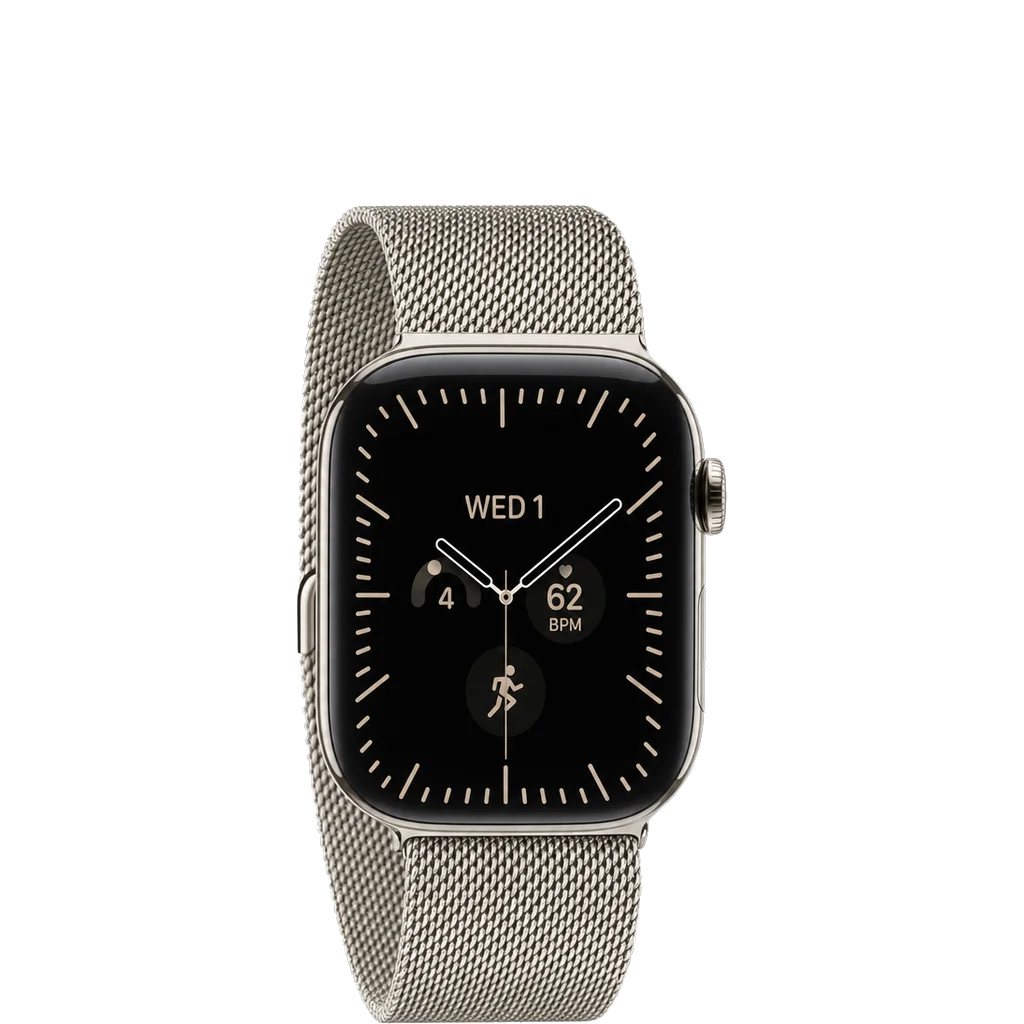 watchOS 27.2 BETA 2ForDevelopers
- +App Switcher is back
- •Press and hold the screen's bottom
- •No Digital Crown shortcut
HowDevelopers only
As ofSEP 22 2026
BETAOnce it is open, the switcher works much like the old one. You turn the Digital Crown to scroll through recent apps, or swipe left on one and tap the X to close it. Apple has not listed the change in its release notes, and like anything in a beta it could still change before the final release, which is expected next month.
Update, Sep 22, 6:59 AM CT: The Mac Observer reported a different route to the watchOS 27.2 App Switcher: open Control Center with the Side button, then double-press it.
Update, Sep 22, 3:41 AM CT: MacRumors found the Digital Crown double-press is now reserved for Live Rewind, a new feature that transcribes the last 15 seconds of audio.