




Love it
Not so much
- Wide 58-degree view
- Bright Micro-OLED panels, up to 1,250 nits
- Smooth 120Hz for fast games
- Works with most USB-C video devices, no app needed
- Prescription lens frame in the box
- Text looks blurry
- Speakers are best swapped for earbuds
- Consoles need an adapter or dock
- Not compatible with iPhone 16e, 17e or Air
- No published prescription range
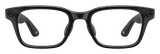
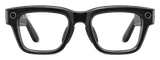
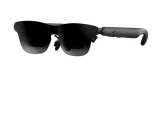
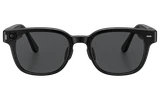
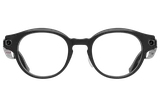
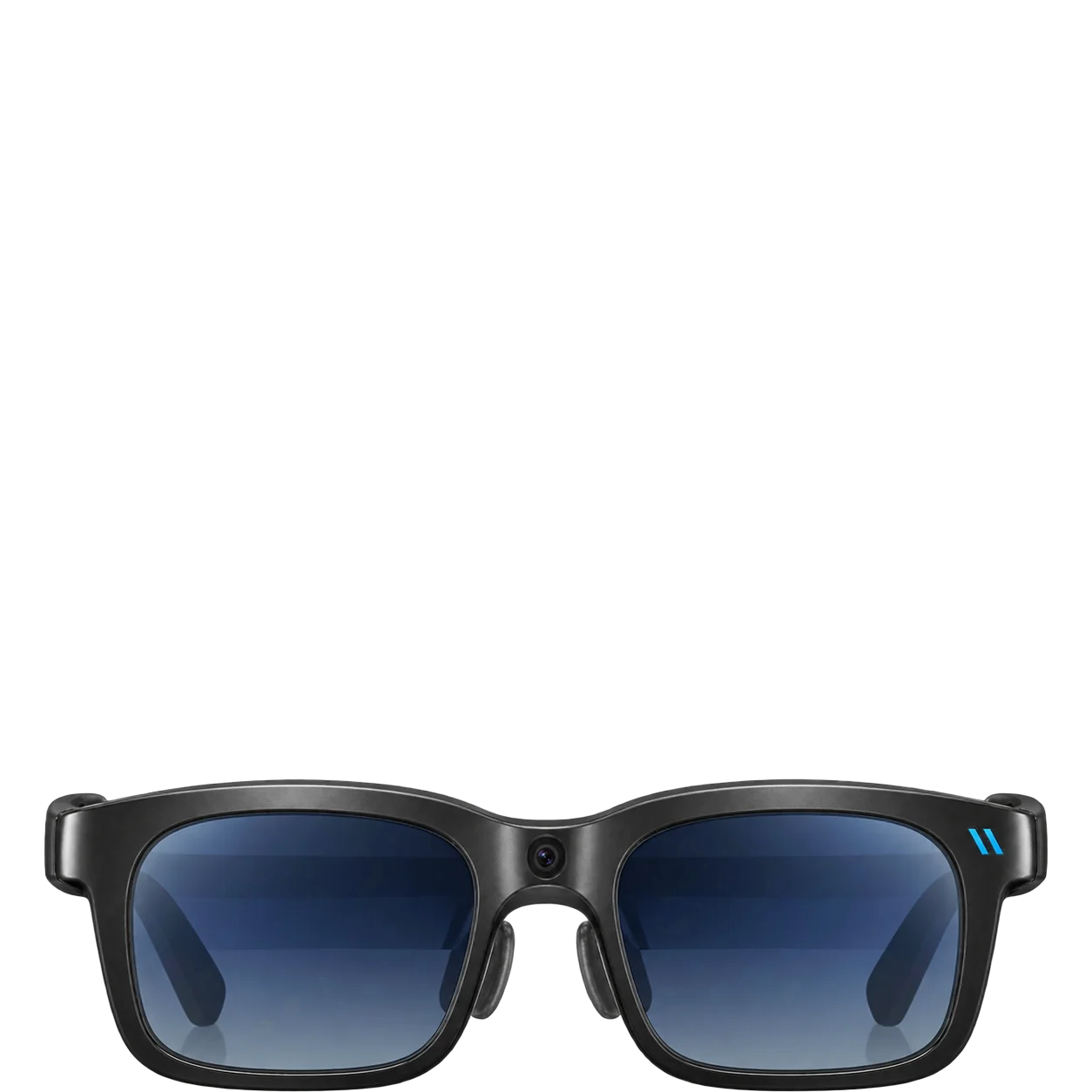
The Viture Beast is a big screen you wear. Connect it to a handheld, a laptop or a phone that sends video over USB-C, and a wide, bright, vibrant picture fills your view, with smooth motion for fast games. The color tuning stands out, and for movies on a plane or games away from your TV, it's a treat.
Work on it, though, and things get soft. Text from a laptop is readable but blurry, so buy these as entertainment glasses first. Viture's SpaceWalker app can turn a laptop into several desktop-style screens, and that works for light tasks, but text is not where these glasses shine.
The display
Sony Micro-OLED panels run at 1200p and 120Hz across the widest view Viture has made. At high brightness, the picture stays easy on the eyes, and the lenses tint electronically in several steps, so you can black out the room for a film or let it back in.
Comfort and fit
Viture lists the Beast at 88 grams in the Regular size and 90 grams in the Large, and it feels light on your face. Pick the frame by your pupil distance: the Regular suits closer-set eyes and the Large wider-set ones, so measure yours and check Viture's size guide before you order. Four sizes of nose pads come in the box. There's no built-in diopter adjustment, but a free snap-in prescription lens frame is included for nearsightedness and astigmatism. Viture doesn't publish a prescription range, and custom inserts can't be returned, so confirm your prescription with Viture before you order lenses.
Sound
The Harman-tuned open-ear speakers are fine in a quiet room. Use earbuds with your phone or handheld and the whole experience gets better.
What it plugs into
Almost anything that sends video over USB-C works straight away with no app: Android phones with DisplayPort output, Windows PCs, Macs, the Steam Deck and the ROG Ally. A phone that only charges over USB-C won't send a picture, so check yours first. On iPhone, Viture lists the iPhone 16e, 17e and Air as not compatible, and some extra iPhone features need Viture's Adapter Ultra. Current versions of SpaceWalker don't run on Intel Macs, though those Macs still work as a plain display.
Consoles need extra hardware. The PS5 and Xbox connect over HDMI, either through Viture's HDMI to USB-C cable with no dock needed or through the Pro Mobile Dock, the Switch needs a Viture dock or adapter, and the Switch 2 needs the Pro Mobile Dock on current firmware or the Mobile Dock Mini. A Lightning iPhone needs Viture's Pro Mobile Dock and a Lightning-to-HDMI adapter. The included cable alone won't do it.
There's no battery in the glasses. Your device powers them, and Viture's adapters can charge that device while you watch. The single front camera handles basic spatial capture, which Viture switched on in a software update after launch and documents only lightly, so don't buy the Beast for the camera.
How it compares
The Viture Pro 2 is the brighter pair, far lighter and much cheaper, and its built-in prescription dials let many glasses wearers skip inserts. The extra money for the Beast buys a wider screen, a screen that stays put as you move your head, with no app, the front camera and the tint.
Against the Xreal One Pro, the Beast wins a close call and costs less. Choose the One Pro if you want a frame without a camera. The Viture Luma Pro is dimmer and narrower, so the Beast is the better screen, though the Luma Pro has built-in correction for nearsighted eyes. The Viture Luma Ultra is brighter and adds two depth cameras, and it costs more.
What's in the box
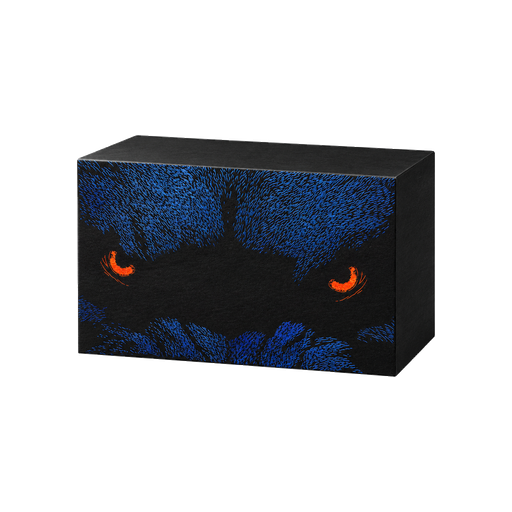
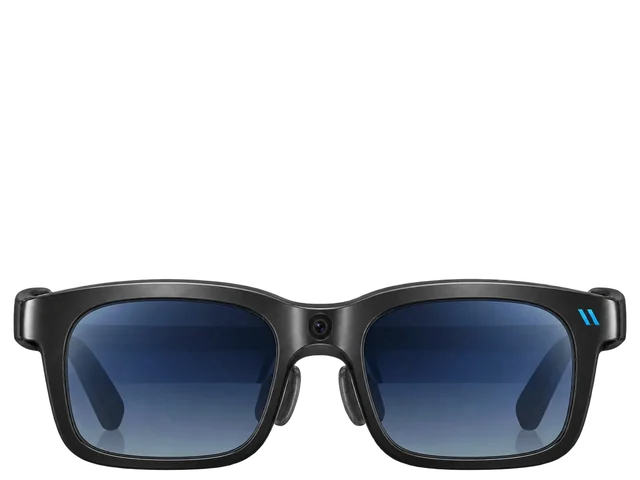 VITURE Beast XR Glasses
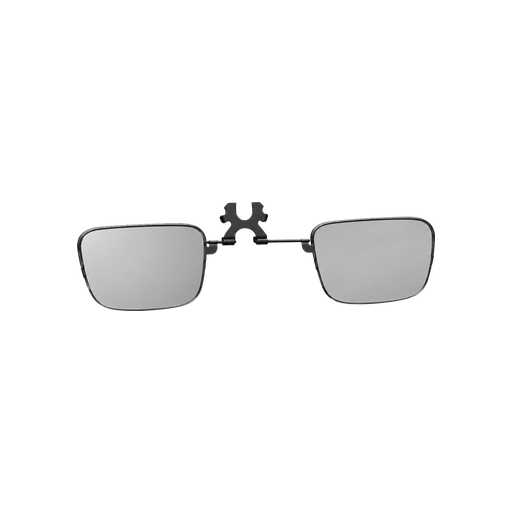 Prescription lens frame
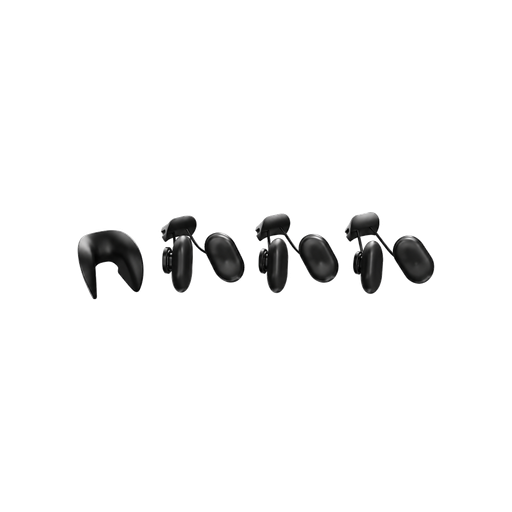 Swappable nose pads
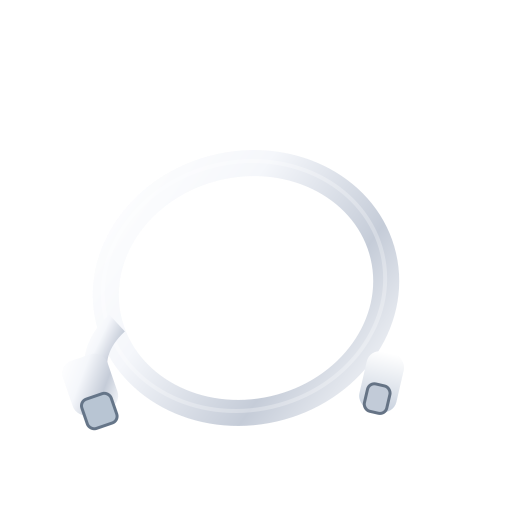 USB-C to USB-C cable
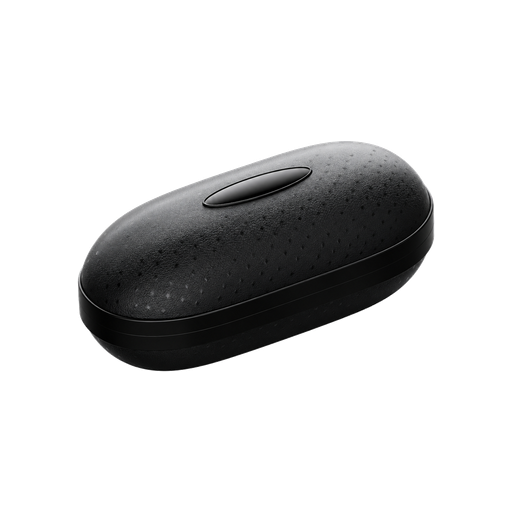 Glasses case
 Glasses cloth
 Quick Start GuideSafety Guideline
Bottom line
Get the Viture Beast if you want the widest screen Viture makes: it beats the Xreal One Pro for less money and gives you a wider, brighter screen than the Viture Luma Pro. Get the Viture Pro 2 instead if you want a brighter, far lighter pair that costs much less and has prescription dials built in. The Viture Luma Ultra is the better pair if you want an even brighter screen and depth cameras, but the Beast gets you a big private movie screen for less.
Buy it if
Skip it if
- You want a wider screen than the Viture Pro 2 gives you.
- You want a wide 120Hz screen for games on a Steam Deck, ROG Ally or PC.
- You mostly read or write on the screen.
- You game on a PS5, Xbox or Switch and don't want to buy an adapter or dock.
- You carry an iPhone 16e, 17e or Air.
- Weight and price matter more than screen size. Get the Viture Pro 2.