

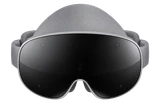



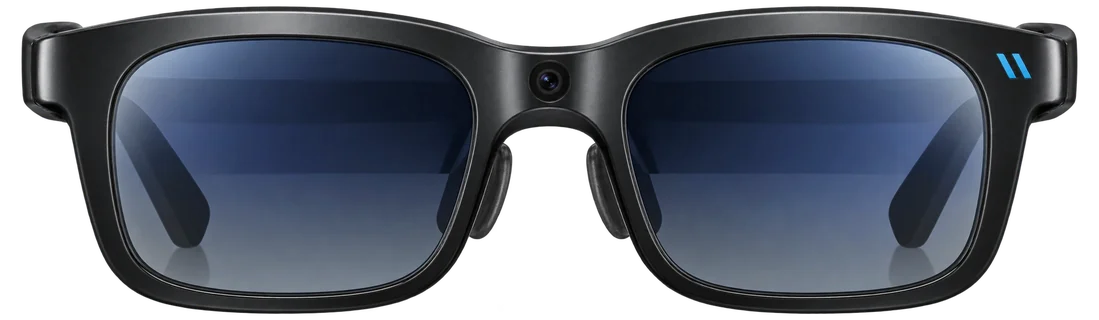
Runner-up: Best smart glasses with display
Runner-up: Best smart glasses with display
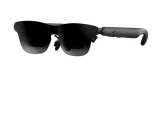
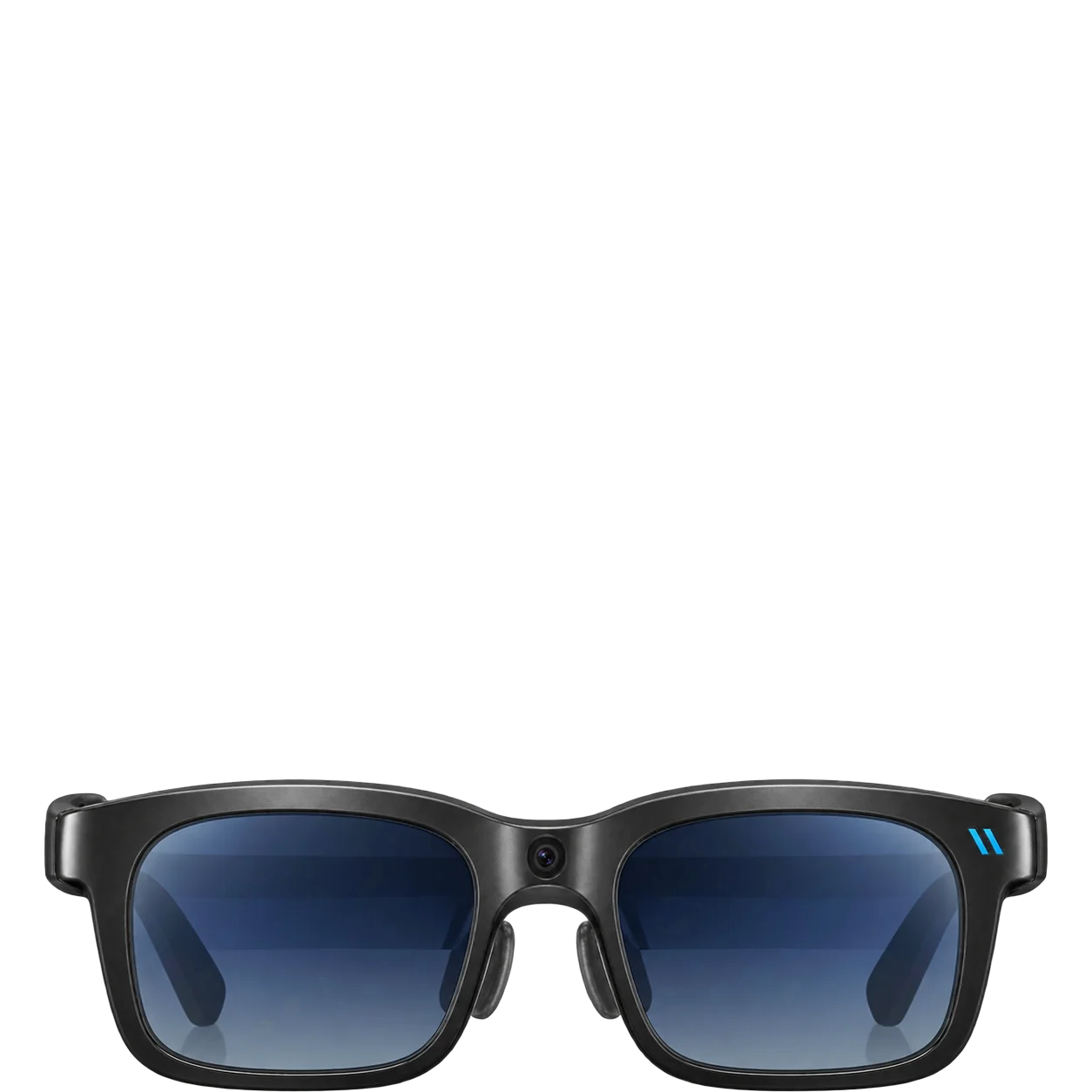
Do Viture Beast work with iPhone and Android?

Works with
iPhoneIt needs a USB-C iPhone, and not the iPhone 16e or iPhone Air.
What you need: IOS 17 or later for SpaceWalker, and a compatible USB-C iPhone (not the iPhone 16e or iPhone Air).
Limits: Some enhanced iOS functions use Adapter Ultra; iPhone 16e and iPhone Air are not compatible.
AndroidIt needs a phone that sends video over USB-C.
What you need: A phone with DisplayPort over USB-C, and Android 14 or later for Immersive 3D.
Limits: Not all Android USB-C phones output video, and feature support varies by model.
Samsung GalaxyThe phone must send video over USB-C. Immersive 3D needs a Galaxy S23 or newer.
What you need: Compatible Galaxy with DP output; S23+ recommended for Immersive 3D.
Limits: Immersive 3D is not currently supported on Exynos Samsung devices.
Show allShow less
Google PixelPixel 8 and 9 show video but can't run Immersive 3D.
What you need: Pixel with USB-C DisplayPort output.
Limits: Pixel 8/9 series cannot use SpaceWalker Immersive 3D at the required resolution.
iPhone 15+/USB-C iPhone videoNot from the iPhone 16e or iPhone Air.
What you need: Compatible USB-C iPhone; iPhone 16e/iPhone Air excluded.
Limits: Some enhanced iOS functions require Adapter Ultra; two USB-C iPhone models are explicitly excluded.
Lightning iPhone videoA Lightning-to-HDMI adapter and the Viture Pro Mobile Dock.
What you need: Apple/compatible Lightning-to-HDMI adapter + VITURE Pro Mobile Dock.
Limits: The standalone VITURE HDMI XR Adapter is explicitly not compatible with Beast.
MacSpaceWalker doesn't run on Intel Macs. Any Mac with USB-C video works as a display.
What you need: Mac with compatible USB-C/Thunderbolt display output.
Limits: Current SpaceWalker v1.6+ excludes Intel Macs; older compatible builds are separate.
Windows PCOver USB-C video. SpaceWalker needs Windows 10 version 1903 or later.
What you need: Windows 10 x64 1903+ or Windows 11; USB-C DP Alt Mode for SpaceWalker.
Music / calls / messaging integrationsAudio and a microphone are built in. VITURE has not published app or call support details.
What you need: Connect Beast to a compatible device and pick the VITURE microphone and speakers in your call app.
Limits: Only a few reports, with mixed views on microphone quality, so calls may depend on your device and software. There is no built-in texting.
Companion app / account / subscriptionSpaceWalker is free. Some content and services cost extra.
What you need: SpaceWalker for app-specific features; service subscriptions only where the selected service requires them.
Limits: Some SpaceWalker content/features and third-party services can involve purchases or subscriptions.
Display features / appsBuilt-in 3DoF, UltraWide and Side modes, with more in SpaceWalker.
What you need: Compatible USB-C display source; SpaceWalker for software features.
Charging / cable / battery accessoriesIt runs over USB-C. Adapter Ultra adds up to 65W passthrough charging.
What you need: USB-C cable; optional Adapter Ultra/dock for host passthrough power.
Cross-generation compatibilityIt needs accessories Viture lists for Beast. Not every One-series accessory fits.
What you need: Use accessories listed for Beast and keep firmware current.
Limits: Older One-series accessories don't all fit.
PlayStation 5, XboxThe Viture Pro Mobile Dock and an HDMI cable.
What you need: VITURE Pro Mobile Dock + HDMI connection.
Limits: Requires HDMI/dock hardware.
Nintendo SwitchA Viture dock or a supported adapter.
What you need: The VITURE Pro Mobile Dock, the Mobile Dock Mini, or a supported Switch adapter.
Limits: External dock/adapter hardware is required.
Nintendo Switch 2The Pro Mobile Dock on current firmware, or the Mobile Dock Mini.
What you need: VITURE Pro Mobile Dock (current firmware), Mobile Dock Mini, or Adapter Ultra.
Limits: It needs extra hardware. VITURE's pages disagree on Adapter Ultra: its own page says it supports Switch 2 (with a 45W+ PD power bank for high frame rates), but the compatibility table says it does not. Both list the Pro Mobile Dock as supported.
Show allShow less
Prescription lensesA separate prescription frame with custom lenses. There is no built-in dial.
What you need: Use the Beast prescription lens frame/custom lenses.
Limits: VITURE does not publish a prescription range for Beast.
Camera / photo / video captureMixed-reality capture arrives in a software update, with limits.
What you need: Current Beast firmware and SpaceWalker, after the post-launch update.
Limits: VITURE lists no capture resolution, save location or export steps, and the Beast page still lists 6DoF under future plans.
Ask about anything else
Does it work with…?